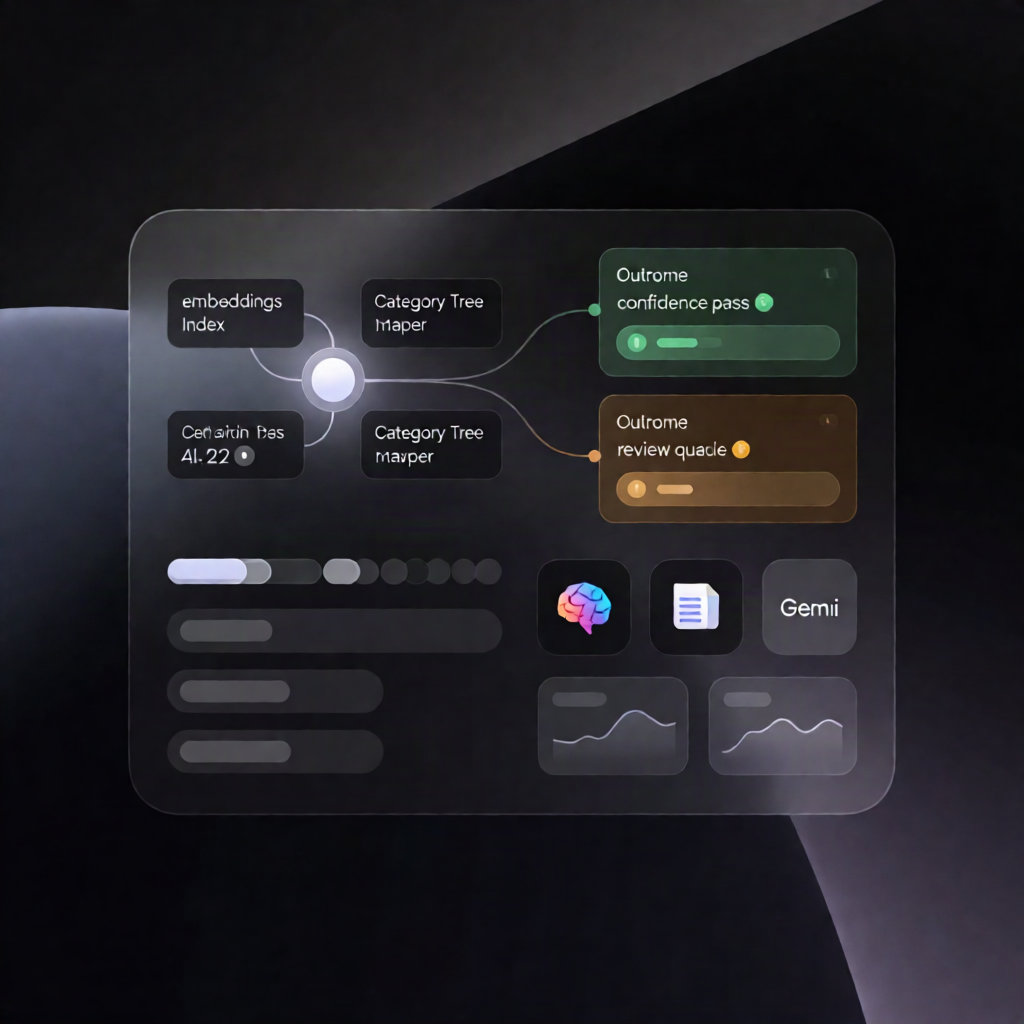
n8n Workflow: Gemini Embeddings Category Mapper + Review Queue
n8n Workflow: Gemini Embeddings Category Mapper + Review Queue
Regular price
£23.99
Regular price
£23.99
Sale price
Unit price
per
⬇
Instant Digital Download
∞
Unlimited Downloads
★
Lifetime Access in Your Account
Couldn't load pickup availability
🔥
128+ Sold
Popular with n8n builders
⚡
23 people viewing
High interest right now
✅
9 added today
Fast-moving digital product

n8n Workflow: Gemini Embeddings Category Mapper + Review Queue
Regular price
£23.99
Regular price
£23.99
Sale price
Unit price
per
Automatically map product listings to the best marketplace category with Gemini embeddings—high-confidence matches go through, uncertain ones go to review
This n8n workflow uses Google Gemini embeddings to compare your products against a category tree, select the best category_id, and either map the product automatically or route it to a human review queue when confidence is low.
What this workflow does
- Run once: create tables and demo data to initialize two n8n Data Tables: one for marketplace_categories and one for products_to_map (you’ll replace the demo rows with your own category tree and products).
- Index the category tree by reading all category paths, generating Google Gemini embeddings, and storing them in an in-memory vector store.
- Map pending products one at a time: for each product, generate an embedding, retrieve a shortlist of similar categories from the vector store, and use the Google Gemini chat model to choose a single category_id (or NONE) with a structured reason.
-
Validate and update status against the shortlist and a similarity threshold:
- If high-confidence: update the product row with the selected category details.
- If uncertain: set the product row to needs_review with candidate categories and the review reason.
Use cases
- Mapping e-commerce or marketplace listings to the correct taxonomy using n8n automation and Gemini embeddings.
- Maintaining category accuracy at scale by sending ambiguous items to a review queue instead of forcing incorrect mappings.
- Operational workflows for SaaS teams that need consistent category assignment across thousands of products.
Technical details
- Integrations: Google Gemini (PaLM) for embeddings and the Gemini chat model.
-
Core workflow components:
if,set,code,aggregate, data table, and sticky note. - Setup steps: create a Google Gemini API credential, select it for both Gemini embedding nodes and the chat model node, then import your category tree and products into the two Data Tables.