n8n Workflow: Google Keyword Volume & CPC to Google Sheets
n8n Workflow: Google Keyword Volume & CPC to Google Sheets
Regular price
£43.99
Regular price
£43.99
Sale price
Unit price
per
⬇
Instant Digital Download
∞
Unlimited Downloads
★
Lifetime Access in Your Account
Couldn't load pickup availability
🔥
128+ Sold
Popular with n8n builders
⚡
23 people viewing
High interest right now
✅
9 added today
Fast-moving digital product

n8n Workflow: Google Keyword Volume & CPC to Google Sheets
Regular price
£43.99
Regular price
£43.99
Sale price
Unit price
per
Instant Google Ads keyword metrics—auto-saved to Google Sheets
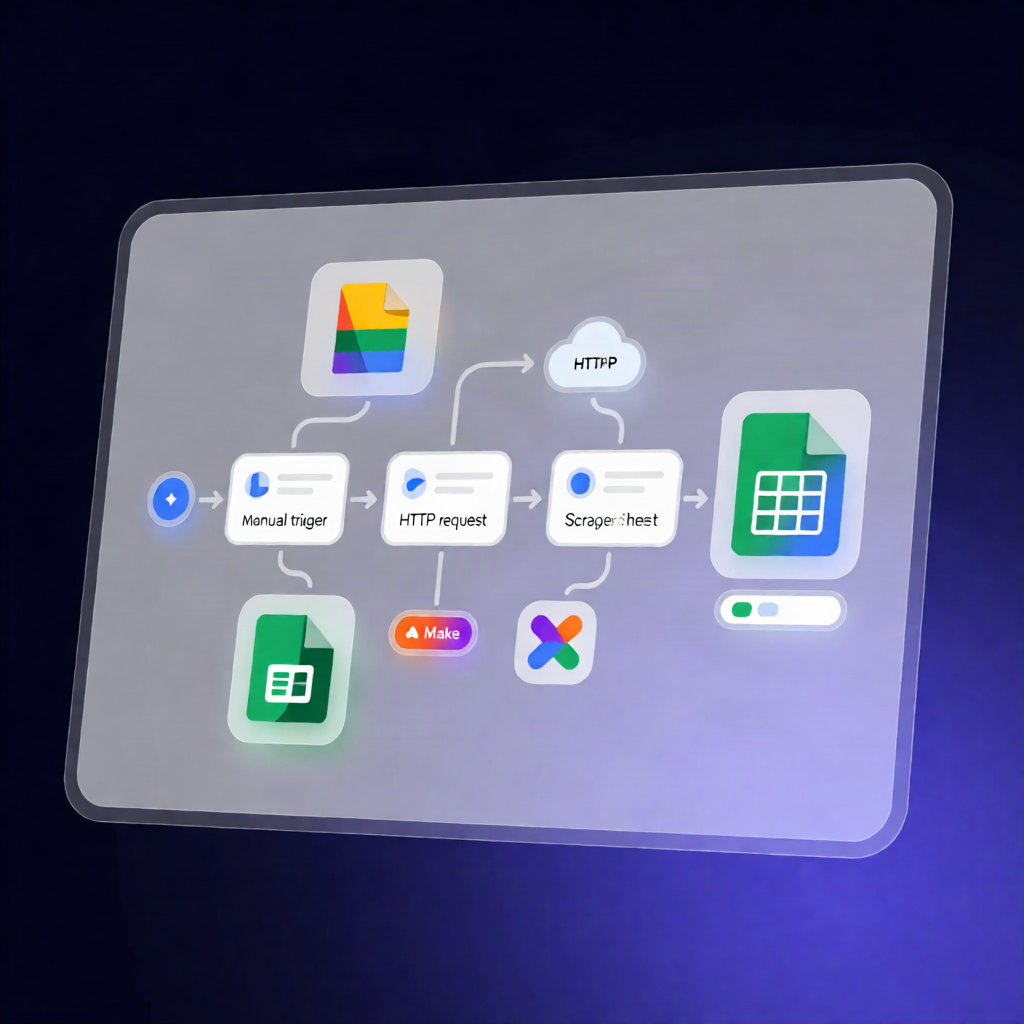
This n8n workflow takes your list of keywords, fetches Google Keyword Planner metrics (including search volume and CPC) using Apify’s Keyword Search Volume Scraper, and appends one clean result row per keyword into Google Sheets.
What this workflow does
- Manual trigger: You start the workflow by running it manually in n8n.
- Loads configuration: It reads your keywords plus country, language, and mode from a configuration step.
-
Fetches Keyword Planner data: It sends your keywords to Apify’s Keyword Search Volume Scraper and retrieves dataset items with metrics such as:
- Average monthly searches
- CPC
- Competition
- Bid range
- Trend
- Cleans and structures results: It filters out the actor run summary so only items with a valid keyword are kept, then reshapes fields into clear columns (keyword, seed, volume, CPC, competition, bid range, trend, data timestamp, and charged flag).
- Appends to Google Sheets: It writes the cleaned rows to your selected spreadsheet and worksheet—one row per keyword.
Use cases
- Build an SEO keyword spreadsheet for specific targeting (country/language) with Google keyword volume and CPC.
- Refresh keyword performance snapshots by re-running the workflow as part of your content planning.
- SaaS and agency teams: standardize reporting by exporting Apify Keyword Planner results directly into Google Sheets.
Technical details
-
Apify HTTP Request: Uses an HTTP Header Auth credential with
Authorization: Bearer <YOUR_APIFY_TOKEN>. - Google Sheets: Appends rows to your chosen spreadsheet/worksheet.
- Nodes used: Manual Trigger, if, set, Sticky Note, HTTP Request, Google Sheets.
Requirements: You’ll need an Apify account (API token) and a Google account. A 50-keyword test is available for initial verification.