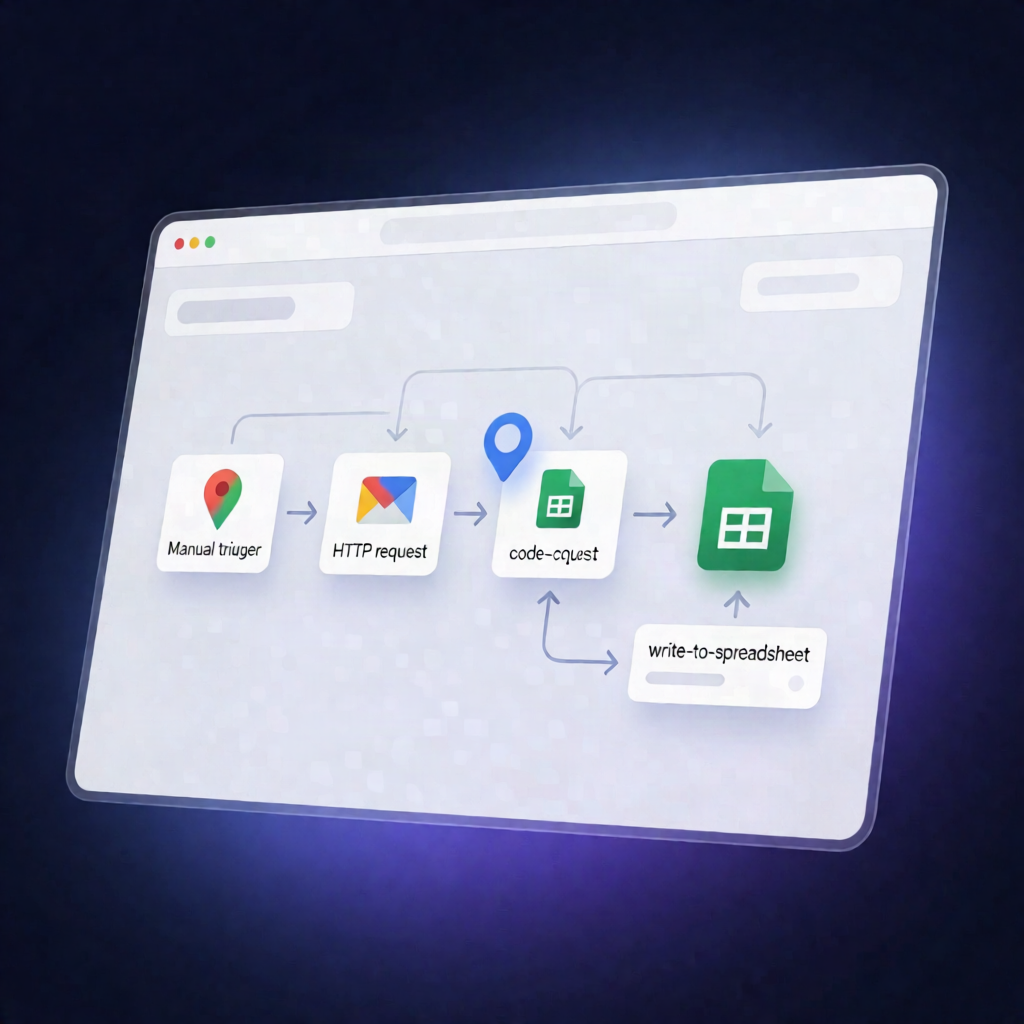
n8n Workflow: Google Maps Lead Scraper to Google Sheets
n8n Workflow: Google Maps Lead Scraper to Google Sheets
Regular price
£51.99
Regular price
£51.99
Sale price
Unit price
per
⬇
Instant Digital Download
∞
Unlimited Downloads
★
Lifetime Access in Your Account
Couldn't load pickup availability
🔥
128+ Sold
Popular with n8n builders
⚡
23 people viewing
High interest right now
✅
9 added today
Fast-moving digital product

n8n Workflow: Google Maps Lead Scraper to Google Sheets
Regular price
£51.99
Regular price
£51.99
Sale price
Unit price
per
Turn Google Maps searches into email leads in Google Sheets—automatically
This n8n Workflow: Google Maps Lead Scraper to Google Sheets manually scrapes business listings from Google Maps using the Serper Maps API, visits each business website to extract an email address, and appends the results to your Google Sheets spreadsheet.
What this workflow does
- Manual start: You run the workflow manually in n8n.
- Search and paginate results: It sets your Google Maps search query and generates multiple result pages to scrape.
-
Fetch listings via Serper: It calls the Serper Google Maps API (requests made to
https://google.serper.dev/maps) to retrieve business listings per page. - Filter and normalize data: It keeps only listings that include a website, and normalizes key fields such as name, phone, address, rating, rating count, and business type.
- Extract email from each website: It requests each business website and extracts the first unique email address found in the page content.
- Append to Google Sheets: It writes lead details to your selected sheet, including name, email, phone, website, address, rating, rating count, and business type.
Use cases
- Build a targeted lead list (e.g., “dentist in UAE”) for outbound sales and outreach campaigns.
- Rapidly collect contact data for niche directories using Google Maps search results.
- Populate or refresh a Google Sheets CRM with website-verified email addresses.
Technical details
- n8n nodes: Manual Trigger, Set, Code, HTTP Request, Google Sheets
- Integrations: Serper Maps API (via HTTP header auth using your Serper API key)
- Output: Appends rows to a chosen Google Sheets spreadsheet and sheet tab
Setup (quick)
Add an HTTP Header Auth credential for your Serper API key and set the request URL to https://google.serper.dev/maps. Then configure a Google Sheets OAuth2 credential, choose the target sheet, and update the search query to match your niche and location.