n8n Workflow: Google Sheets → Gmail Drafts for Event Feedback
n8n Workflow: Google Sheets → Gmail Drafts for Event Feedback
Regular price
£43.99
Regular price
£43.99
Sale price
Unit price
per
⬇
Instant Digital Download
∞
Unlimited Downloads
★
Lifetime Access in Your Account
Couldn't load pickup availability
🔥
128+ Sold
Popular with n8n builders
⚡
23 people viewing
High interest right now
✅
9 added today
Fast-moving digital product

n8n Workflow: Google Sheets → Gmail Drafts for Event Feedback
Regular price
£43.99
Regular price
£43.99
Sale price
Unit price
per
Automatically generate personalized Gmail drafts to collect missing event feedback
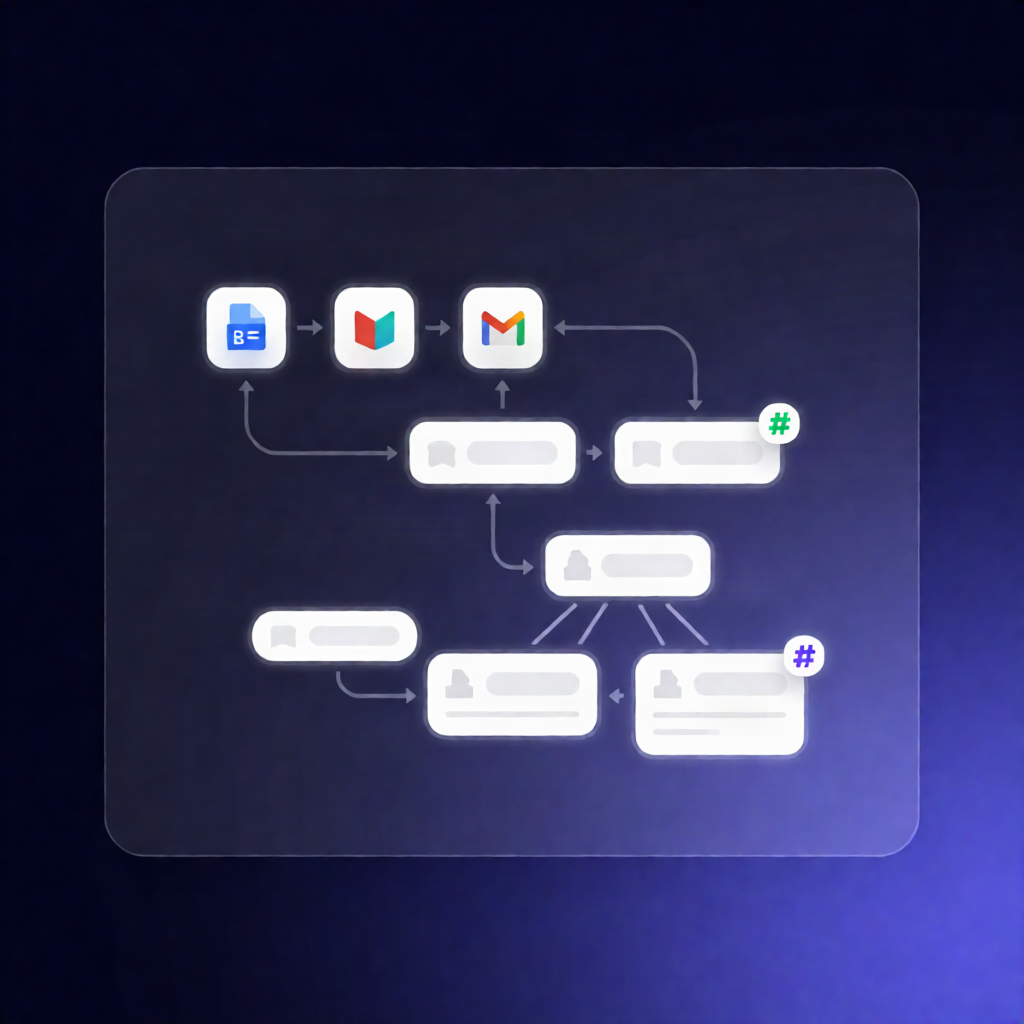
This n8n workflow reads your event participants from Google Sheets, finds the people missing a “Food pref” value, creates a unique ID for each, and then generates personalized Gmail drafts containing a pre-filled Google Forms link to capture their feedback.
What this workflow does
- Manual trigger: Start the workflow by manually running it in n8n.
- Read participants from Google Sheets: The workflow loads all participant rows from your selected spreadsheet and sheet.
- Filter for missing data: It filters to participants whose “Food pref” field is empty.
- Generate and store unique IDs: In batches, it assigns a unique ID to each participant that doesn’t already have one, then updates the participant row in Google Sheets with that generated ID.
- Create a personalized email draft: For each qualifying participant, the workflow builds a personalized email body that includes a pre-filled Google Forms link using the participant’s name and unique ID.
- Write Gmail drafts in batches: It creates a Gmail draft addressed to the participant, then continues until all matching participants are processed.
Use cases
- Send follow-ups to attendees who haven’t completed food preference details.
- Collect event feedback via Google Forms without manually crafting emails per person.
- Improve response quality by tying each email to a unique identifier stored in Google Sheets.
Technical details
- n8n workflow category: n8n automation workflow
-
Nodes / tech stack:
set,code,gmail,filter,sticky note,google sheets - Required setup: Configure Google Sheets OAuth2 (read + update steps) and Gmail OAuth2 (draft creation).
- Google Sheet requirements: Columns for Name, Email, Food pref, and an ID field (plus row_number for updates), or adjust the filter/column names accordingly.
- Google Form personalization: Replace the form URL and entry parameters in the email message so the link is pre-filled with the participant’s ID and name.