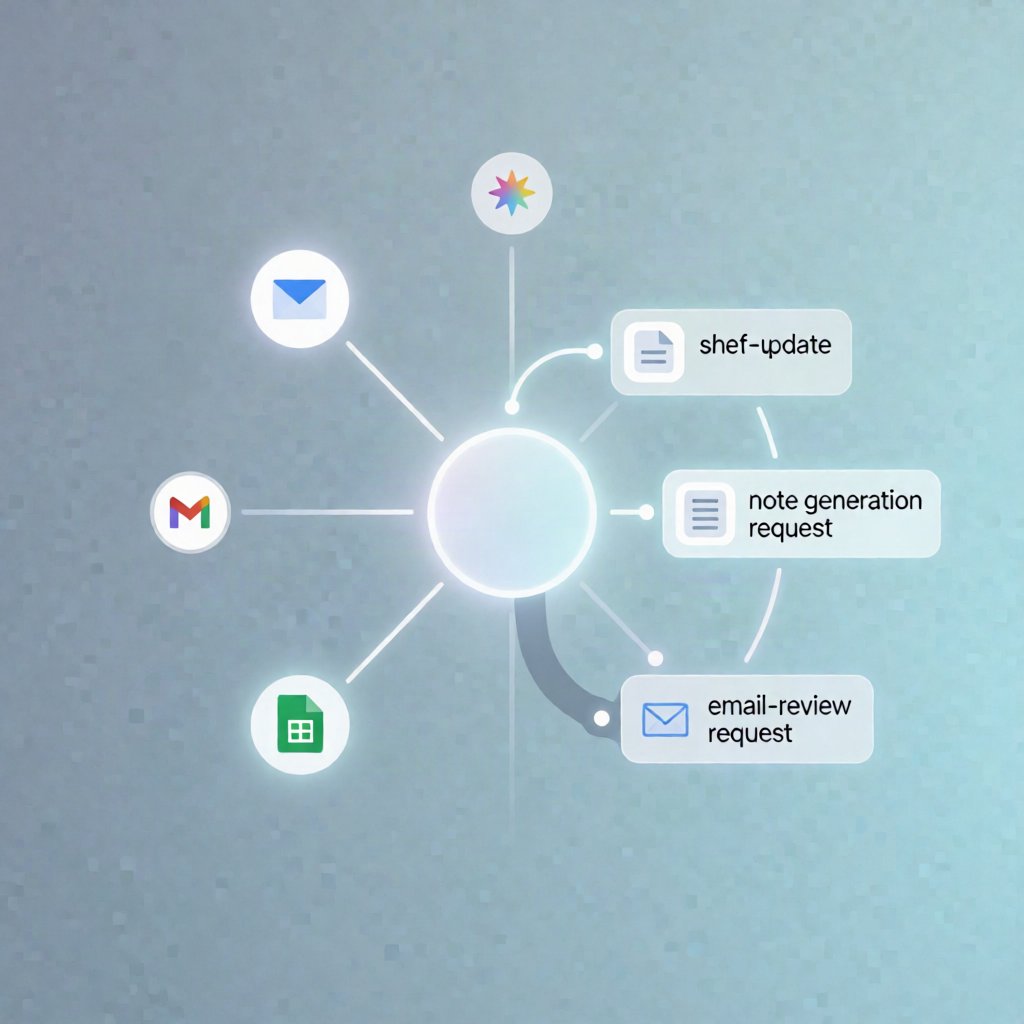
n8n Workflow: Google Sheets Trigger → Gemini Note → Gmail Review Request
n8n Workflow: Google Sheets Trigger → Gemini Note → Gmail Review Request
Regular price
£37.99
Regular price
£37.99
Sale price
Unit price
per
⬇
Instant Digital Download
∞
Unlimited Downloads
★
Lifetime Access in Your Account
Couldn't load pickup availability
🔥
128+ Sold
Popular with n8n builders
⚡
23 people viewing
High interest right now
✅
9 added today
Fast-moving digital product

n8n Workflow: Google Sheets Trigger → Gemini Note → Gmail Review Request
Regular price
£37.99
Regular price
£37.99
Sale price
Unit price
per
Turn Google Sheets updates into instant Gemini-generated job notes and automated Google review requests
This n8n automation watches for a status change in Google Sheets, generates a single-sentence technician-style note using Google Gemini (PaLM), then sends a personalized Gmail review request. If the customer hasn’t marked the review as left, the workflow sends a follow-up reminder.
What this workflow does
- Monitors your Google Sheets: Triggers when a row is updated and the watched Status column changes.
- Waits 10 minutes to allow data to settle, then sends job details to Google Gemini.
- Generates a short technician note: Produces a single-sentence note in a technician style.
- Sends a review request email via Gmail: Emails the customer with the generated note and a Google review link.
- Updates the same row in Google Sheets (e.g., to record that the review request email was sent).
- Waits another 10 minutes, re-reads the row, and checks whether Review Left equals “Yes”.
- Follows up if needed: If no review is marked as left, sends a reminder email through Gmail.
Use cases
- Home service or repair businesses that want automated post-job Google review requests.
- SaaS operators managing operational pipelines where status updates should trigger customer outreach.
- Automation engineers building a reliable review follow-up loop tied to spreadsheet records.
Technical details
- Google Sheets Trigger (OAuth2) to detect row updates and Status changes.
- Wait nodes for the two 10-minute delays.
- Google Gemini (PaLM) to generate the technician-style single-sentence note.
- Gmail to send the initial and follow-up review request emails.
- Google Sheets read/update steps to check Review Left and update the row.
- Required columns: at least Status, Customer Name, Email, Job Type, Technician, and Review Left; plus the Google review URL in both email bodies.