n8n Workflow: Import PDF & TXT Files into Open Notebook
n8n Workflow: Import PDF & TXT Files into Open Notebook
Regular price
£4.99
Regular price
£4.99
Sale price
Unit price
per
⬇
Instant Digital Download
∞
Unlimited Downloads
★
Lifetime Access in Your Account
Couldn't load pickup availability
🔥
128+ Sold
Popular with n8n builders
⚡
23 people viewing
High interest right now
✅
9 added today
Fast-moving digital product

n8n Workflow: Import PDF & TXT Files into Open Notebook
Regular price
£4.99
Regular price
£4.99
Sale price
Unit price
per
Bulk import your local PDFs and TXT files into Open Notebook—automatically
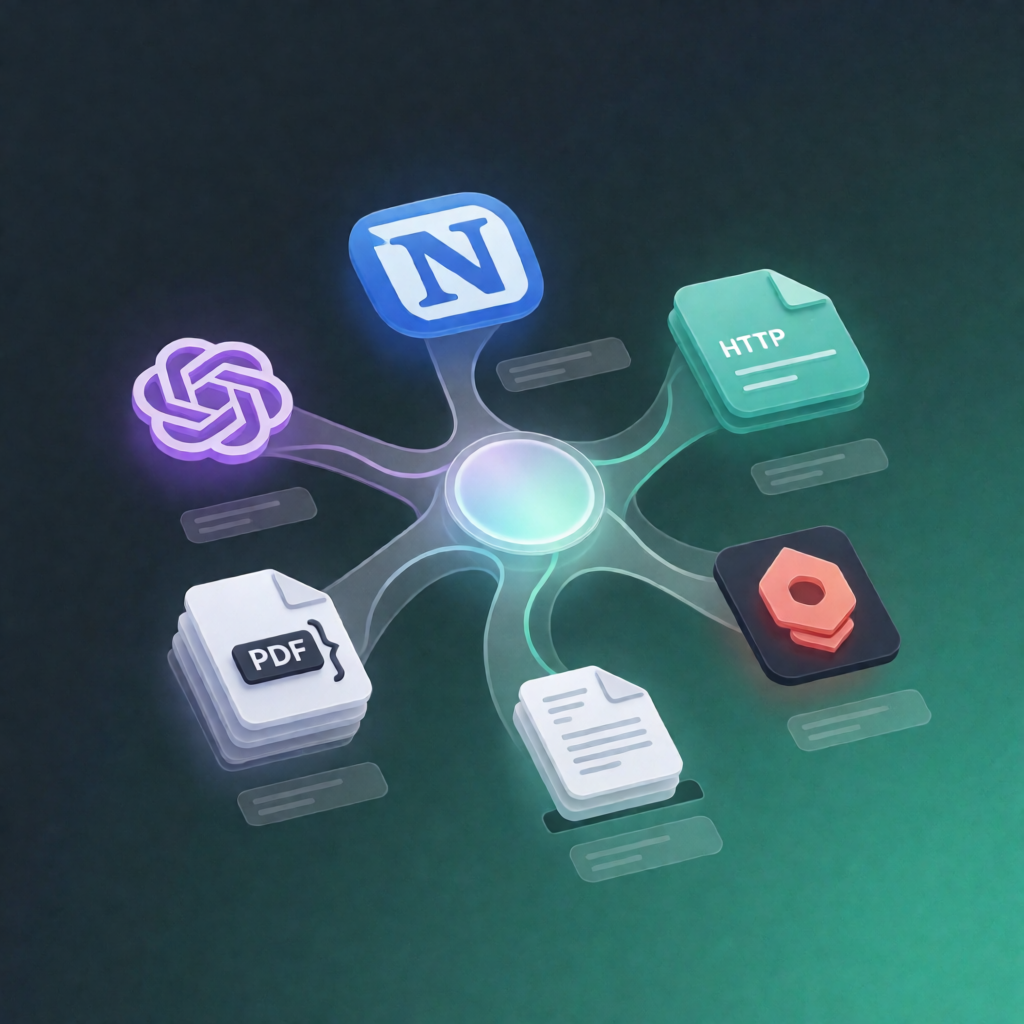
This self-hosted n8n workflow scans a local folder for .pdf and .txt files, then imports them into a specified Open Notebook notebook. PDFs are uploaded as files, while TXT content is sent as JSON—so your knowledge base stays organized with minimal effort.
What this workflow does
- Runs manually when you start the workflow in n8n.
- Calls the Open Notebook API to list notebooks and selects the notebook ID that matches your configured notebook name.
- Uses a shell command to scan your configured local folder for .pdf and .txt files.
- Creates one processing item per file (including path, title, and file extension).
- Processes files one at a time:
- PDF files: uploads to Open Notebook’s /sources endpoint using multipart form data.
- TXT files: reads the text and sends it to Open Notebook’s /sources/json endpoint using a Python requests call.
Use cases
- Import exported research notes (PDF + TXT) into Open Notebook after a discovery or documentation sprint.
- Turn plain-text knowledge dumps into structured Open Notebook sources without manual copy/paste.
- Operational workflows for SaaS teams: refresh your Open Notebook knowledge base from a local “incoming” folder.
Technical details
- n8n type: self-hosted only (this template does not run on n8n Cloud).
- Requires Execute Command node enabled and local filesystem access.
- Host must have curl and python3 installed, plus the Python requests package.
-
Integrations/endpoints: Open Notebook API (list notebooks, upload via
/sources, upload JSON via/sources/json). - Nodes used: set, code, sticky note, http request, manual trigger, execute command.