n8n Workflow: On-Demand CSV Report via Google Sheets & Gmail
n8n Workflow: On-Demand CSV Report via Google Sheets & Gmail
Regular price
£42.99
Regular price
£42.99
Sale price
Unit price
per
⬇
Instant Digital Download
∞
Unlimited Downloads
★
Lifetime Access in Your Account
Couldn't load pickup availability
🔥
128+ Sold
Popular with n8n builders
⚡
23 people viewing
High interest right now
✅
9 added today
Fast-moving digital product

n8n Workflow: On-Demand CSV Report via Google Sheets & Gmail
Regular price
£42.99
Regular price
£42.99
Sale price
Unit price
per
Instant on-demand CSV reports—request them once, get an emailed summary automatically
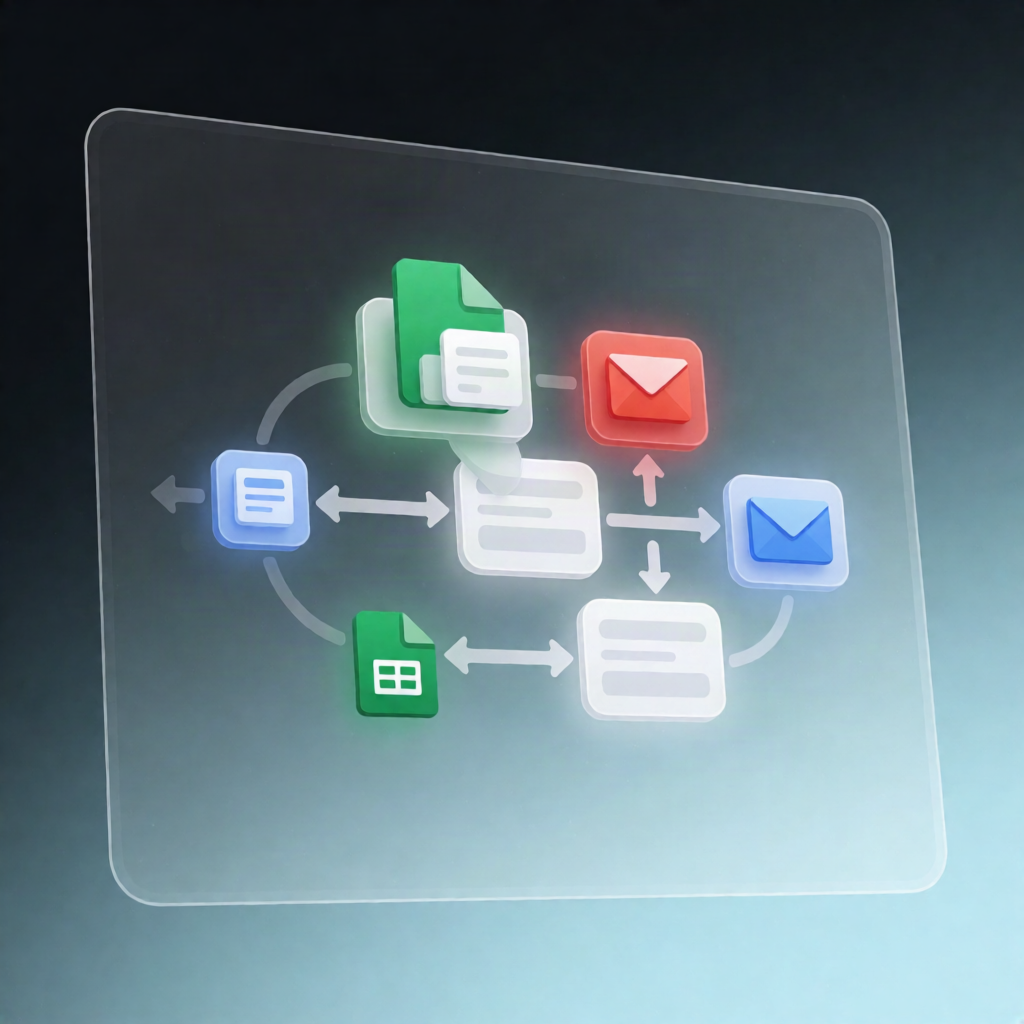
This n8n workflow delivers on-demand CSV reports by turning an n8n Form request into a Google Sheets–powered HTML summary plus a CSV attachment sent to your requester via Gmail.
What this workflow does
- Collects report requests from an n8n Form submission, including report type, start/end dates, and the requester’s email address.
- Validates and maps inputs in a validation step by checking the date range and mapping the selected report type to the correct Google Sheets tab and the configured date/grouping/sum columns (via the REPORTS mapping).
- Reads all rows from the selected tab using the Google Sheets read step.
- Filters, groups, and totals rows to the requested date range, then aggregates results by the configured grouping column and sums the configured numeric column.
- Generates outputs when results exist: creates a CSV from the aggregated data and builds an HTML email including a preview table and totals.
- Sends via Gmail to the requester with the CSV attached; if no rows match, it sends a plain-text “no data” notice instead.
Use cases
- SaaS operators generating recurring operational reports (date-range based) for internal teams.
- Automation engineers providing self-serve exports: users request a report and receive a CSV instantly by email.
- Teams standardizing reporting so the same Google Sheets structure powers multiple report types.
Technical details
- Nodes / tools used: if, code, gmail, sticky note, form trigger, google sheets
- Integrations: n8n Form trigger → Google Sheets read → Gmail send
- Setup highlights: add Google Sheets credentials, add Gmail credentials for both send steps, and update the REPORTS mapping so each report type matches your sheet tab name and header column names exactly.
Get started: activate the workflow and share the n8n Form production URL so teammates can submit report requests.