n8n Workflow: Online Speech to Text Cloud Transcription
n8n Workflow: Online Speech to Text Cloud Transcription
Regular price
£38.99
Regular price
£38.99
Sale price
Unit price
per
⬇
Instant Digital Download
∞
Unlimited Downloads
★
Lifetime Access in Your Account
Couldn't load pickup availability
🔥
128+ Sold
Popular with n8n builders
⚡
23 people viewing
High interest right now
✅
9 added today
Fast-moving digital product

n8n Workflow: Online Speech to Text Cloud Transcription
Regular price
£38.99
Regular price
£38.99
Sale price
Unit price
per
Turn an audio link into a live transcript with n8n
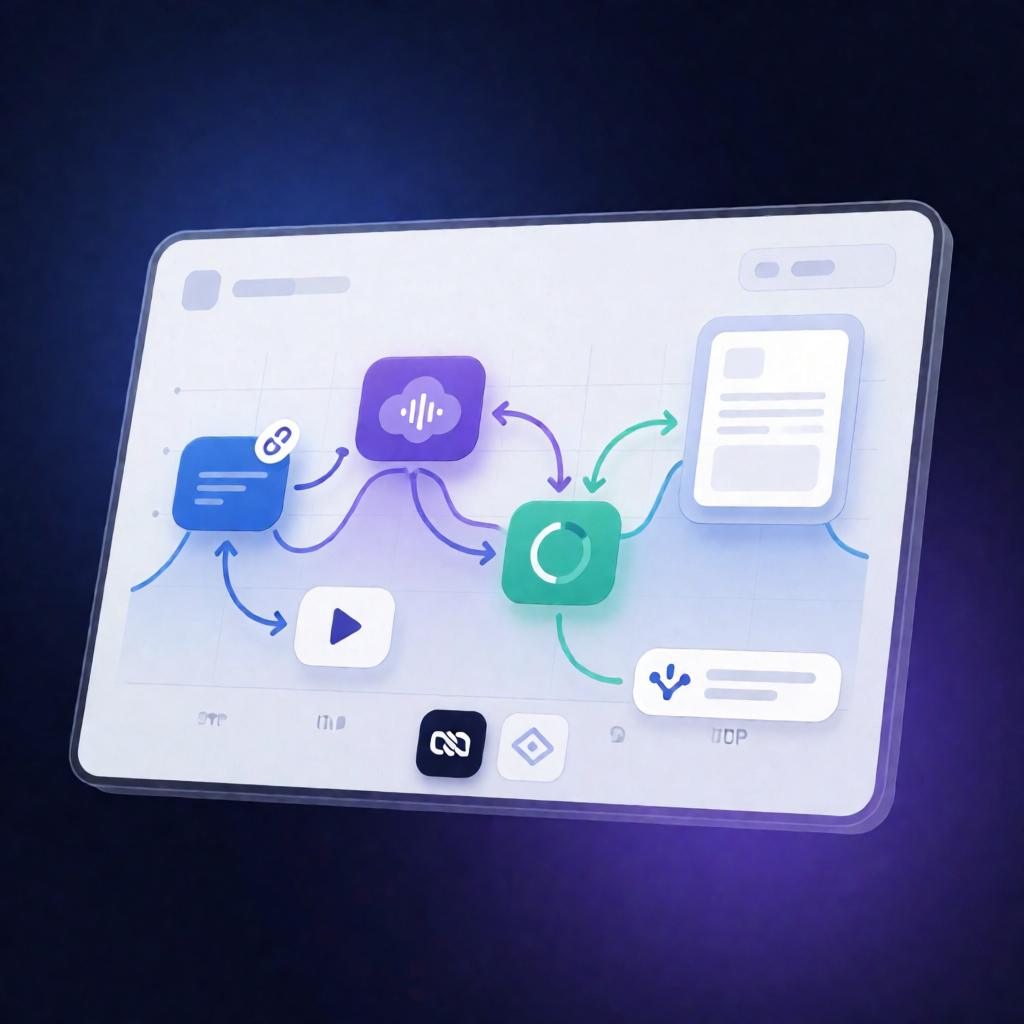
This n8n workflow downloads an audio file from a URL, sends it to the Online Speech to Text Cloud API for asynchronous transcription, automatically polls until the job completes, and returns the final transcript to your n8n workflow output.
What this workflow does
- Manual trigger: The workflow runs when you manually execute it in n8n.
- Configures transcription settings: You set the audio URL, choose the language (or enable auto-detect), and specify the desired output format for the transcription request.
- Downloads audio: It uses an HTTP Request node to fetch the audio file from the provided URL.
- Starts an async transcription job: The workflow uploads the audio to the Online Speech to Text Cloud API and initiates a transcription job.
- Waits and polls for completion: It repeatedly checks job status using n8n nodes until the API reports the transcription is finished.
- Retrieves the transcript: Once complete, it fetches the final transcript using the community node n8n-nodes-speech-to-text-cloud.
Use cases
- Transcribe voice notes stored as public/private links into searchable text.
- Convert meeting audio URLs into transcripts for SaaS reporting or internal documentation.
- Build a manual “audio → transcript” step into larger n8n automations where you need human-triggered transcription.
- Use language selection or auto-detect to transcribe multilingual content from different sources.
Technical details
-
Community node:
n8n-nodes-speech-to-text-cloud(requires community node support). - API integration: Online Speech to Text Cloud API using an n8n credential with your API key.
-
n8n nodes used:
Manual Trigger,if,set,wait,sticky note,HTTP Request.
Before running, update the audio file URL and your transcription preferences (language and output format) in the field-mapping step.