n8n Workflow: Post-Appointment Review Requests (Email & SMS)
n8n Workflow: Post-Appointment Review Requests (Email & SMS)
Regular price
£14.99
Regular price
£14.99
Sale price
Unit price
per
⬇
Instant Digital Download
∞
Unlimited Downloads
★
Lifetime Access in Your Account
Couldn't load pickup availability
🔥
128+ Sold
Popular with n8n builders
⚡
23 people viewing
High interest right now
✅
9 added today
Fast-moving digital product

n8n Workflow: Post-Appointment Review Requests (Email & SMS)
Regular price
£14.99
Regular price
£14.99
Sale price
Unit price
per
Automate Post-Appointment Reviews with Email—and optional SMS
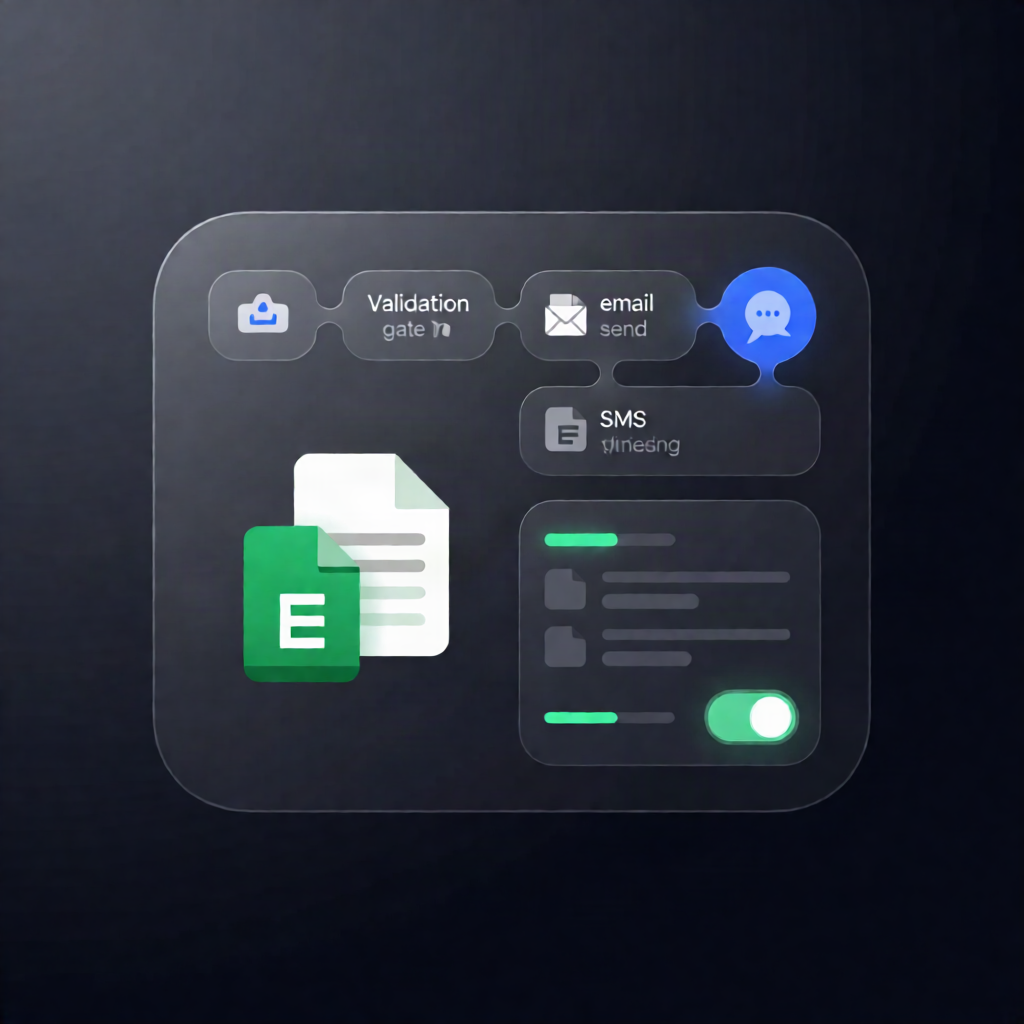
This n8n workflow automatically sends post-appointment review requests via SMTP email and (optionally) SMS using an HTTP API—while using Google Sheets to prevent duplicates, enforce cooldowns, and respect SMS STOP and email unsubscribe opt-outs.
What this workflow does
- Receives completed appointments via a webhook protected with header authentication (or runs on an optional 15-minute schedule to read completed appointments from a Google Sheets tab).
- Validates and normalizes appointment data, immediately returns a 202 response to the booking system, then waits your configured delay before messaging.
- Checks Google Sheets rules by loading Review_Log and Opt_Outs to skip duplicates, honor opt-outs, and enforce a cooldown between review requests.
- Sends a review request email through SMTP.
- Optionally sends an SMS via an HTTP request—only when enabled, within your configured send window, and consent rules are satisfied.
- Logs outcomes to Review_Log (sent, skipped, or failure) so the same contact isn’t asked twice.
- Captures opt-outs by recording inbound SMS STOP/START replies and email unsubscribe link clicks into Opt_Outs.
Use cases
- Reduce manual follow-ups for service bookings by sending review requests after each completed appointment.
- Launch a multi-channel review campaign (email + SMS) with guardrails to avoid over-messaging.
- Maintain compliance-friendly behavior by tracking opt-outs across both channels in Google Sheets.
Technical details
- n8n nodes/workflow logic: webhook, if, set, code, wait, switch
- Integrations: SMTP email, HTTP API (for SMS), Google Sheets (Review_Log, Opt_Outs, and optional Appointments tab)
Setup requirements
- Create a Google Sheet with tabs named Review_Log, Opt_Outs, and (if using schedule mode) Appointments, using the columns expected by the workflow.
- Add Google Sheets OAuth credentials and update the Google Sheet document ID in all Google Sheets nodes.
- Configure SMTP credentials for email delivery.