n8n Workflow: Project Intake Webhook to Google Sheets & Gmail
n8n Workflow: Project Intake Webhook to Google Sheets & Gmail
Regular price
£30.99
Regular price
£30.99
Sale price
Unit price
per
⬇
Instant Digital Download
∞
Unlimited Downloads
★
Lifetime Access in Your Account
Couldn't load pickup availability
🔥
128+ Sold
Popular with n8n builders
⚡
23 people viewing
High interest right now
✅
9 added today
Fast-moving digital product

n8n Workflow: Project Intake Webhook to Google Sheets & Gmail
Regular price
£30.99
Regular price
£30.99
Sale price
Unit price
per
Turn project intake into a tracked sheet + instant email confirmation—automatically
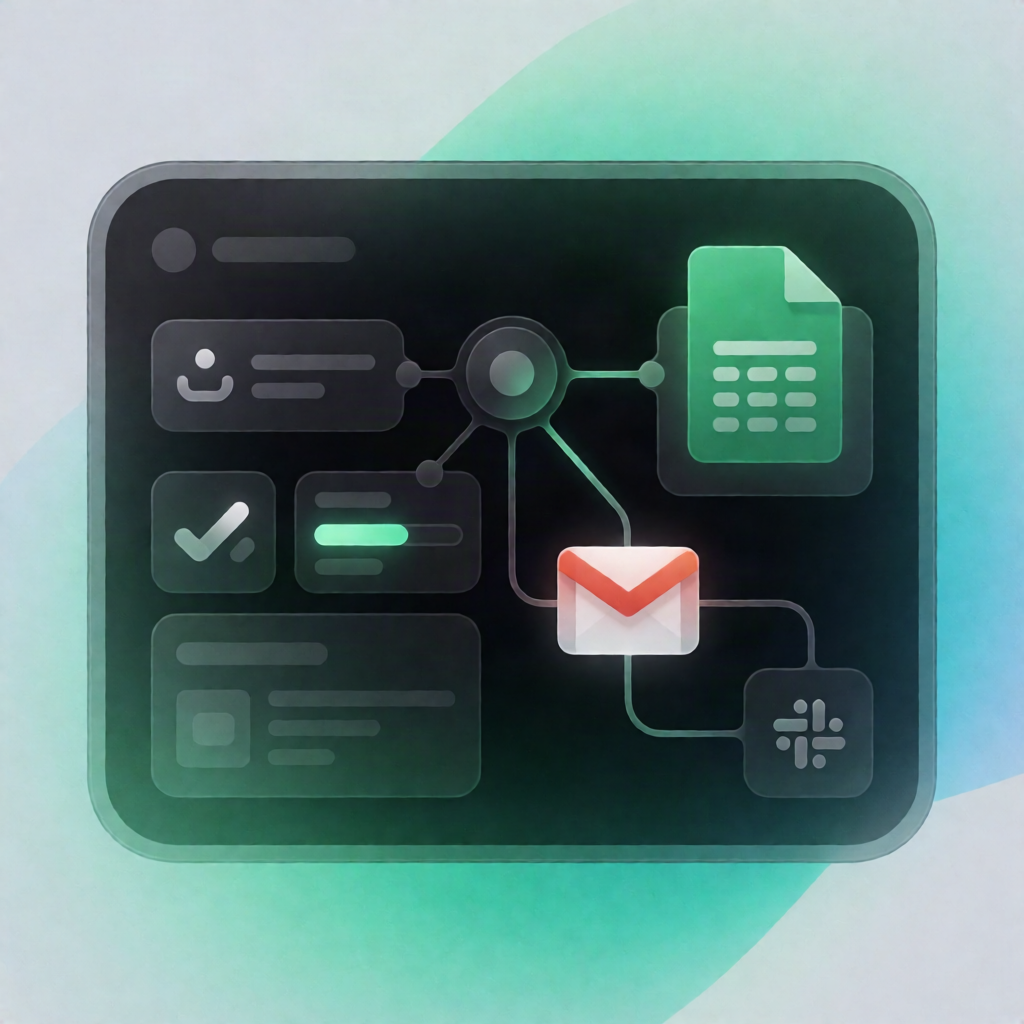
This n8n workflow accepts incoming project intake requests via a Webhook, validates and normalizes the data, logs each request to Google Sheets, and sends a confirmation email through Gmail—returning a clear JSON success or error response to the caller.
What this workflow does
- Receives a POST request on a webhook endpoint (or runs with a manual test payload).
- Normalizes & validates fields, including email format, and generates a unique project reference ID.
- Handles invalid submissions by returning a JSON error response that lists missing or invalid fields.
- Logs valid requests by appending project details to a Google Sheets document in the “Projects” sheet (with mapped columns such as project_id, client_name, email, project_name, project_type, deadline, received_at, status).
- Sends an acknowledgement email via Gmail to the client, including the project name and generated reference ID.
- Returns a JSON success response containing the generated project ID.
Use cases
- A SaaS landing form submits project details and needs immediate confirmation plus internal tracking.
- An automation engineer wants a reliable project intake webhook → Google Sheets CRM log pattern.
- A small agency captures requests from a website and emails clients with their unique reference ID.
Technical details
- Webhook endpoint configuration: path be-free-intake
- if and code nodes for validation/normalization and project reference generation
- Google Sheets integration to append into the Projects sheet
- Gmail node to send the acknowledgement email (with verified sender permissions)
- Sticky note for workflow documentation
Setup tip: Add Google Sheets OAuth credentials (replace YOUR_GOOGLE_SHEET_ID) and ensure your “Projects” sheet columns match the mapped fields, then add Gmail credentials to enable email delivery.