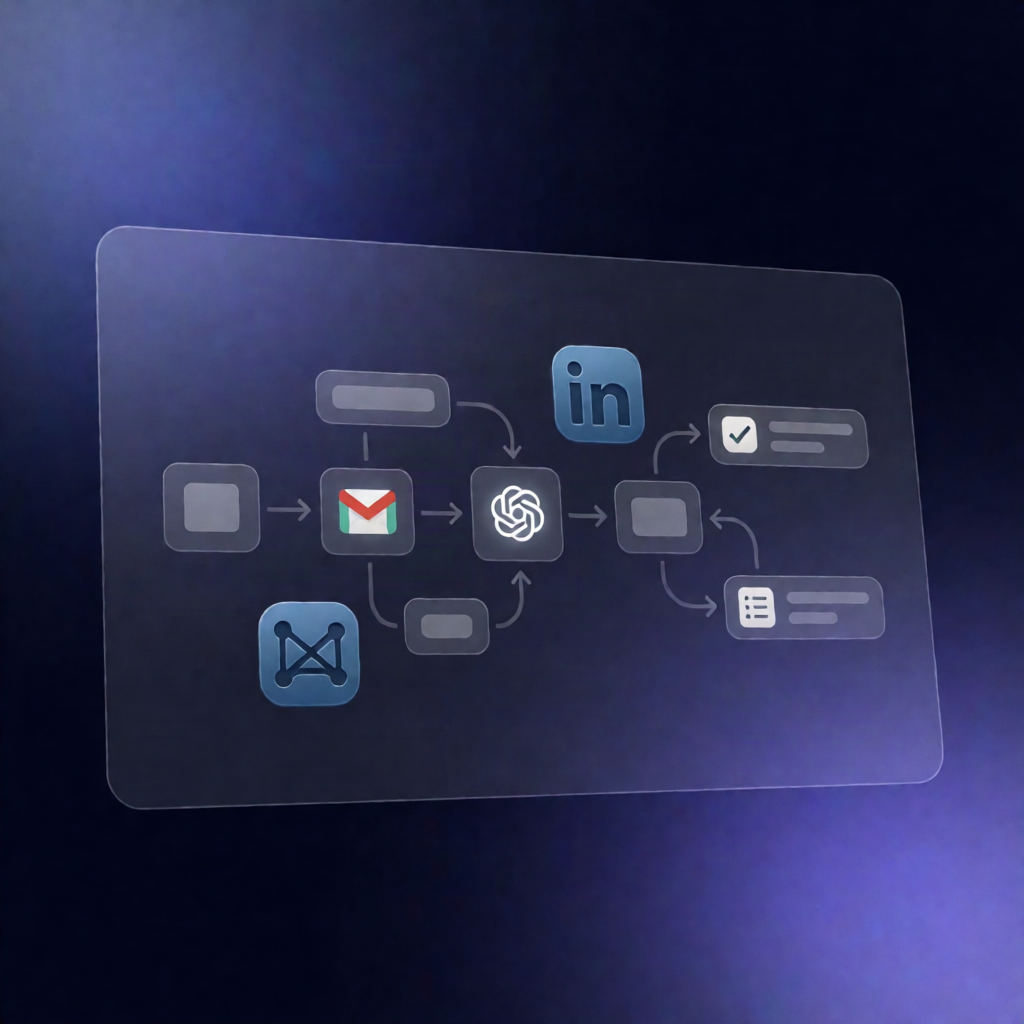
n8n Workflow: Recover Attorney Time from Google Calendar & Gmail
n8n Workflow: Recover Attorney Time from Google Calendar & Gmail
Regular price
£9.99
Regular price
£9.99
Sale price
Unit price
per
⬇
Instant Digital Download
∞
Unlimited Downloads
★
Lifetime Access in Your Account
Couldn't load pickup availability
🔥
128+ Sold
Popular with n8n builders
⚡
23 people viewing
High interest right now
✅
9 added today
Fast-moving digital product

n8n Workflow: Recover Attorney Time from Google Calendar & Gmail
Regular price
£9.99
Regular price
£9.99
Sale price
Unit price
per
Recover billable attorney time automatically from Google Calendar & Gmail
This n8n workflow drafts conservative, billable time entries by reviewing yesterday’s Google Calendar events and Gmail messages, sends each draft to your attorney for approval, and then records approved time directly in Clio.
What this workflow does
- Runs on a schedule: executes at 6:00 AM on weekdays using an n8n cron schedule.
- Pulls yesterday’s activity: retrieves prior-day events from Google Calendar and relevant messages from Gmail.
- Creates a unified activity log: combines and normalizes calendar and email activity into a single log for the prior day.
- Generates time-entry drafts with OpenAI: uses OpenAI to produce a JSON list of draft time entries including matter name, narrative, hours (in 0.1 increments), confidence, and source.
- Attorney review workflow via email: emails each draft to the attorney through Gmail, including an embedded approval form, then waits for the attorney to choose Approve, Reject, or Edit & Approve.
- Updates Clio with approved results: creates the approved (or edited) time entry in Clio using the Clio API, or records rejection details for audit purposes.
Use cases
- Law firms that want to reduce missed billable time by reconciling calendar meetings and email work.
- Attorneys who prefer a lightweight approval step before time is posted to Clio.
- Automation engineers building repeatable legal billing workflows across multiple days and matters.
Technical details
- Scheduler: weekday cron at 6:00 AM.
- Integrations: Google Calendar OAuth2, Gmail OAuth2, OpenAI API, Clio OAuth2.
- n8n nodes used: code, wait, gmail, switch, sticky note, http request.
-
Setup requirements: configure OpenAI credentials/model, set the attorney recipient email, ensure n8n timezone matches your firm’s billing day, and map the
matter.id: nullplaceholder to the correct matter ID for Clio.