n8n Workflow: Remove Image Backgrounds via AIGenTools API
n8n Workflow: Remove Image Backgrounds via AIGenTools API
Regular price
£14.99
Regular price
£14.99
Sale price
Unit price
per
⬇
Instant Digital Download
∞
Unlimited Downloads
★
Lifetime Access in Your Account
Couldn't load pickup availability
🔥
128+ Sold
Popular with n8n builders
⚡
23 people viewing
High interest right now
✅
9 added today
Fast-moving digital product

n8n Workflow: Remove Image Backgrounds via AIGenTools API
Regular price
£14.99
Regular price
£14.99
Sale price
Unit price
per
Remove Image Backgrounds with AIGenTools in n8n (Transparent PNG Output)
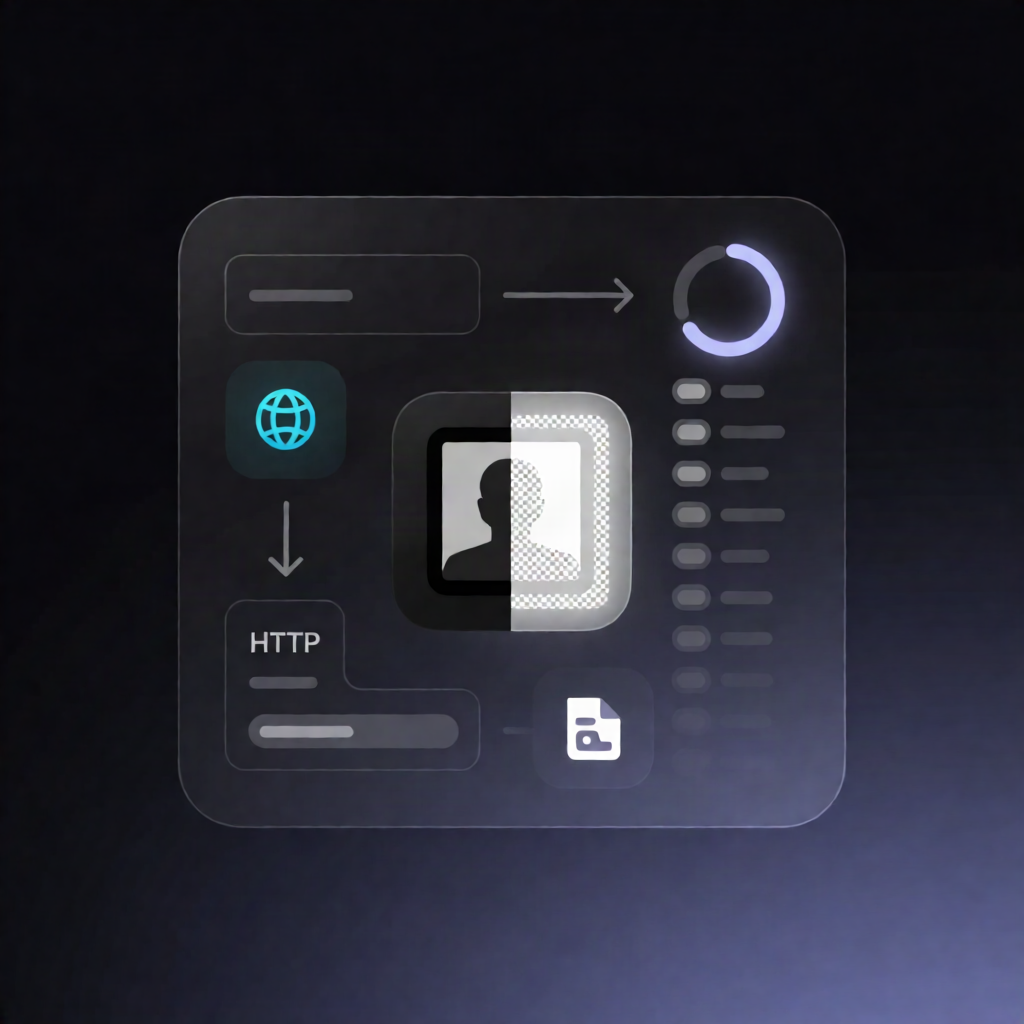
Transform any image into a clean, transparent background PNG—automatically—using an n8n workflow that calls the AIGenTools Background Remover (High Quality) API, waits for processing, then downloads the result for your next automation step.
What this workflow does
- Runs manually when you click Execute workflow in n8n.
-
Sets the input by defining an
image_urlto process. - Creates an asynchronous background-removal task by sending the image URL to AIGenTools’ generate API.
- Waits and polls: it waits 5 seconds, then repeatedly checks the AIGenTools task status endpoint until the task succeeds or fails.
- Downloads the output: once successful, it downloads the resulting transparent PNG as a binary file from the returned media URL.
- Fails safely: if the task fails, the workflow stops and returns an error message.
Use cases
- E-commerce catalog automation: prepare product images with transparent backgrounds for listings and ads.
- Marketing asset pipelines: standardize image backgrounds before pushing creative files to downstream tools.
-
Content operations: batch-process images by swapping the manual trigger for a trigger that supplies
image_url. - SaaS workflows: integrate background removal into an upload-to-results flow where the result is passed along as binary data.
Technical details
-
Auth: create an AIGenTools API key and use an n8n Header Auth credential sending
Authorization: Bearer <your_key>for both requests. -
Nodes used:
Set,Wait,Switch,Sticky Note,HTTP Request,Stop, andError. - Behavior: submits background-removal, polls until task completion, downloads the transparent PNG when ready.
Setup tip: replace the sample image_url with your own input source (or use a webhook/other trigger that provides image_url).