n8n Workflow: Revoke Public Google Drive Links w/ Gmail Approval
n8n Workflow: Revoke Public Google Drive Links w/ Gmail Approval
Regular price
£14.99
Regular price
£14.99
Sale price
Unit price
per
⬇
Instant Digital Download
∞
Unlimited Downloads
★
Lifetime Access in Your Account
Couldn't load pickup availability
🔥
128+ Sold
Popular with n8n builders
⚡
23 people viewing
High interest right now
✅
9 added today
Fast-moving digital product

n8n Workflow: Revoke Public Google Drive Links w/ Gmail Approval
Regular price
£14.99
Regular price
£14.99
Sale price
Unit price
per
Automatically revoke public Google Drive links—only after you approve via Gmail
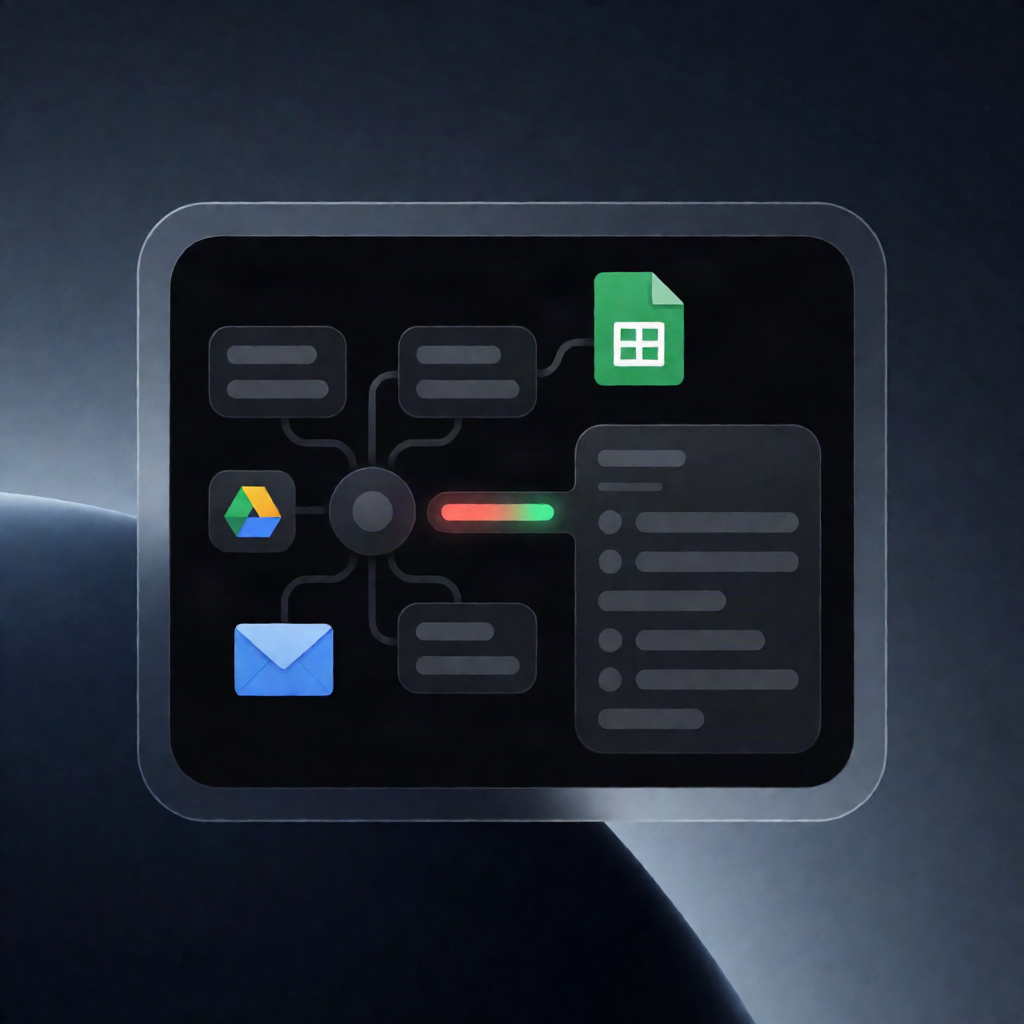
This n8n workflow scans your Google Drive for files you own that are publicly accessible (“anyone with the link” / “anyone can find”), sends you a single Gmail approval request with an exposure report, and—if you approve—removes the public permission and logs every change to Google Sheets.
What this workflow does
- Runs weekly on a scheduled trigger every Monday morning.
- Finds at-risk files in Google Drive by querying the Google Drive API for non-trashed files you own that are visible to public access.
- Builds a ranked exposure report while reading an Allowlist from Google Sheets to exclude approved items from being considered for revocation.
- Sends one Gmail approval email containing the report and then waits for your approve/reject response.
- Revokes public access on approval by deleting each public “anyone” permission through the Google Drive API (if rejected, it makes no changes).
- Audits every attempted revocation by appending a row per file to a Google Sheets Revocations tab, including timestamp, file details, and success/failure result.
Use cases
- Reduce unintended data exposure by systematically removing public links from Google Drive files.
- Maintain governance for SaaS operations where shared documents should be permissioned—not public.
- Give yourself a controlled “human-in-the-loop” approval step before permissions are changed.
Technical details
- Google Drive API (list files, identify public “anyone” access, delete public permissions)
-
Google Sheets (read
Allowlist, write audit rows toRevocations) - Gmail (send the approval request to your inbox and capture approve/reject)
- n8n nodes/workflow components: if, code, no op, gmail, sticky note, http request
Setup requirements
Connect OAuth2 credentials for Google Drive and Gmail, set your Gmail recipient address, and configure the Google Sheets document ID and the correct tab names (Allowlist and Revocations).