n8n Workflow: Slack Alerts for Stale Heartbeats (Google Sheets)
n8n Workflow: Slack Alerts for Stale Heartbeats (Google Sheets)
Regular price
£20.99
Regular price
£20.99
Sale price
Unit price
per
⬇
Instant Digital Download
∞
Unlimited Downloads
★
Lifetime Access in Your Account
Couldn't load pickup availability
🔥
128+ Sold
Popular with n8n builders
⚡
23 people viewing
High interest right now
✅
9 added today
Fast-moving digital product

n8n Workflow: Slack Alerts for Stale Heartbeats (Google Sheets)
Regular price
£20.99
Regular price
£20.99
Sale price
Unit price
per
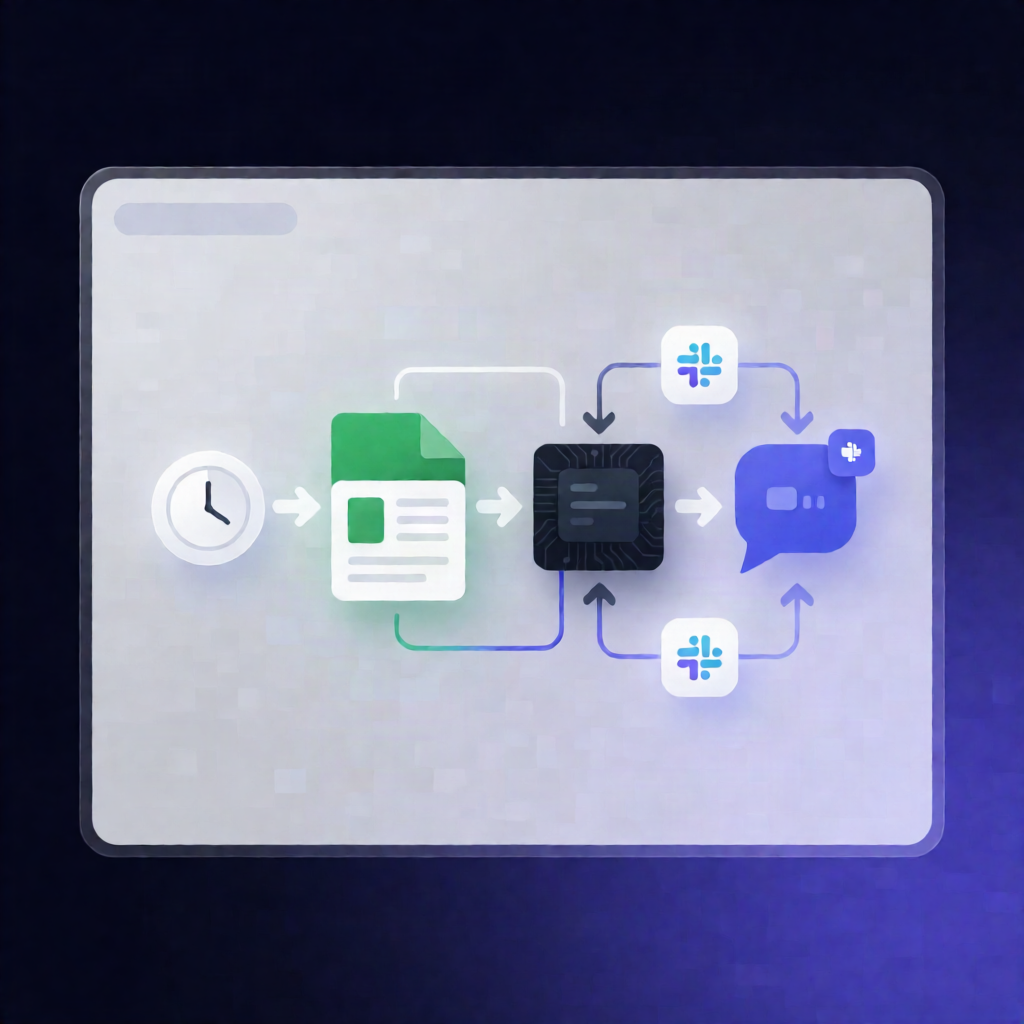
Slack alerts for stale workflow heartbeats—automatically, every 15 minutes
This n8n workflow checks heartbeat timestamps stored in Google Sheets and sends a Slack alert whenever a monitored workflow has missing/invalid last-success data or is overdue based on its configured maximum age.
What this workflow does
- Runs on a schedule every 15 minutes using an n8n schedule trigger.
-
Reads heartbeat data from a Google Sheets tab named
heartbeats, with columns:workflowlast_successmax_age_minutes
-
Calculates heartbeat age for each row and flags workflows when:
-
last_successis missing or invalid, or - the timestamp is older than
max_age_minutes.
-
- Builds a detailed Slack message for every stale workflow, including the last success age, the expected success interval, and the reason for the alert.
- Sends alerts to the selected Slack channel via the Slack node.
Use cases
- Monitor critical n8n automations and get notified if a workflow hasn’t succeeded within an expected window.
- Detect failures early when
last_successis missing/invalid in yourheartbeatssheet. - Give SaaS operations teams quick visibility in Slack when scheduled processes fall behind.
Technical details
- Schedule trigger: executes every 15 minutes.
-
Google Sheets: reads the
heartbeatstable (sheet/tab name must beheartbeats). - Code: computes heartbeat age and decides whether each workflow is stale.
- Slack: posts alerts to your chosen channel.
- Sticky note: included for workflow guidance/documentation.
Setup (high level)
- Create the Google Sheet tab
heartbeatswithworkflow,last_success, andmax_age_minutes. - Add Google Sheets credentials in n8n and set your
YOUR_SHEET_IDin the Google Sheets node. - Add Slack credentials, select the channel, and ensure each monitored workflow updates its row after real work succeeds by writing the current ISO timestamp to
last_successand the expected interval tomax_age_minutes.