n8n Workflow: Slack Reminders for Overdue LINE Inquiries
n8n Workflow: Slack Reminders for Overdue LINE Inquiries
Regular price
£32.99
Regular price
£32.99
Sale price
Unit price
per
⬇
Instant Digital Download
∞
Unlimited Downloads
★
Lifetime Access in Your Account
Couldn't load pickup availability
🔥
128+ Sold
Popular with n8n builders
⚡
23 people viewing
High interest right now
✅
9 added today
Fast-moving digital product

n8n Workflow: Slack Reminders for Overdue LINE Inquiries
Regular price
£32.99
Regular price
£32.99
Sale price
Unit price
per
Never let overdue LINE inquiries slip—n8n will nudge your Slack threads automatically
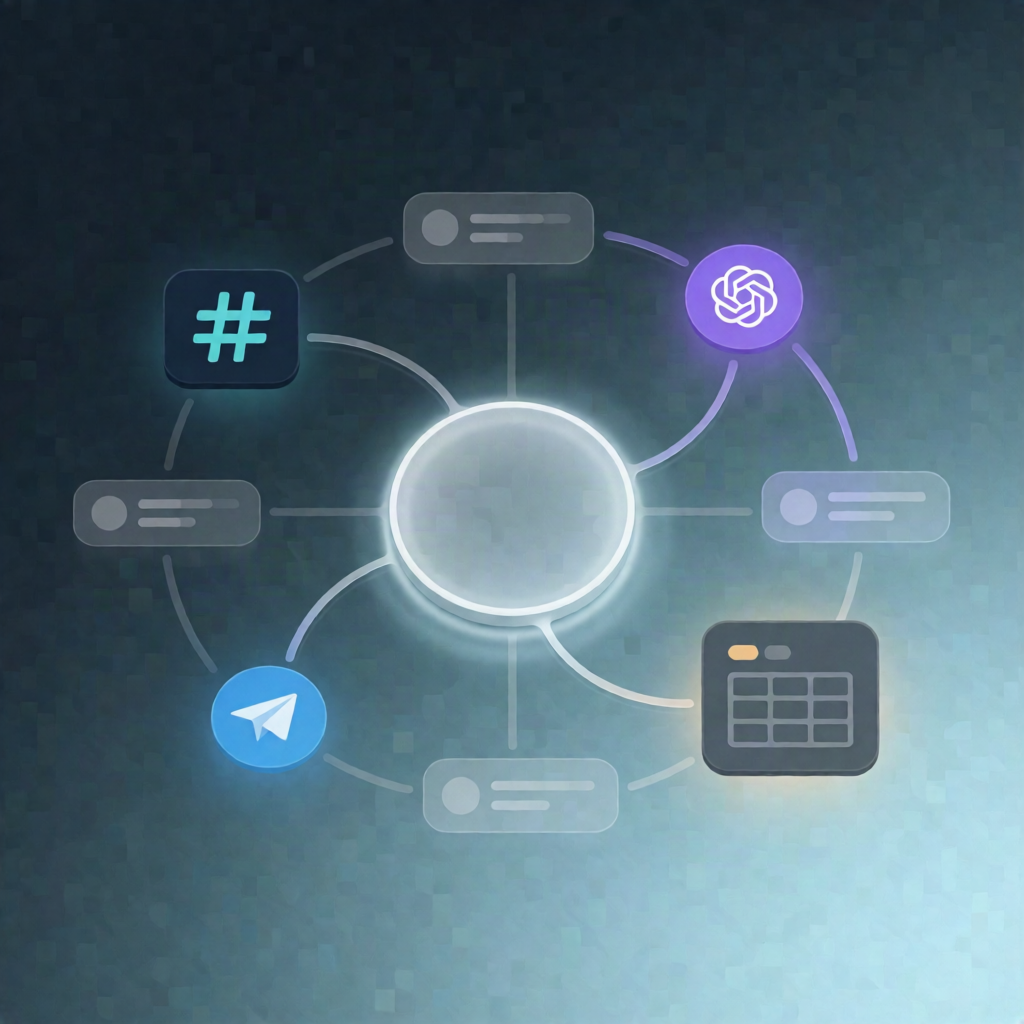
This n8n workflow checks LINE-to-Slack conversations every 15 minutes and posts follow-up reminders in the correct Slack threads when a customer has gone unanswered—only during your configured business hours.
What this workflow does
- Runs on a 15-minute schedule to continuously monitor pending replies.
- Loads reminder settings (wait time threshold, maximum reminders, business hours, and timezone) and exits if it’s outside business hours.
- Reads an n8n Data Table containing LINE-to-Slack thread records marked with status = needs_reply.
- For each thread, it looks up reminder state from a second n8n Data Table (e.g., reminder_count and last_reminded_at).
- Calculates how long the customer has been waiting since their latest message (last_inquiry / timestamps) and determines whether the wait exceeds the configured threshold.
- If eligible—and the maximum reminder count hasn’t been reached—the workflow posts a reminder to Slack in the original thread and also broadcasts it to the channel.
- Upserts reminder tracking (reminder_count and last_reminded_at) back into the reminders Data Table to rate-limit future nudges.
Use cases
- Support teams handling LINE DMs who need reliable follow-ups when customers don’t respond.
- SaaS operators who want consistent SLA-style reminders tied directly to Slack thread context.
- Automation engineers building a LINE-to-Slack workflow pipeline with controlled reminder frequency.
Technical details
- Scheduled execution (every 15 minutes)
- n8n Data Tables for thread status and reminder state (wait time tracking)
- Nodes/logic: if, set, code, no op, slack, filter
- Uses your Slack credential and posts to the target Slack thread/channel
Set it up once, and this n8n workflow will keep overdue LINE inquiries front-and-center in Slack—without spamming outside business hours.