n8n Workflow: SpecStream Leads to Google Sheets
n8n Workflow: SpecStream Leads to Google Sheets
Regular price
£54.99
Regular price
£54.99
Sale price
Unit price
per
⬇
Instant Digital Download
∞
Unlimited Downloads
★
Lifetime Access in Your Account
Couldn't load pickup availability
🔥
128+ Sold
Popular with n8n builders
⚡
23 people viewing
High interest right now
✅
9 added today
Fast-moving digital product

n8n Workflow: SpecStream Leads to Google Sheets
Regular price
£54.99
Regular price
£54.99
Sale price
Unit price
per
Turn SpecStream lead search results into Google Sheets rows automatically
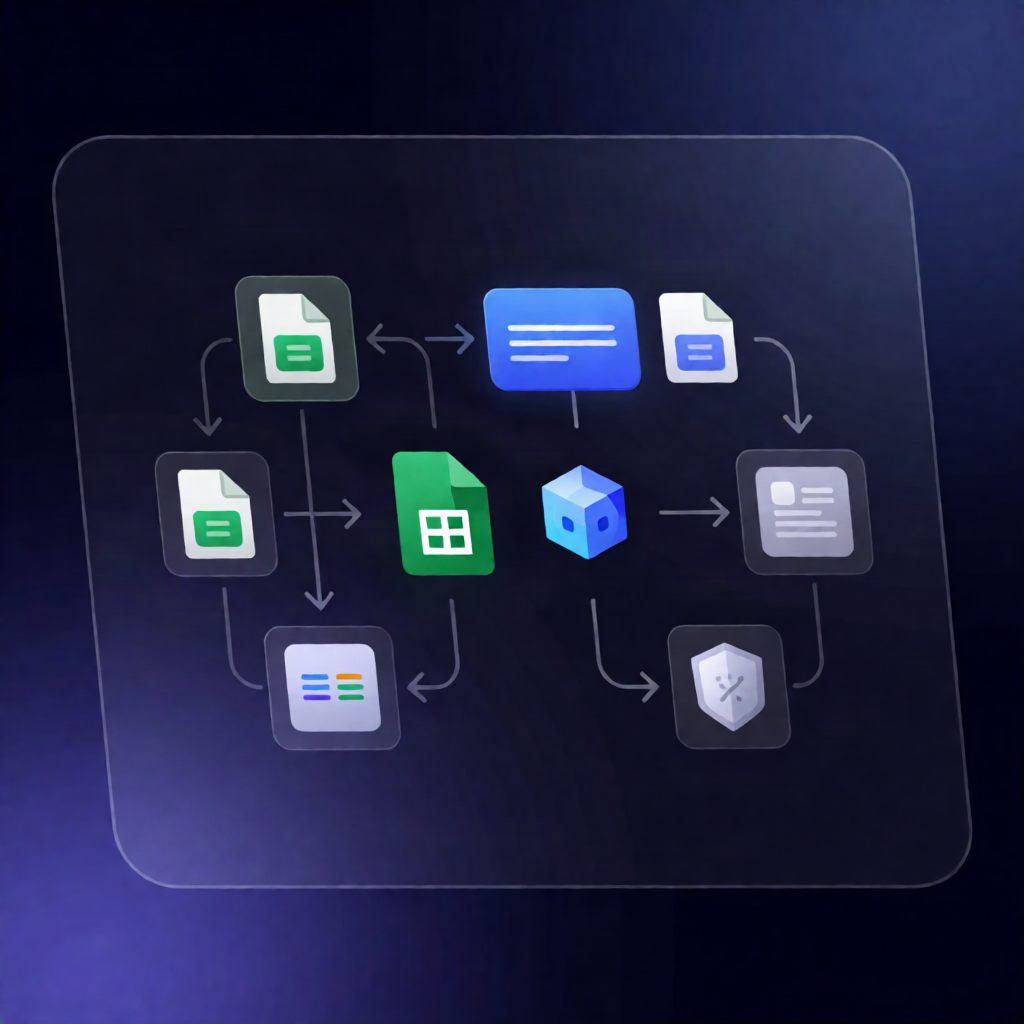
This n8n workflow collects business search inputs from an n8n form, uses the SpecStream API to price and run a web-based business search, then appends the resulting business details to Google Sheets—including website, phone, and the source URL.
What this workflow does
- Receives a form submission with business type, city, optional condition, desired number of businesses, and a maximum budget.
- Builds a single request sentence and sends it to SpecStream to parse into a runnable query.
- Requests a SpecStream price quote for the requested number of results and stops with an error if the query isn’t runnable or the quote exceeds the provided maximum price.
- Approves and executes the SpecStream run, then polls SpecStream every 30 seconds until the run is no longer queued, planning, or running.
- Fetches all result rows with pagination, flattens each row into one item containing business fields plus Source, Read at, and a link to the SpecStream list.
- Appends rows to Google Sheets, inserting new columns automatically when extra fields are returned.
Use cases
- Build a repeatable “search & export leads” form for SaaS operators sourcing businesses by type + city.
- Populate a CRM-ready Google Sheet with business website and phone details for lead outreach campaigns.
- Run cost-controlled SpecStream searches where you set a maximum budget before execution.
Technical details
- Integrations: SpecStream (HTTP Request with Bearer Auth using an API key) and Google Sheets (append to a chosen spreadsheet/worksheet).
-
n8n nodes/logic used:
if,set,code,wait,form trigger, and a sticky note for guidance. - Workflow behavior: quote validation, queued-run polling every 30 seconds, paginated result retrieval, and dynamic column handling when writing to Google Sheets.
Setup check: Create a SpecStream API key, configure credentials, connect Google Sheets, open the n8n form URL, submit a test request, and confirm rows appear in your sheet.