n8n Workflow: Sync Calendly to Google Calendar, Airtable & Slack
n8n Workflow: Sync Calendly to Google Calendar, Airtable & Slack
Regular price
£11.99
Regular price
£11.99
Sale price
Unit price
per
⬇
Instant Digital Download
∞
Unlimited Downloads
★
Lifetime Access in Your Account
Couldn't load pickup availability
🔥
128+ Sold
Popular with n8n builders
⚡
23 people viewing
High interest right now
✅
9 added today
Fast-moving digital product

n8n Workflow: Sync Calendly to Google Calendar, Airtable & Slack
Regular price
£11.99
Regular price
£11.99
Sale price
Unit price
per
Automatically sync every Calendly booking to Google Calendar, Airtable, and Slack
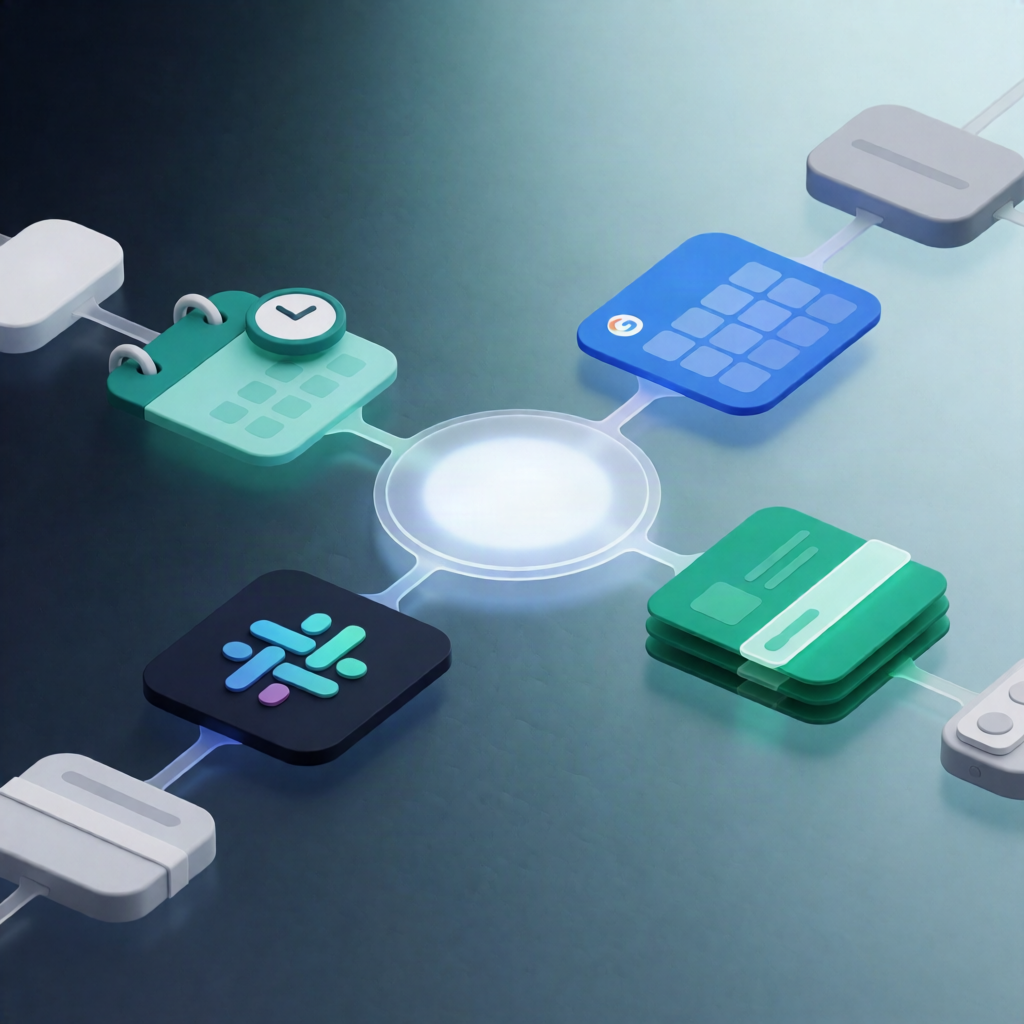
When someone books through Calendly, this n8n workflow instantly matches the corresponding Google Calendar event, updates it with configured attendees, logs the booking in Airtable (without duplicates), and posts a formatted notification to Slack.
What this workflow does
- Triggers on new Calendly bookings: the workflow starts whenever Calendly creates a new invitee booking.
- Waits briefly and normalizes booking data: it extracts key fields such as invitee details, meeting time, meeting link, and Q&A, then normalizes them for downstream steps.
- Matches and updates the right Google Calendar event: it searches Google Calendar around the booking time and matches the correct event using attendee email and/or the Calendly event UUID. Then it updates the event to add configured additional attendee emails.
- Upserts the invitee in Airtable: it searches Airtable for an existing contact by the invitee’s email; if found, it updates the contact, otherwise it creates a new one.
- Prevents duplicate meeting records: it checks Airtable for an existing meeting with the same Calendly Event ID. If no duplicate exists, it creates a new meeting record.
- Notifies your team in Slack: it sends the booking details and links to a Slack channel for visibility and follow-up.
Use cases
- Sales or customer success teams who want every booking logged automatically in Airtable CRM and surfaced in Slack.
- Operations teams who need Google Calendar attendees updated as soon as Calendly bookings occur.
- SaaS operators reducing manual admin by linking Calendly scheduling to CRM records and internal alerts.
Technical details
- Integrations: Calendly (OAuth2), Google Calendar (OAuth2), Airtable (personal access token), Slack.
- Setup: choose the Calendly event source; copy the generated webhook URL to Calendly if needed. Configure the target Google Calendar and optional additional attendee emails. In Airtable, set up Contacts and Meetings.
- Workflow logic / nodes: if, set, no op, wait, limit, and slack.