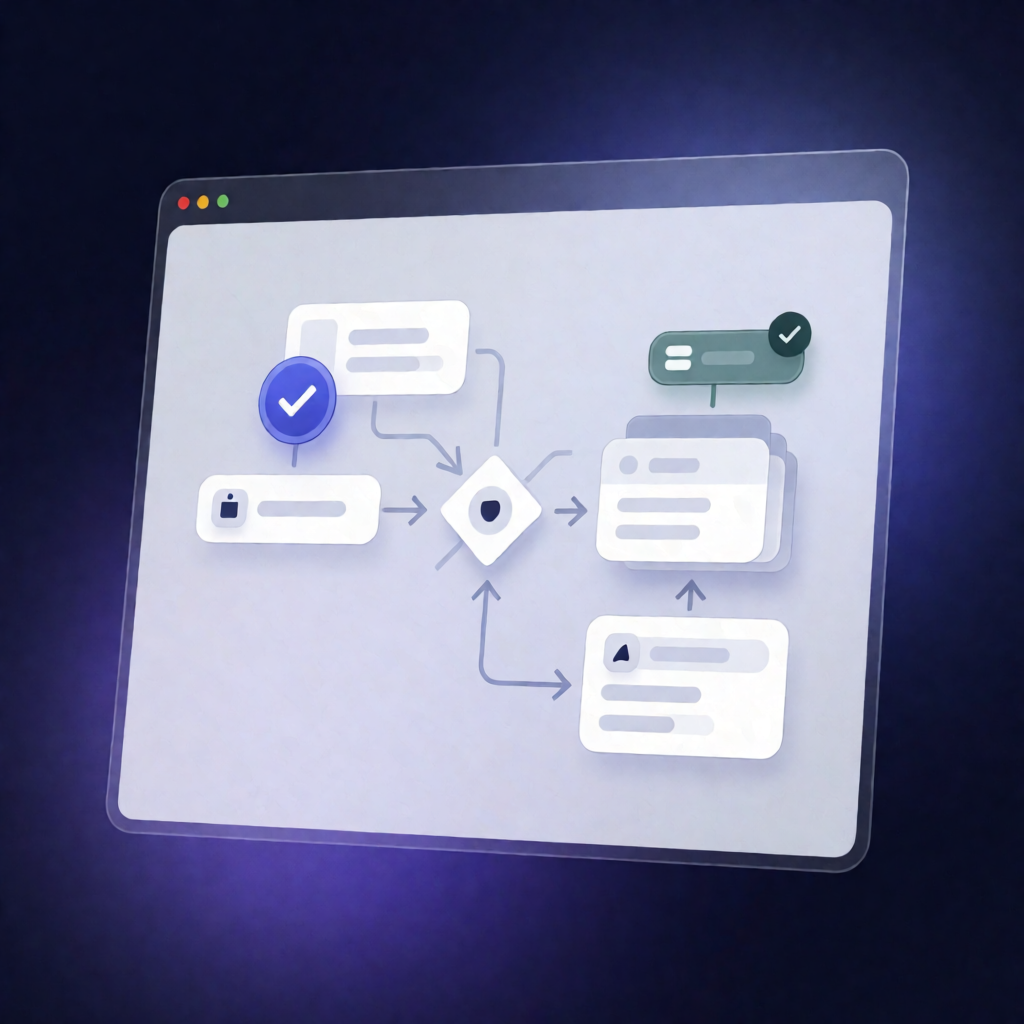
n8n Workflow: Sync ClickUp Done/Complete to Air Asset Status
n8n Workflow: Sync ClickUp Done/Complete to Air Asset Status
Regular price
£56.99
Regular price
£56.99
Sale price
Unit price
per
⬇
Instant Digital Download
∞
Unlimited Downloads
★
Lifetime Access in Your Account
Couldn't load pickup availability
🔥
128+ Sold
Popular with n8n builders
⚡
23 people viewing
High interest right now
✅
9 added today
Fast-moving digital product

n8n Workflow: Sync ClickUp Done/Complete to Air Asset Status
Regular price
£56.99
Regular price
£56.99
Sale price
Unit price
per
Keep ClickUp and Air Asset “Done” status perfectly in sync
This n8n workflow watches for ClickUp task status updates and, when a task is marked done or complete, automatically finds the linked Air asset and updates its Status custom field to the Air “Done” option.
What this workflow does
Designed for reliable, status-based automation between ClickUp and Air, the workflow:
- Triggers when a ClickUp task status is updated in your specified ClickUp Team/Workspace and List (webhook-based via the ClickUp trigger).
- Extracts the new status name and the ClickUp task ID from the webhook payload.
- Checks whether the new status equals “done” or “complete” (case-insensitive).
- Looks up the corresponding Air asset ID in an n8n Data Table (the “ClickUp Air Asset-Task Map” table) using the ClickUp task ID.
- Updates Air by applying the configured Air Status custom field value for the Air “Done” option.
Use cases
- When production or operations teams finish work in ClickUp, ensure related Air assets immediately reflect completion.
- Reduce manual cross-tool updates between ClickUp task tracking and Air asset lifecycle status.
- Support SaaS ops workflows where task completion must drive downstream state in another system.
Technical details
- ClickUp trigger (captures task status updates for your workspace/list and registers the webhook when activated).
- if node to detect done/complete statuses (case-insensitive).
- data table lookup using the “ClickUp Air Asset-Task Map” mapping (pmTaskId → airAssetId).
- n8n-nodes-airair to update the Air asset’s configured Status custom field to the Air “Done” option.
- Supporting nodes such as set and sticky note for workflow clarity.
Setup requirements: add ClickUp credentials, configure Team/Workspace ID and List ID; ensure the Data Table contains the task-to-asset mappings; add Air API credentials and set the Air Status custom field ID plus the Air “Done” option ID.