n8n Workflow: Triage Parent Incidents with Gemini, Sheets & Slack
n8n Workflow: Triage Parent Incidents with Gemini, Sheets & Slack
Regular price
£39.99
Regular price
£39.99
Sale price
Unit price
per
⬇
Instant Digital Download
∞
Unlimited Downloads
★
Lifetime Access in Your Account
Couldn't load pickup availability
🔥
128+ Sold
Popular with n8n builders
⚡
23 people viewing
High interest right now
✅
9 added today
Fast-moving digital product

n8n Workflow: Triage Parent Incidents with Gemini, Sheets & Slack
Regular price
£39.99
Regular price
£39.99
Sale price
Unit price
per
Instantly triage parent incidents end-to-end with n8n + Gemini + Google Sheets + Slack
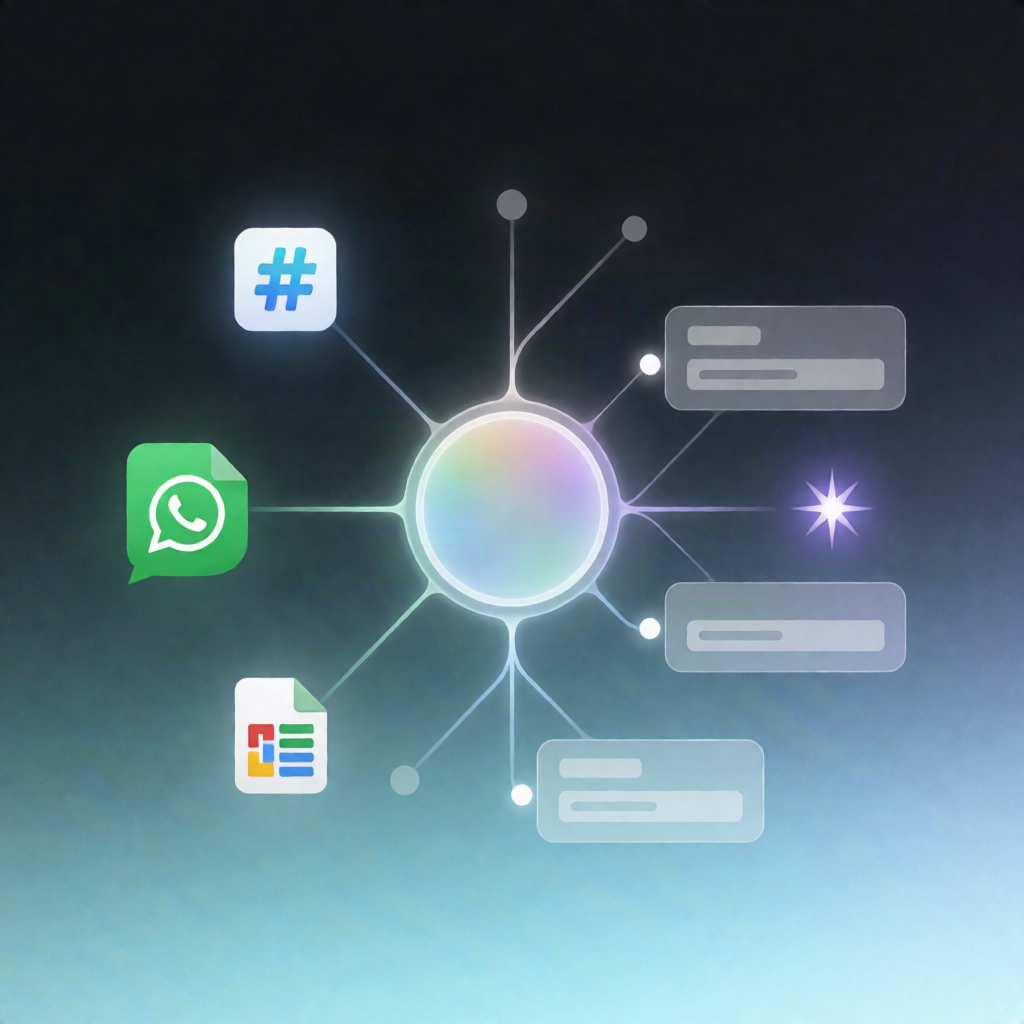
Get a fully automated incident intake workflow that collects parent complaints via an n8n Form, enriches them with Google Sheets student data, classifies each case using Google Gemini (text + optional image), logs everything to Sheets, and alerts your team in Slack—with a WhatsApp fallback when the student ID lookup fails.
What this workflow does
- Receives a parent submission from an n8n Form, including contact details, student ID, incident description, and an optional attachment image.
- Generates a unique ticket ID and attempts to look up the student in the Google Sheets spreadsheet named student_info using the submitted student ID.
- If the student ID lookup fails, it looks up by parent mobile in the same Google Sheets data and sends a WhatsApp message asking the parent to recheck the student ID.
- Validates the attachment as JPG/PNG; if missing or invalid, it substitutes a blank image for the AI analysis pipeline.
- Classifies the complaint with Google Gemini, producing a structured output including category/subcategory, severity (P0–P3), regulatory risk, a brief summary, and attachment findings.
- Logs/updates the ticket in the Google Sheets spreadsheet tickets-issues.
- Posts a detailed alert to Slack with the AI results and ticket information.
- Shows a confirmation page to the submitter with the generated ticket ID and the AI-assigned priority/subcategory.
Use cases
- Automating intake and triage of school parent complaints with consistent priority and categorization.
- Reducing manual back-and-forth when student IDs are incorrect by prompting via WhatsApp.
- Centralizing incident history in Google Sheets while keeping teams informed through Slack.
Technical details
- n8n Form for submissions
- Google Sheets lookup in student_info and logging to tickets-issues
- Google Gemini for category/subcategory, severity (P0–P3), regulatory risk, and summary
- Slack for detailed incident alerts
- WhatsApp message when ID lookup fails
- Workflow nodes/logic: if, set, code, form, slack, whats app