n8n Workflow: Weekly Restaurant Specials Video from Google Sheets
n8n Workflow: Weekly Restaurant Specials Video from Google Sheets
Regular price
£29.99
Regular price
£29.99
Sale price
Unit price
per
⬇
Instant Digital Download
∞
Unlimited Downloads
★
Lifetime Access in Your Account
Couldn't load pickup availability
🔥
128+ Sold
Popular with n8n builders
⚡
23 people viewing
High interest right now
✅
9 added today
Fast-moving digital product

n8n Workflow: Weekly Restaurant Specials Video from Google Sheets
Regular price
£29.99
Regular price
£29.99
Sale price
Unit price
per
Turn Your Weekly Restaurant Specials Into a Branded Vertical Reel (Every Monday)
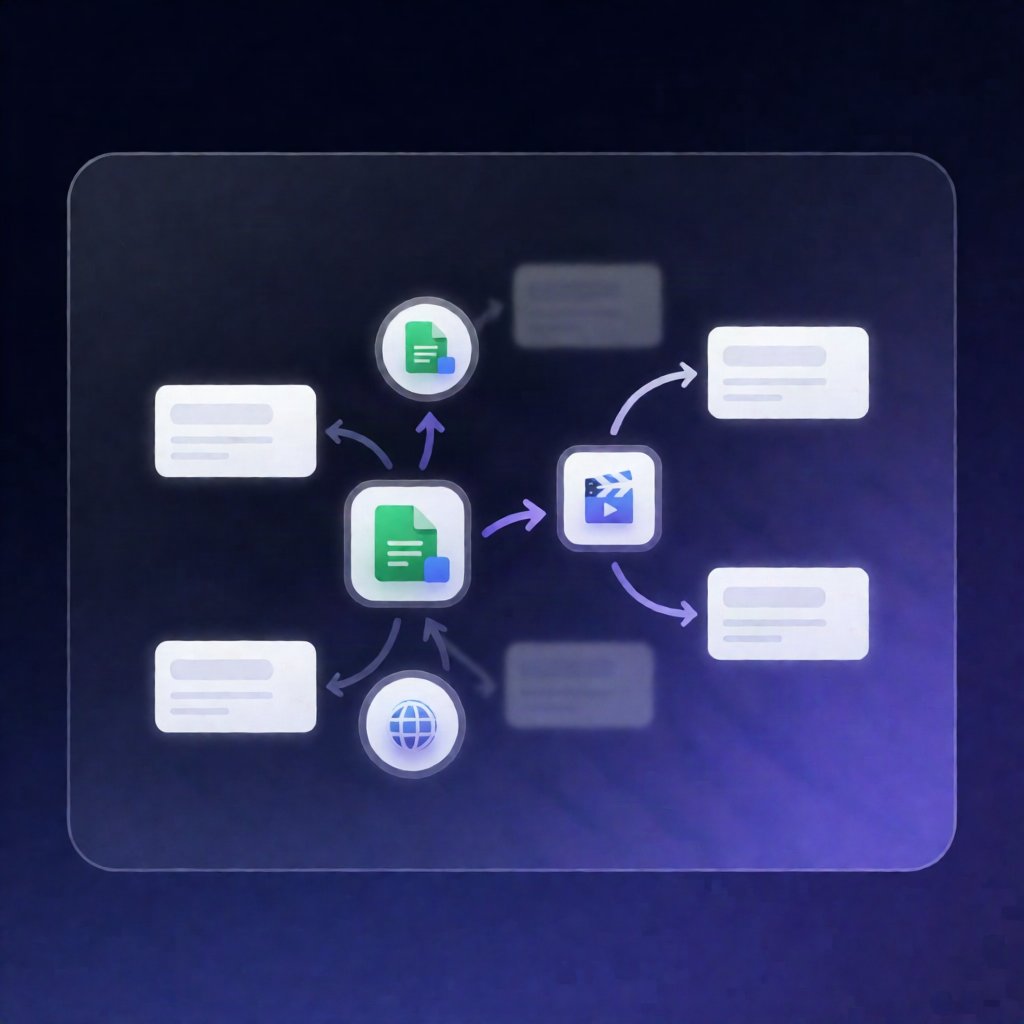
This n8n workflow automatically reads your restaurant’s menu specials from Google Sheets every week, generates a Zvid video project, validates it, and returns a shareable “weekly specials” reel URL—along with a ready-to-post caption.
What this workflow does
Designed for consistent, branded social video production, the workflow:
- Schedules weekly: runs every Monday at 9am (or you can trigger it on-demand with a manual test trigger).
- Pulls dish data from Google Sheets: loads configuration values (restaurant details, branding, timing, media, and dry-run settings), then reads rows from your menu tab.
- Selects this week’s specials: filters rows where ThisWeek = TRUE, then normalizes up to five dishes (name, description, price, photo URL).
- Builds a Zvid project: creates a sizzle hook, generates one scene per dish, and appends a booking end card. Photo inputs are expected to be within 1920×1920 to avoid distortion.
- Validates before rendering: sends the project to Zvid’s validate endpoint to check schema and estimate credits. If validation fails, it stops with a detailed error.
-
Renders and outputs results: with
dryRun=false(default), it submits a render job and polls until completion or timeout. WithdryRun=true, it saves an editor draft via Zvid Project → Create (note: not exposed in published npm v0.1.8—keepfalsefor that version). - Returns review assets: outputs the completed video URL and a suggested caption. A gated Watch step downloads completed media for review; final sharing is manual.
Use cases
- Weekly Instagram/TikTok “specials” reels for restaurants using Google Sheets as the source of truth
- Automation engineers building repeatable Zvid-driven video pipelines in n8n
- SaaS operators validating credit usage and schema before rendering via Zvid validation
Technical details
- Workflow nodes include: if, set, code, wait, and zvidn8n-nodes-zvid (plus sticky note).
- Install the node: @zvid/n8n-nodes-zvid via Settings → Community nodes.
- Integrations: Google Sheets (menu tab) and Zvid (project build, validate, render, and draft creation in dry-run).