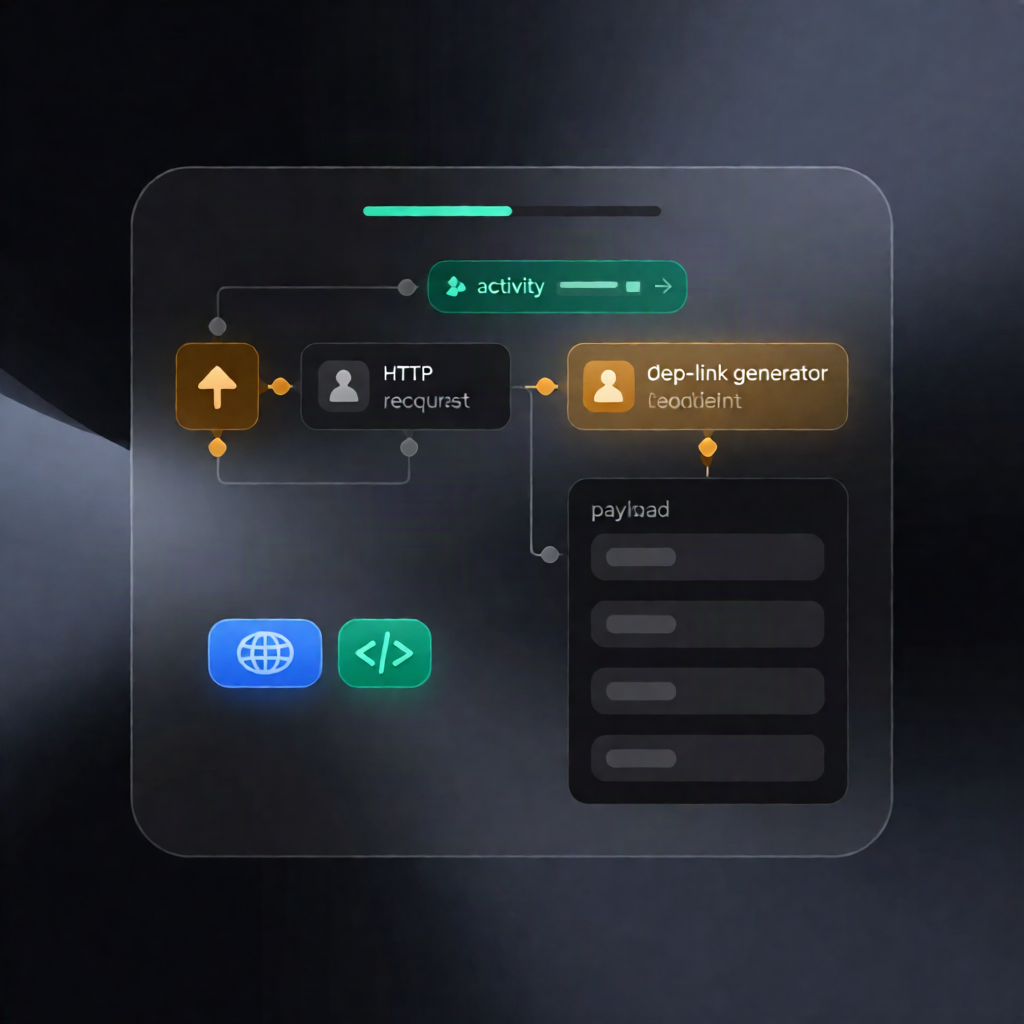
OmniGIF Deep Link Generator for n8n Workflows & Notifications
OmniGIF Deep Link Generator for n8n Workflows & Notifications
Regular price
£50.99
Regular price
£50.99
Sale price
Unit price
per
⬇
Instant Digital Download
∞
Unlimited Downloads
★
Lifetime Access in Your Account
Couldn't load pickup availability
🔥
128+ Sold
Popular with n8n builders
⚡
23 people viewing
High interest right now
✅
9 added today
Fast-moving digital product

OmniGIF Deep Link Generator for n8n Workflows & Notifications
Regular price
£50.99
Regular price
£50.99
Sale price
Unit price
per
Generate an OmniGIF deep link in n8n—instantly
This n8n workflow manually fetches the public OmniGIF tool catalog, selects the first available tool, and generates a shareable OmniGIF deep link—returning a clean payload ready for notifications or content workflows.
What this workflow does
- Manual run in n8n: Start the workflow by clicking “Test workflow”.
-
Fetch OmniGIF tools (GET): Call the OmniGIF API to retrieve the public tool directory for the selected locale using:
GET https://www.omnigif.com/api/n8n/tools
- Select and extract tool metadata: Pick the first tool from the returned catalog and extract details such as the tool’s title, description, and catalog URL.
-
Create the deep link (POST): Generate a deep link for the selected tool via:
POST https://www.omnigif.com/api/n8n/tools
- Return a notification-ready payload: Output a cleaned result including the tool metadata, the deep link URL, and a preformatted message string for downstream use.
Use cases
- Automate “tool of the moment” updates in your content pipeline using OmniGIF deep links.
- Generate deep-link notifications for SaaS onboarding messages or internal announcements.
- Rapidly test OmniGIF deep linking behavior within n8n during development (via Test workflow).
Technical details
- Workflow type: n8n automation workflow (manual execution)
-
API integration: OmniGIF API endpoints (GET/POST) at
/api/n8n/tools - Authentication: Use a Bearer token with N8N_API_TOKEN in both HTTP requests
- Nodes used: Manual Trigger, HTTP Request (twice), Code, Set, Sticky Note
-
Localization: Configure the locale parameter/body (e.g.,
entozh)