Outlook to OneDrive: Auto Save Email Attachments to Folders
Outlook to OneDrive: Auto Save Email Attachments to Folders
Regular price
£22.99
Regular price
£22.99
Sale price
Unit price
per
⬇
Instant Digital Download
∞
Unlimited Downloads
★
Lifetime Access in Your Account
Couldn't load pickup availability
🔥
128+ Sold
Popular with n8n builders
⚡
23 people viewing
High interest right now
✅
9 added today
Fast-moving digital product

Outlook to OneDrive: Auto Save Email Attachments to Folders
Regular price
£22.99
Regular price
£22.99
Sale price
Unit price
per
Automatically save Outlook email attachments into organized OneDrive folders
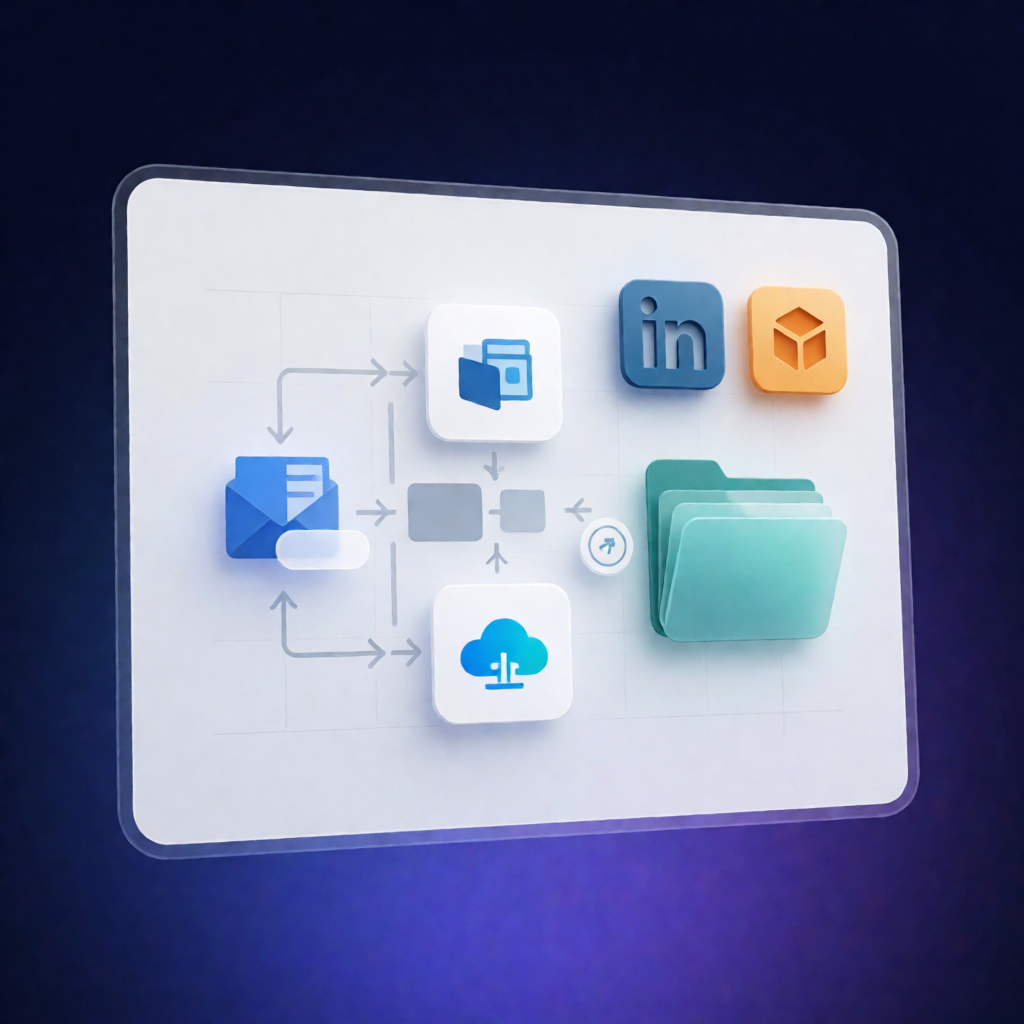
Outlook to OneDrive: Auto Save Email Attachments to Folders is an n8n workflow that watches your Microsoft Outlook inbox, extracts binary attachments, and uploads them to newly created Microsoft OneDrive folders—without manual file handling. Each folder is created based on the email subject and a current timestamp, keeping submissions easy to trace and search.
What this workflow does
- Monitors your inbox using the Microsoft Outlook trigger for new emails.
- Filters emails so only messages containing binary attachments are processed.
- Downloads the full message and attachments with “Get Outlook Message”.
- Creates a new OneDrive folder using the email subject and current timestamp.
- Splits out attachments to extract each binary file individually.
- Merges folder + file data so every attachment is mapped to its correct target folder.
- Uploads each file to OneDrive into the newly created folder for that email.
Use cases
- Organize client submissions by email subject (e.g., “Application – John Smith”) with time-stamped folder grouping.
- Save incoming invoices, reports, or internal documents automatically to keep audit trails intact.
- Reduce repetitive work for automation engineers and SaaS operators managing frequent attachment-heavy email workflows.
Technical details
- Microsoft Outlook trigger and “Get Outlook Message” to retrieve attachments
- Filter to ensure only emails with binary attachments proceed
- Create Folder in Microsoft OneDrive (named by subject + timestamp)
- Split Out to extract attachments
- Merge to combine folder and file data
- Upload File OneDrive to store each attachment in the correct folder
Setup is customizable to match business or personal needs, focusing specifically on automated processing and upload of binary attachments from Outlook to OneDrive.