Process Jotform Submissions with Parseur & Airtable in n8n
Process Jotform Submissions with Parseur & Airtable in n8n
Regular price
£73.99
Regular price
£73.99
Sale price
Unit price
per
⬇
Instant Digital Download
∞
Unlimited Downloads
★
Lifetime Access in Your Account
Couldn't load pickup availability
🔥
128+ Sold
Popular with n8n builders
⚡
23 people viewing
High interest right now
✅
9 added today
Fast-moving digital product

Process Jotform Submissions with Parseur & Airtable in n8n
Regular price
£73.99
Regular price
£73.99
Sale price
Unit price
per
Automatically extract uploaded Jotform documents and save them to Airtable (with Parseur + n8n)
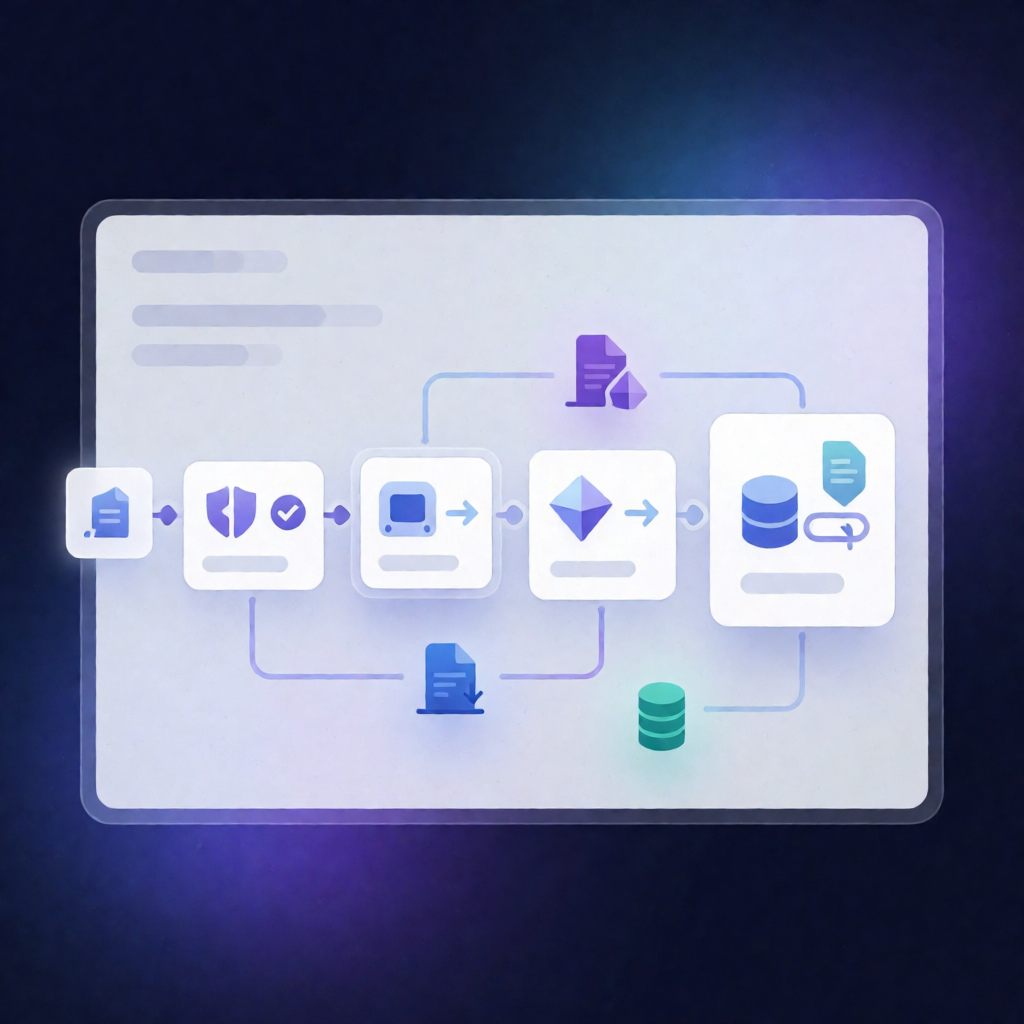
This n8n workflow listens for new Jotform submissions, downloads any uploaded document, sends the submission and document link to Parseur for extraction, then writes the results to Airtable—all fully automated from a single trigger.
What this workflow does
- Triggers on a new Jotform submission for your specified form.
- Checks for an “Upload Document” answer and stops if no file is present in the submission.
- Builds a Jotform file download URL from submission metadata and downloads the uploaded file via an HTTP request.
- Sends submission details plus the document URL to Parseur by emailing content to your configured Parseur inbox.
- Looks up an existing Airtable record using the Jotform Submission ID to avoid duplicates.
- Creates a new Airtable record with submitter details, the Submission ID, and the uploaded document URL (as defined in your schema).
Use cases
- Intake workflows: capture form submissions with uploaded documents (contracts, IDs, forms) and route them for structured extraction.
- SaaS operations: maintain a clean Airtable database keyed by Jotform Submission ID, including links to the original uploaded files.
- Automation engineers: standardize document extraction pipelines using n8n + Parseur while keeping Airtable as the system of record.
Technical details
- n8n trigger for new Jotform submissions (requires the correct Form ID).
- if / set / no op logic to verify the presence of the “Upload Document” field and control execution.
- HTTP request to download the uploaded Jotform file via a constructed download URL.
- Parseur integration using the n8n-nodes-parseurparseur node (email-based inbox submission).
- Airtable integration with a Personal Access Token, matching fields like Email, Full Name, Phone Number, Service Type, Submission ID, and Upload Document.
- Sticky note included for workflow clarity.
Setup checklist
- Confirm the Jotform form contains an “Upload Document” field label that matches the check.
- Replace the hardcoded Jotform API key in the download URL.
- Configure your Parseur inbox and Airtable Base/Table/field names.