Publish Facebook Reels from Video URL (n8n Webhook + Graph API)
Publish Facebook Reels from Video URL (n8n Webhook + Graph API)
Regular price
£46.99
Regular price
£46.99
Sale price
Unit price
per
⬇
Instant Digital Download
∞
Unlimited Downloads
★
Lifetime Access in Your Account
Couldn't load pickup availability
🔥
128+ Sold
Popular with n8n builders
⚡
23 people viewing
High interest right now
✅
9 added today
Fast-moving digital product

Publish Facebook Reels from Video URL (n8n Webhook + Graph API)
Regular price
£46.99
Regular price
£46.99
Sale price
Unit price
per
Publish Facebook Reels automatically from a public video URL
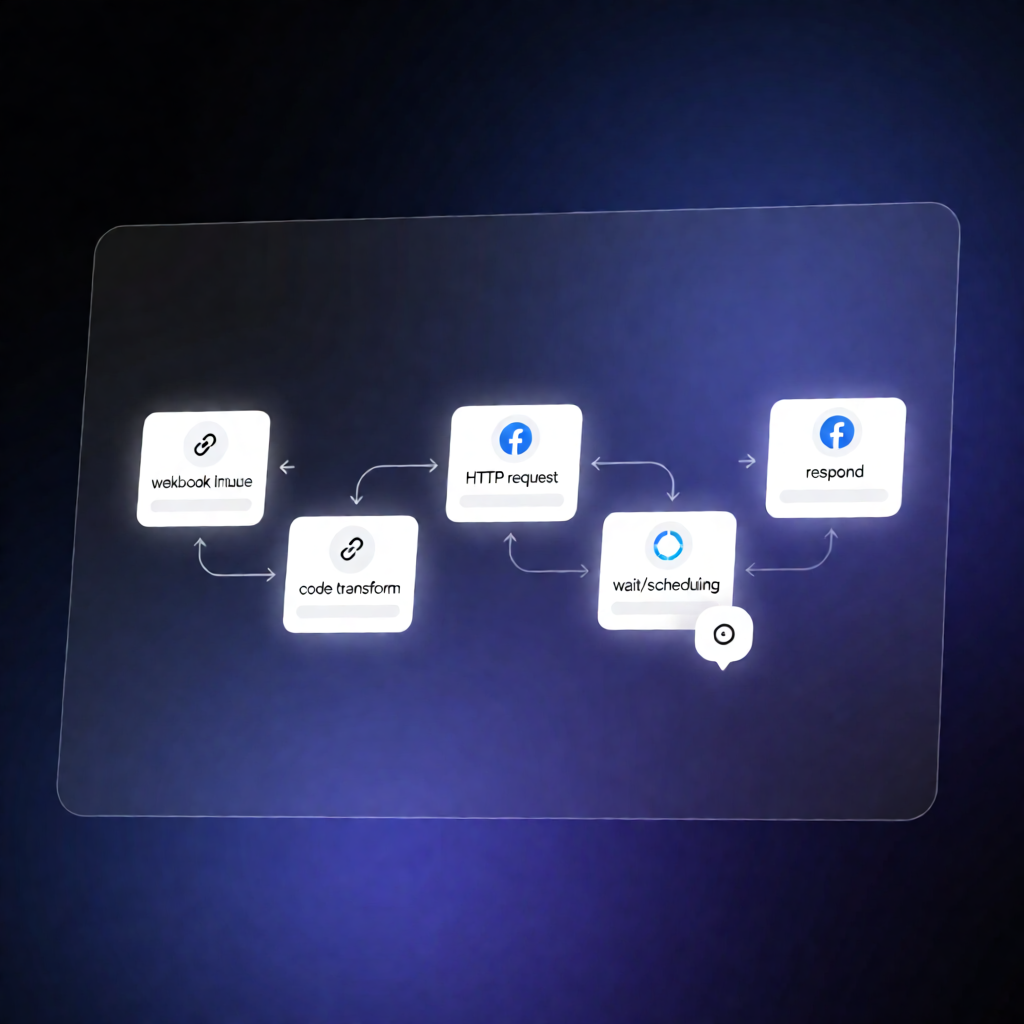
This n8n workflow exposes a webhook that lets you submit a public video URL and caption, then uses the Facebook Graph API to upload the video as a Facebook Reel—returning the new video_id and a direct Reel link.
What this workflow does
-
Receives a POST webhook request with:
video_url,caption, optionalvideo_state, and optionalscheduled_publish_time. - Starts a Facebook Reels upload session for the target Facebook Page using the Facebook Graph API (three-phase upload).
- Instructs Facebook to pull the video from your URL (no manual file upload to n8n required).
- Waits briefly for processing to complete after the initial upload steps.
-
Finishes the upload by applying the
captionand creating the Reel as a draft, scheduled post, or published post (based onvideo_state). -
Responds with results: the created Reel’s
video_idand a link in the formathttps://www.facebook.com/reel/<video_id>.
Use cases
- Automatically publish marketing Reels from a CMS or media host by sending a public
video_url. - Schedule Reels for a specific time using
video_state: "SCHEDULED"andscheduled_publish_time. - Generate draft Reels for approval workflows before publishing.
- Turn internal automation into a simple API: your app sends JSON to the n8n webhook, and Facebook handles the Reel creation.
Technical details
-
n8n nodes/workflow components:
webhook,set,code,wait,http request,sticky note. -
Facebook integration: Facebook Page access token via HTTP header
Authorization: Bearer <PAGE_ACCESS_TOKEN>. -
Configuration: set
YOUR_FACEBOOK_PAGE_IDand ensure your Meta app has the permissions needed to publish Reels.