Rights-Safe Photo Editing Briefs & QA Manifest Generator
Rights-Safe Photo Editing Briefs & QA Manifest Generator
Regular price
£39.99
Regular price
£39.99
Sale price
Unit price
per
⬇
Instant Digital Download
∞
Unlimited Downloads
★
Lifetime Access in Your Account
Couldn't load pickup availability
🔥
128+ Sold
Popular with n8n builders
⚡
23 people viewing
High interest right now
✅
9 added today
Fast-moving digital product

Rights-Safe Photo Editing Briefs & QA Manifest Generator
Regular price
£39.99
Regular price
£39.99
Sale price
Unit price
per
Generate rights-safe photo editing briefs + QA manifest in one n8n run
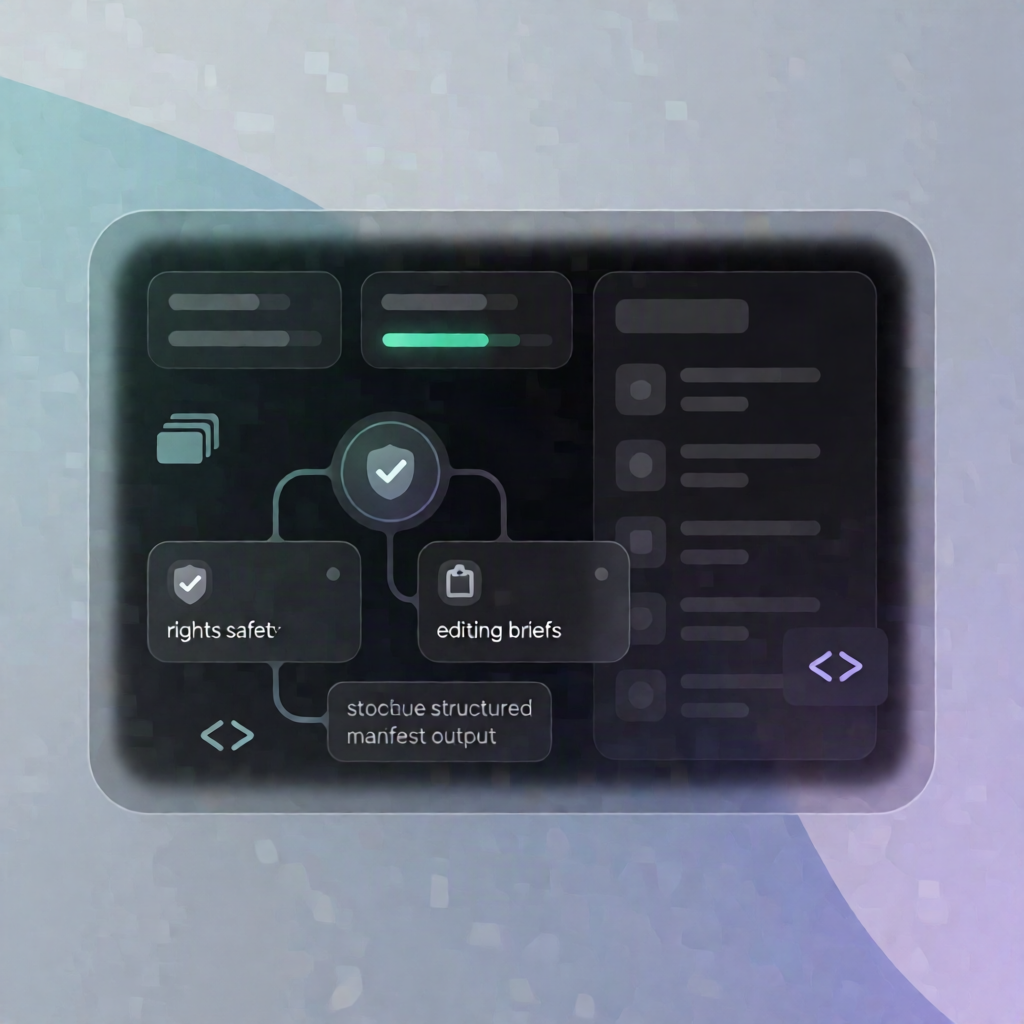
This Rights-Safe Photo Editing Briefs & QA Manifest Generator validates usage rights and edit constraints for a batch of image assets, then produces structured photo-editing briefs and a consolidated QA review manifest you can paste into your external editor—without uploading, editing, or publishing any images.
What this workflow does
- Run on demand: Start it by manually executing the workflow in n8n.
- Load your project + asset list: Provide a projectName and an assets JSON list containing source URLs, rights confirmation, edit goals, and channel/aspect-ratio requirements.
- Validate each asset for safety and consistency: The workflow checks unique IDs, that sourceUrl values are HTTPS, that rights are confirmed (rightsConfirmed is true), and that the requested channel and aspectRatio are supported.
- Enforce instruction quality: It verifies that preserve / avoid instructions are sufficiently specific.
- Create per-asset briefs + visual QA checklist: Each asset gets a ready-to-use editing brief prompt plus a checklist to verify the final output against the source.
- Compile a single QA manifest: It consolidates all briefs with counts, manual next steps, and a safety statement (no images are uploaded/edited/published).
Use cases
- Producing consistent ecommerce or marketplace image edits with documented rights constraints.
- Batch-preparing content for social/presentation/editorial use while keeping preserve/avoid requirements explicit.
- QA teams needing a single manifest to review outputs across many assets and aspect ratios.
Technical details
- n8n nodes used: set, code, sticky note, manual trigger.
- Supported channels: ecommerce, marketplace, social, presentation, editorial.
- Supported aspect ratios: 1:1, 4:5, 3:2, 16:9, 9:16.
Setup tip: Update projectName, maxAssets, and assetsJson with authorized assets where rightsConfirmed = true and each sourceUrl is HTTPS, then run the workflow and copy the generated briefs + QA manifest into your editor.