Slack Legal Conflict Triage with GPT-4o-mini & Google Sheets (n8n)
Slack Legal Conflict Triage with GPT-4o-mini & Google Sheets (n8n)
Regular price
£48.99
Regular price
£48.99
Sale price
Unit price
per
⬇
Instant Digital Download
∞
Unlimited Downloads
★
Lifetime Access in Your Account
Couldn't load pickup availability
🔥
128+ Sold
Popular with n8n builders
⚡
23 people viewing
High interest right now
✅
9 added today
Fast-moving digital product

Slack Legal Conflict Triage with GPT-4o-mini & Google Sheets (n8n)
Regular price
£48.99
Regular price
£48.99
Sale price
Unit price
per
Instant Slack conflict triage with GPT-4o-mini + Google Sheets (n8n)
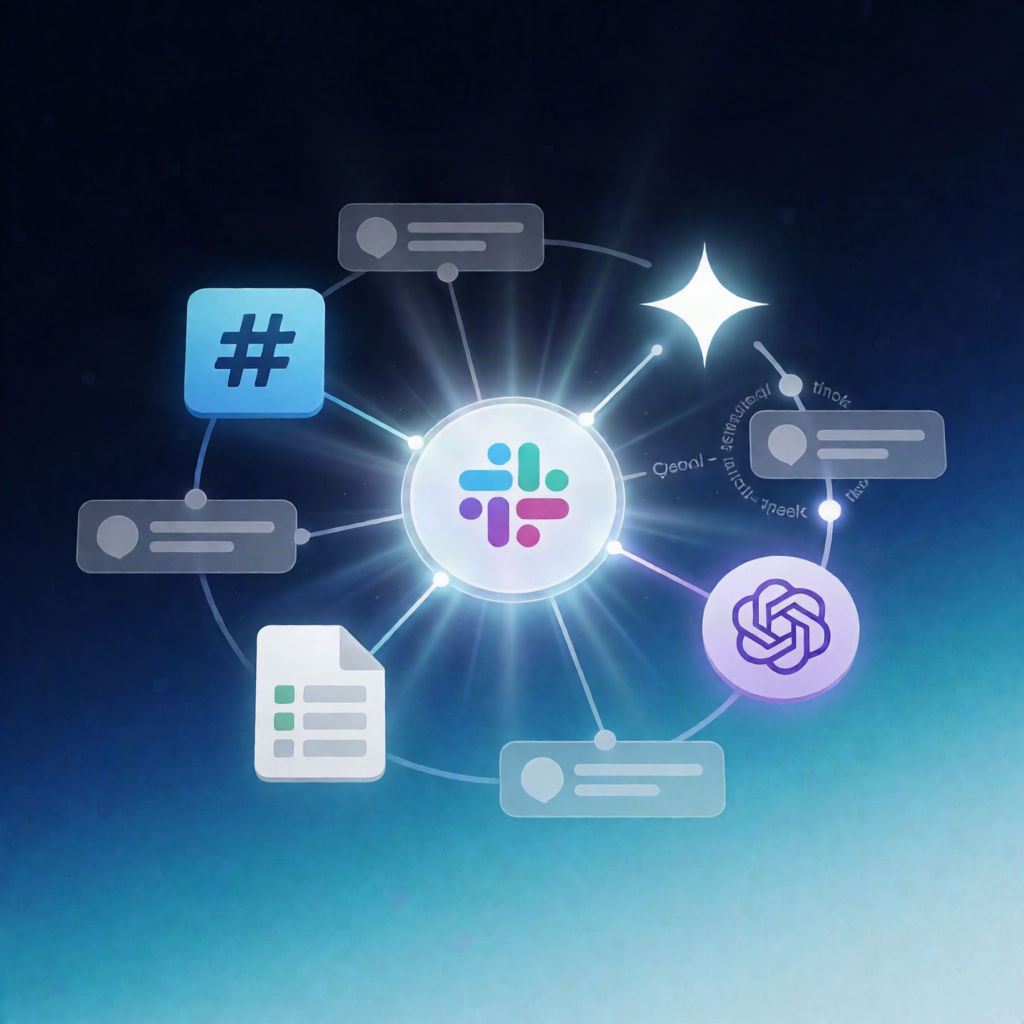
This n8n workflow automatically listens to new messages in Slack, uses an OpenAI-powered conflict-intake agent to check your Google Sheets–backed records, replies in the original thread with a preliminary result, and writes an audit trail to ConflictAuditLog.
What this workflow does
- Triggers on new Slack messages in your configured channel.
- Skips irrelevant input by ignoring bot/empty messages, then extracts message text plus Slack metadata (user, channel, timestamp).
- Prevents duplicate processing by generating a unique event key from the Slack channel and timestamp, then checking the Google Sheets ConflictAuditLog tab to avoid re-running the same message.
- Runs an OpenAI conflict-intake agent (GPT-4o-mini) that extracts the prospective client and opposing party.
- Queries a conflict-search MCP endpoint backed by Google Sheets records to find potential matches.
-
Posts a Slack thread reply indicating either:
- Potential conflict, or
- No potential conflict found in searched records
- Appends an audit record to the ConflictAuditLog tab using key fields from the Slack reply.
Use cases
- Law firms triaging incoming matter or client communications directly from Slack.
- Operations teams running a repeatable conflict check process without manual searching.
- SaaS operators standardizing auditability by logging every thread outcome to Google Sheets.
Technical details
- Integrations / nodes: Slack Trigger, if, code, Slack (thread reply), Sticky Note, Google Sheets.
- Data source: Google Sheets tabs including ConflictAuditLog (and referenced record tabs such as Clients, Matters, Parties as required).
- AI + MCP: OpenAI-powered extraction (GPT-4o-mini) and a conflict-search MCP tools endpoint querying your Sheets-backed records.
Setup checklist
- Connect Slack credentials, add the Slack app/bot to your target channel, and select the channel in the Slack trigger and thread-reply steps.
- Connect Google Sheets credentials and confirm the required tabs exist (including ConflictAuditLog).