Slack PTO Request & Emoji Approval Automation (n8n + Gemini + Google)
Slack PTO Request & Emoji Approval Automation (n8n + Gemini + Google)
Regular price
£49.99
Regular price
£49.99
Sale price
Unit price
per
⬇
Instant Digital Download
∞
Unlimited Downloads
★
Lifetime Access in Your Account
Couldn't load pickup availability
🔥
128+ Sold
Popular with n8n builders
⚡
23 people viewing
High interest right now
✅
9 added today
Fast-moving digital product

Slack PTO Request & Emoji Approval Automation (n8n + Gemini + Google)
Regular price
£49.99
Regular price
£49.99
Sale price
Unit price
per
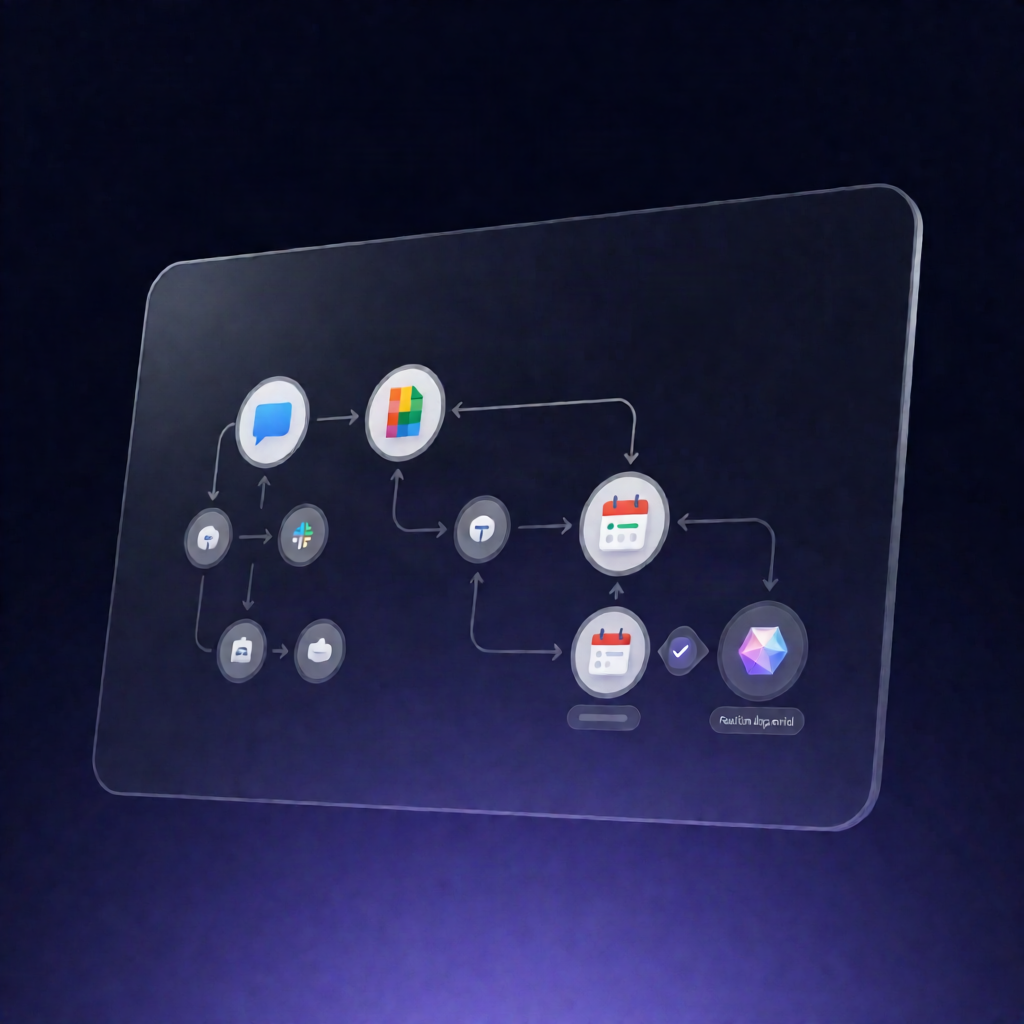
Automatically turn Slack PTO requests into Google Calendar approvals (with Gemini + emoji reactions)
This n8n workflow captures employee PTO requests in Slack, uses Google Gemini (Generative Language API) to extract the requested dates and reason, checks Google Calendar for conflicts, and then blocks the time on approval—triggered by an ✅ emoji reaction in the HR channel.
What this workflow does
- Detects new PTO requests when the workflow is mentioned in Slack (for new PTO requests).
- Extracts date range + reason with Google Gemini from the mention text (start date, end date, and reason).
- Checks Google Calendar availability by looking for busy events during the requested date range and warns the requester in Slack if conflicts exist.
- Creates an approval request for HR by posting the request to an HR Slack channel with instructions to react with ✅, and logs the pending request in Google Sheets.
- Processes HR approvals when a reaction is added: validates the ✅ reaction is in the HR channel and was added by the configured HR admin user.
- Approves in Calendar + updates status: finds the matching request in Google Sheets by the Slack message timestamp, creates an all-day PTO event in Google Calendar, updates the request status to Approved, and sends a confirmation back to the employee in Slack.
Use cases
- HR teams that want PTO approvals without manual calendar checks or spreadsheet updates.
- Distributed companies where employees submit PTO requests via Slack and HR approves using a quick emoji reaction.
- SaaS operators running n8n who need an auditable workflow tracked in Google Sheets.
Technical details
-
n8n triggers: Slack app mention + Slack
reaction_added. - AI extraction: Google Gemini via Generative Language API (Google PaLM / Generative Language API).
- Conflict checking: Google Calendar busy-event lookup and all-day PTO event creation.
- Data tracking: Google Sheets logging and status updates (Pending → Approved) using Slack timestamps.
- Core nodes mentioned: if, set, slack, sticky note, http request, google sheets.
Setup highlights: connect Slack credentials for app mentions and reactions, configure the HR channel ID and HR admin user ID, and add Google Gemini credentials.