SMS Photo Junk Removal Quote Automation (Twilio + OpenAI + n8n)
SMS Photo Junk Removal Quote Automation (Twilio + OpenAI + n8n)
Regular price
£46.99
Regular price
£46.99
Sale price
Unit price
per
⬇
Instant Digital Download
∞
Unlimited Downloads
★
Lifetime Access in Your Account
Couldn't load pickup availability
🔥
128+ Sold
Popular with n8n builders
⚡
23 people viewing
High interest right now
✅
9 added today
Fast-moving digital product

SMS Photo Junk Removal Quote Automation (Twilio + OpenAI + n8n)
Regular price
£46.99
Regular price
£46.99
Sale price
Unit price
per
Get instant junk removal quotes by text—photo-to-price with Twilio, OpenAI, and n8n
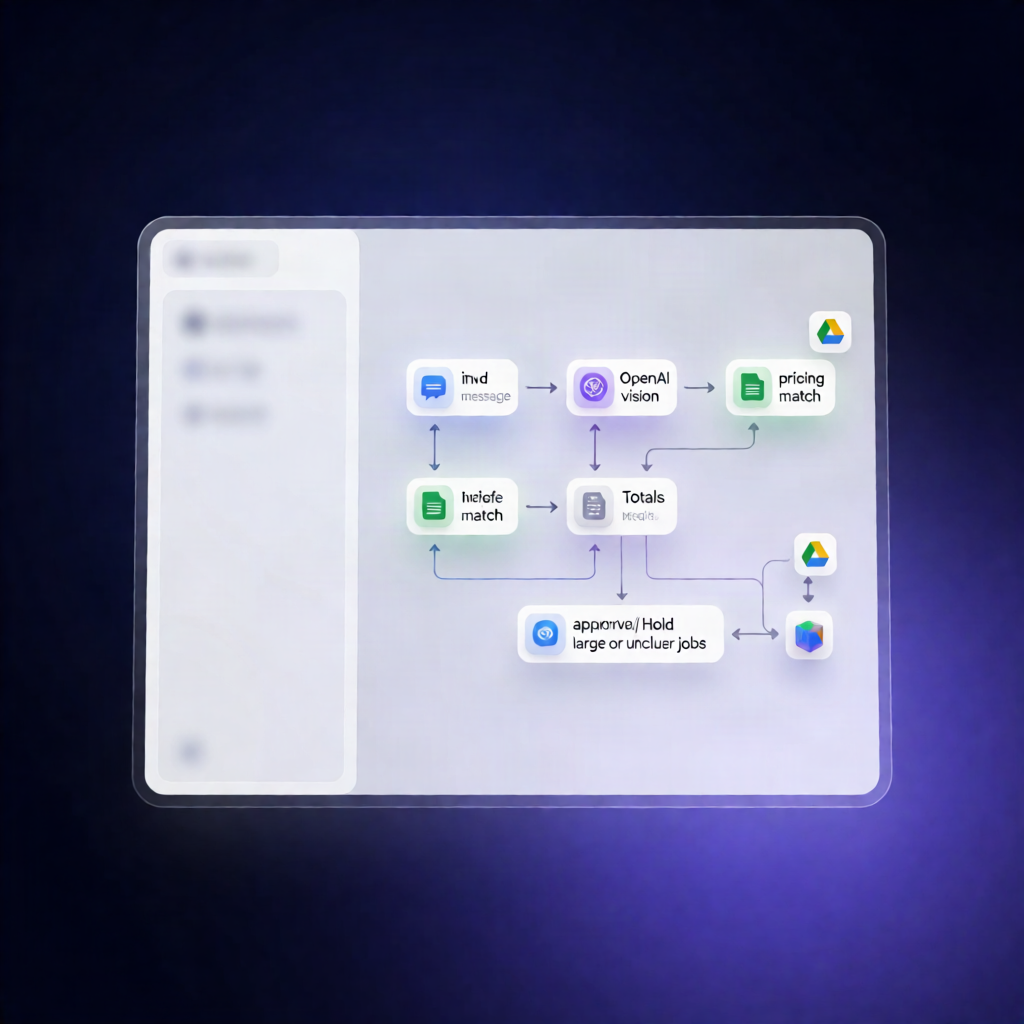
With this SMS Photo Junk Removal Quote Automation (Twilio + OpenAI + n8n), customers text photos of their junk pile to your Twilio number and get a calculated quote automatically. The workflow uses OpenAI Vision to identify items and a Google Sheets price list to total charges—then sends the quote or requests owner approval when jobs are big or unclear.
What this workflow does
- Receives inbound SMS/MMS from Twilio (or runs on a 30-minute schedule for follow-ups, and/or manually to create spreadsheets).
- Detects who sent the text by checking whether the message came from the owner’s mobile number (set in your settings). Owner replies are treated as approvals or instructions.
- For customer photos: downloads images from Twilio (optionally saving them to a Google Drive folder), then sends the full photo set to OpenAI Vision to identify items, load size, and restricted materials.
- For pricing: reads the “Price list” tab in Google Sheets, maps observed items to load sizes and extra charges, and calculates the final total in code.
- Stores the result: appends a new quote record to the “Quotes” sheet.
- Texts outcomes automatically: when rules are met, it texts the quote to the customer. If the quote is high, unclear, heavy, or includes not-accepted items, it texts the owner for approval by SMS.
- Bookings after approval: when the customer replies YES with a preferred day/time, a booking hold is placed in Google Calendar for the selected day.
Use cases
- Turn “Text us a photo” inquiries into instant SMS quotes without manual review.
- Handle conditional owner approvals for large/odd jobs via SMS (YES/NO/custom pricing instructions).
- Book and confirm schedules by placing Google Calendar holds after customer confirmation.
Technical details
- Integrations: Twilio (SMS/MMS), OpenAI Vision, Google Sheets, Google Calendar, (optional) Google Drive.
-
n8n nodes used:
if,set,code,switch,twilio,webhook.