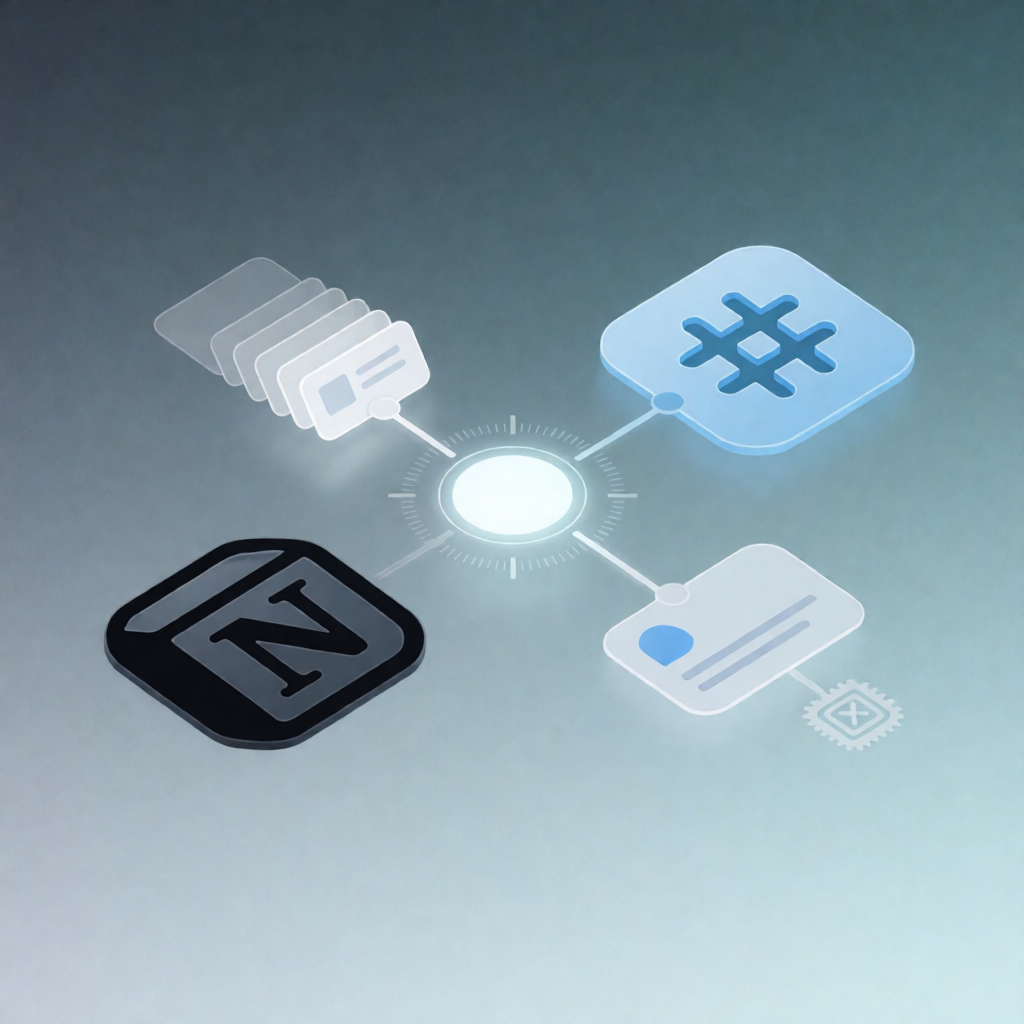
Spawn Recurring Notion Tasks via n8n Data Tables + Slack
Spawn Recurring Notion Tasks via n8n Data Tables + Slack
Regular price
£72.99
Regular price
£72.99
Sale price
Unit price
per
⬇
Instant Digital Download
∞
Unlimited Downloads
★
Lifetime Access in Your Account
Couldn't load pickup availability
🔥
128+ Sold
Popular with n8n builders
⚡
23 people viewing
High interest right now
✅
9 added today
Fast-moving digital product

Spawn Recurring Notion Tasks via n8n Data Tables + Slack
Regular price
£72.99
Regular price
£72.99
Sale price
Unit price
per
Spawn daily Notion tasks from recurrence rules—then notify your team in Slack
This n8n workflow automatically reads recurring schedules from a Notion database every day, creates the due Notion task pages in your tasks database, prevents duplicate spawns with an n8n Data Table ledger, and posts a concise summary to Slack.
What this workflow does
- Runs daily at 06:00 using the n8n Schedule Trigger.
- Loads recurrence rules by reading all pages from a Notion “recurrence rules” database.
- Evaluates which tasks are due by checking each rule against today’s date in a configurable timezone (for a correct day boundary).
-
Avoids duplicates by checking the n8n Data Table ledger named
cadence_last_spawned. If a rule already spawned today, it’s skipped. - Creates due task pages in your Notion “tasks” database and sets the task page Due date to today.
-
Updates the ledger by upserting each rule’s
last_spawned_onvalue after a spawn. - Posts a one-line summary of the created tasks to a configured Slack channel.
Use cases
- Turn recurring “maintenance” or “checklist” schedules into daily Notion tasks for your ops team.
- Use Notion recurrence settings (frequency, weekdays, day-of-month, nth weekday) to drive task creation without manual work.
- Keep stakeholders informed via Slack whenever new due tasks are generated from the rules database.
- Ensure idempotency—so reruns or scheduling hiccups don’t create duplicate task pages.
Technical details
- Integrations / nodes: Schedule Trigger, Notion (rules read + tasks create), Code (rule evaluation + timezone logic), Data Table (duplicate prevention ledger), Slack (summary posting), Sticky Note (workflow documentation).
-
Required Notion properties: rules include
rule_id,task_title,frequency,interval_days,anchor_date,weekdays,day_of_month,nth,nth_weekday,active. - Tasks database requirement: a date property named Due.
-
n8n Data Table requirement:
cadence_last_spawnedwith columnsrule_id,last_spawned_on,rule_title.