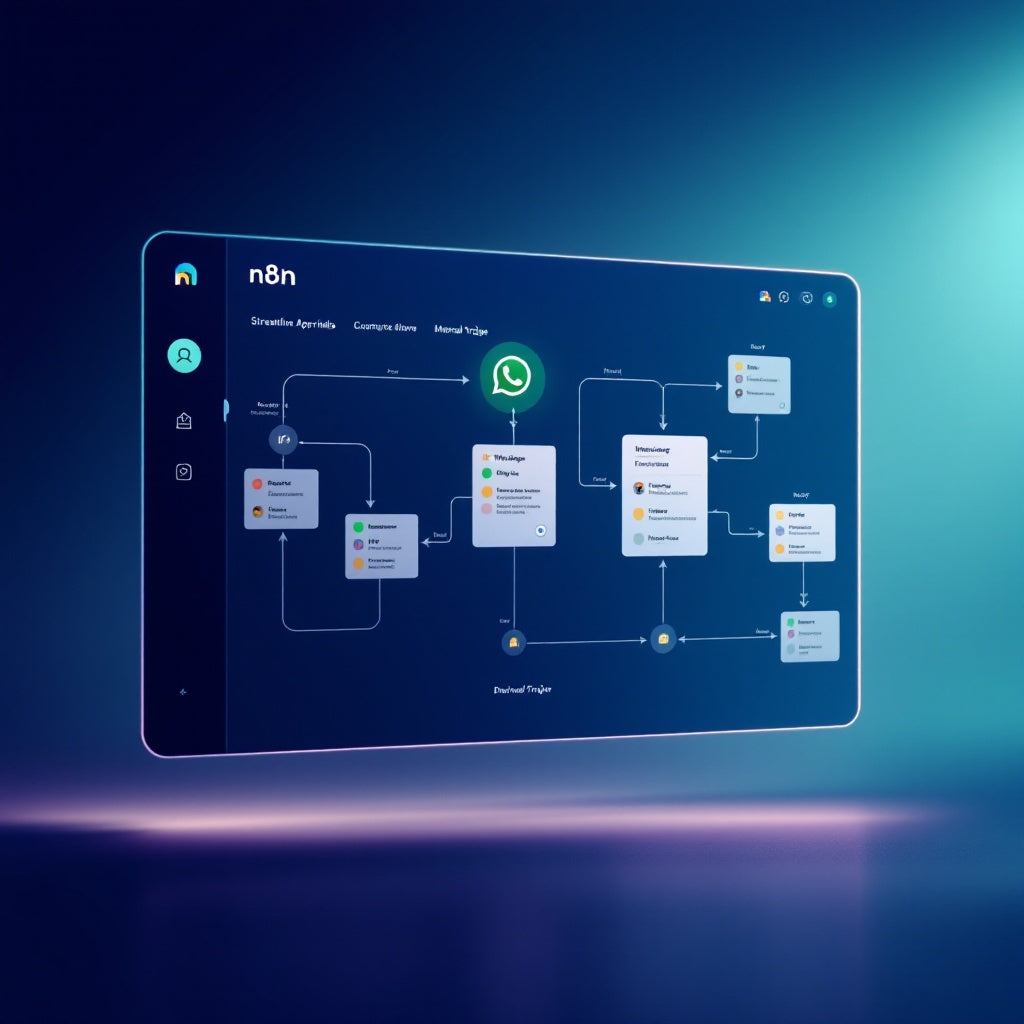
Streamline Approvals: n8n Workflow via WhatsApp & Pingwa
Streamline Approvals: n8n Workflow via WhatsApp & Pingwa
Regular price
£37.99
Regular price
£37.99
Sale price
Unit price
per
⬇
Instant Digital Download
∞
Unlimited Downloads
★
Lifetime Access in Your Account
Couldn't load pickup availability
🔥
128+ Sold
Popular with n8n builders
⚡
23 people viewing
High interest right now
✅
9 added today
Fast-moving digital product

Streamline Approvals: n8n Workflow via WhatsApp & Pingwa
Regular price
£37.99
Regular price
£37.99
Sale price
Unit price
per
Revolutionize Your Approval Process with Streamline Approvals: n8n Workflow via WhatsApp & Pingwa
Transform the way you manage approvals by integrating the power of n8n with WhatsApp and Pingwa’s Meta Cloud API. Streamline your operation by embedding a simple, yet effective approval mechanism within your workflows, making every decision swift, organized, and automated.
What This Workflow Does
- Initiate the process by manually executing your n8n workflow, ensuring full control over when approvals are sought.
- Dispatch an approval request directly to WhatsApp using Pingwa’s API, featuring two straightforward options: approve or reject.
- The system waits up to 90 seconds for a response. If the first button (approve) is pressed, the workflow continues seamlessly. Otherwise, it diverges to follow the not-approved path or exits through an error output if it times out.
Use Cases
- Executive Decision Making: Quickly obtain managerial approvals for budgets, projects, or any critical operational decisions without unnecessary delays.
- Team Collaboration: Empower team leads to respond to approval queries directly from their WhatsApp, enhancing communication and workflow speed.
- Customer Service Automation: Integrate customer service responses with streamlined internal processes for prompt action, especially in high-paced environments.
Technical Details
- Nodes Used: Manual trigger, HTTP request, If, Sticky Note.
- API Integration: Start by sending 'join' to Pingwa on WhatsApp to obtain an API key necessary for authorization.
- Configuration: Configure your HTTP request with the Pingwa API key using an Authorization bearer header. Customize your request body to specify text, button labels, and timeout values tailored to your needs.
This workflow is perfect for n8n users, automation engineers, and SaaS operators who value the efficiency of streamlined approval processes. By leveraging WhatsApp for quick responses and Pingwa’s seamless API integration, you can elevate the agility and precision of your business operations.