Streamline Loaner Computer Requests with n8n Workflow
Streamline Loaner Computer Requests with n8n Workflow
Couldn't load pickup availability

Streamline Loaner Computer Requests with n8n Workflow
Automate Your IT Equipment Loans from Request to Return
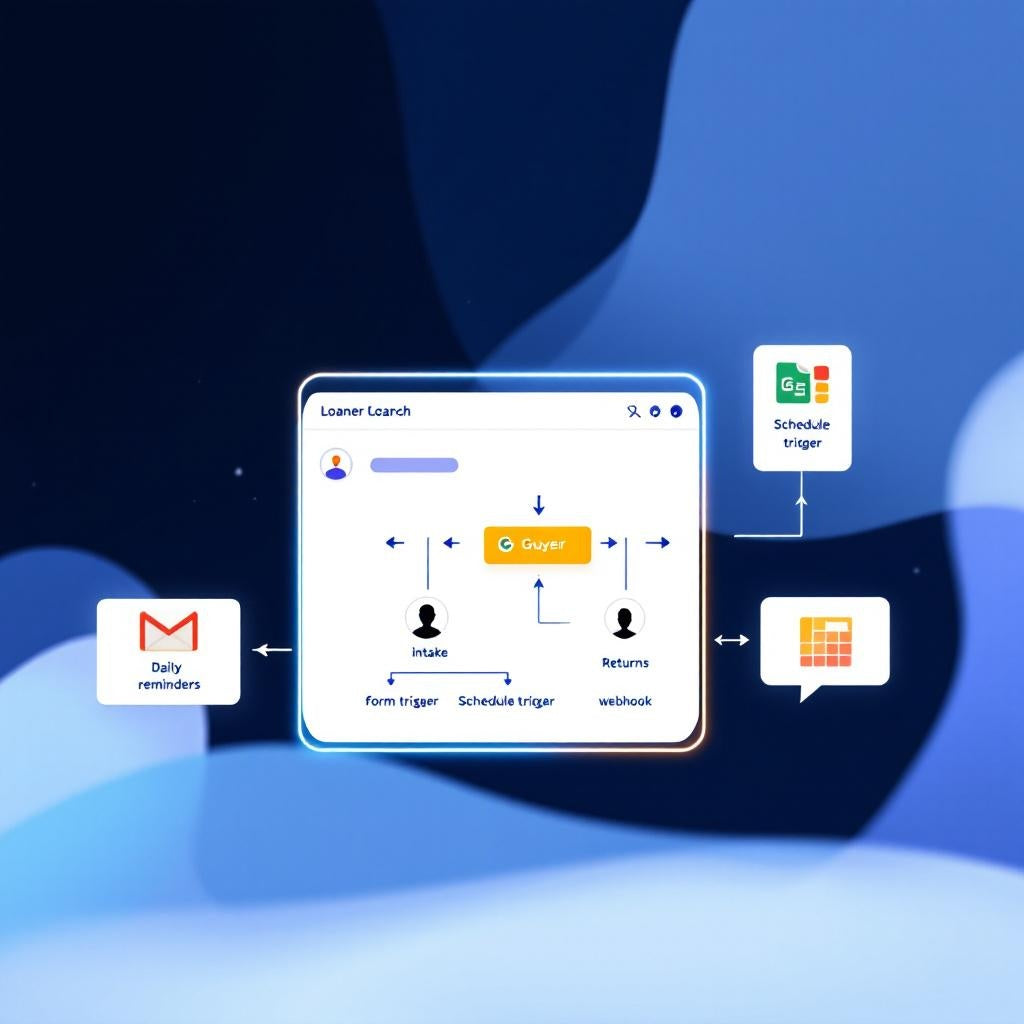
Eliminate manual tracking and forgotten equipment returns with this comprehensive n8n workflow that manages the complete lifecycle of loaner computer requests. From initial intake through daily reminder automation to seamless returns processing, this workflow ensures no device gets lost in the shuffle while keeping your IT team organized and borrowers accountable.
What This Workflow Does
This three-phase automation handles everything automatically:
- Intake Phase: Staff submit loan requests via webhook, instantly recording details in Google Sheets while sending confirmation emails to borrowers
- Daily Monitoring: Every morning at 8 AM, the system checks all active loans and sends targeted reminders—3-day warnings, due today notices, overdue alerts, or manager escalations—each sent only once to avoid spam
- Return Processing: Single form submission closes loans completely and stops all future reminder emails automatically
Use Cases
- IT departments managing laptop loans for remote workers or temporary staff
- Educational institutions tracking device loans to students and faculty
- Corporate offices handling equipment requests for conferences and travel
- Service companies lending tablets or devices to field technicians
Technical Details
This n8n workflow leverages multiple nodes for seamless automation:
- Webhook nodes for loan request and return form submissions
- Google Sheets integration with 14-column tracking system including borrower details, due dates, and reminder status
- Gmail automation for confirmation emails and progressive reminder sequences
- Switch and If nodes for intelligent reminder logic and loan status management
- Code nodes for date calculations and data processing
- Cron scheduling for automated daily monitoring at 8 AM
Setup requires Gmail OAuth credentials, a properly formatted Google Sheet with the Loans tab, and updating your manager's email for escalation notices. Once activated, both webhook URLs are live immediately, making this workflow ready for production use.