Stripe Charge Receipt PDF Workflow (Gmail, Drive, Slack) for n8n
Stripe Charge Receipt PDF Workflow (Gmail, Drive, Slack) for n8n
Regular price
£49.99
Regular price
£49.99
Sale price
Unit price
per
⬇
Instant Digital Download
∞
Unlimited Downloads
★
Lifetime Access in Your Account
Couldn't load pickup availability
🔥
128+ Sold
Popular with n8n builders
⚡
23 people viewing
High interest right now
✅
9 added today
Fast-moving digital product

Stripe Charge Receipt PDF Workflow (Gmail, Drive, Slack) for n8n
Regular price
£49.99
Regular price
£49.99
Sale price
Unit price
per
Automatically generate and deliver Stripe charge receipts as branded PDFs—instantly
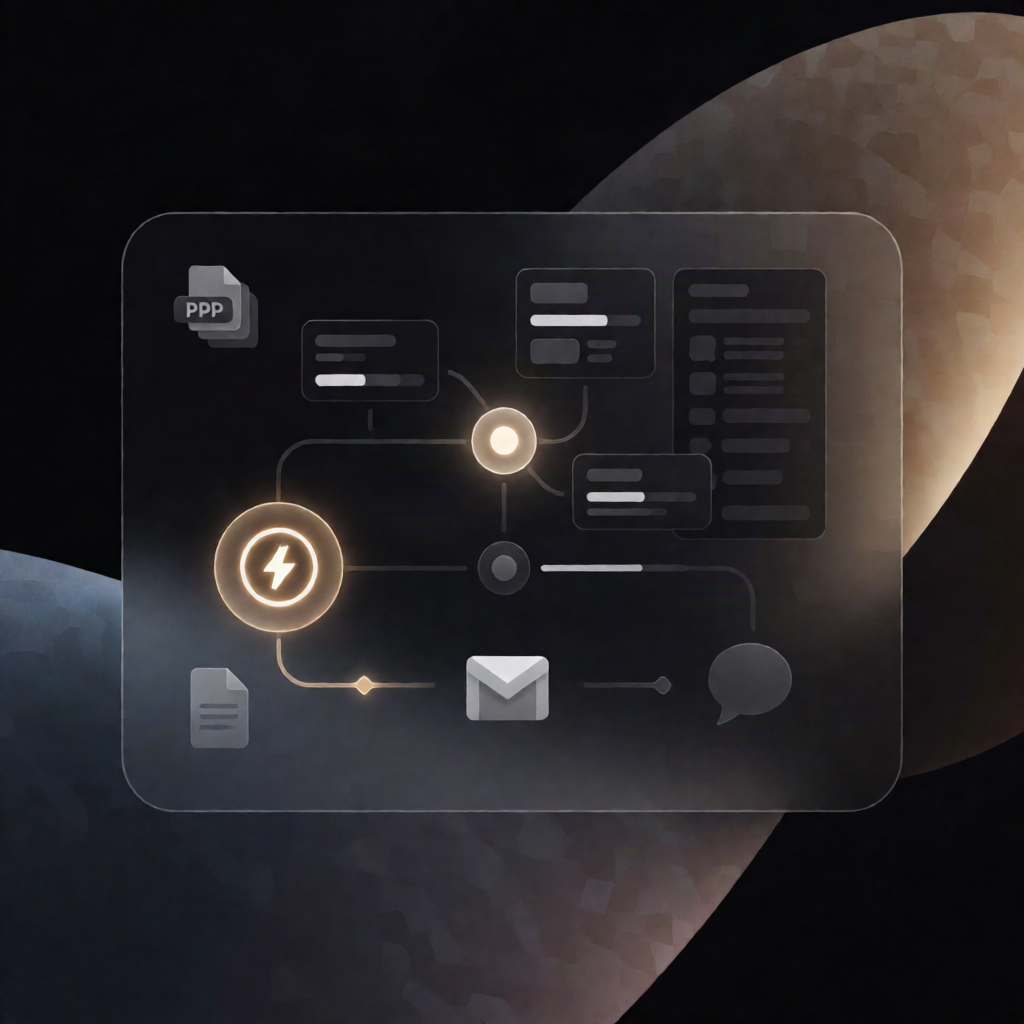
This Stripe Charge Receipt PDF workflow for n8n listens for successful payments, renders a branded receipt PDF using EmitForge, emails it to your customer with Gmail, optionally archives the PDF to Google Drive, and confirms delivery in Slack.
What this workflow does
-
Triggers on payment success: Starts when Stripe emits a
charge.succeededevent to your n8n instance. - Enriches receipt details: Adds your company name, address, support email, and locale to the incoming Stripe charge data.
-
Transforms charge data into receipt-ready fields: Prepares customer details, payment method label, formatted totals, and optional line items from
metadata.items. - Validates customer email: Stops processing if the charge does not include a customer email address.
- Renders a PDF receipt: Sends the HTML receipt template and data to EmitForge to generate the PDF, then downloads the resulting file.
- Delivers and archives: Emails the PDF receipt to the customer via Gmail while also saving the same PDF to Google Drive.
- Notifies your team: Posts a one-line “receipt sent” confirmation to a Slack channel.
Use cases
- SaaS operators who need instant, branded Stripe receipts without manual PDF creation.
- E-commerce teams wanting automatic customer delivery plus internal archiving in Google Drive.
- Automation engineers building reliable payment-document workflows with n8n, Stripe webhooks/events, and EmitForge.
Technical details
-
Trigger: Stripe Trigger for
charge.succeeded -
Logic and data handling:
if,set, andcodenodes - Email: Gmail (OAuth credential)
- PDF rendering: EmitForge endpoint using a header auth credential (e.g., Bearer API key)
- Optional archive/notifications: Google Drive and Slack
- Notes: Includes a sticky note for setup guidance