Stripe Invoice PDF Automation with PDFops, S3, Gmail & Slack
Stripe Invoice PDF Automation with PDFops, S3, Gmail & Slack
Regular price
£62.99
Regular price
£62.99
Sale price
Unit price
per
⬇
Instant Digital Download
∞
Unlimited Downloads
★
Lifetime Access in Your Account
Couldn't load pickup availability
🔥
128+ Sold
Popular with n8n builders
⚡
23 people viewing
High interest right now
✅
9 added today
Fast-moving digital product

Stripe Invoice PDF Automation with PDFops, S3, Gmail & Slack
Regular price
£62.99
Regular price
£62.99
Sale price
Unit price
per
Automatically generate, store, and deliver Stripe invoice PDFs—end to end
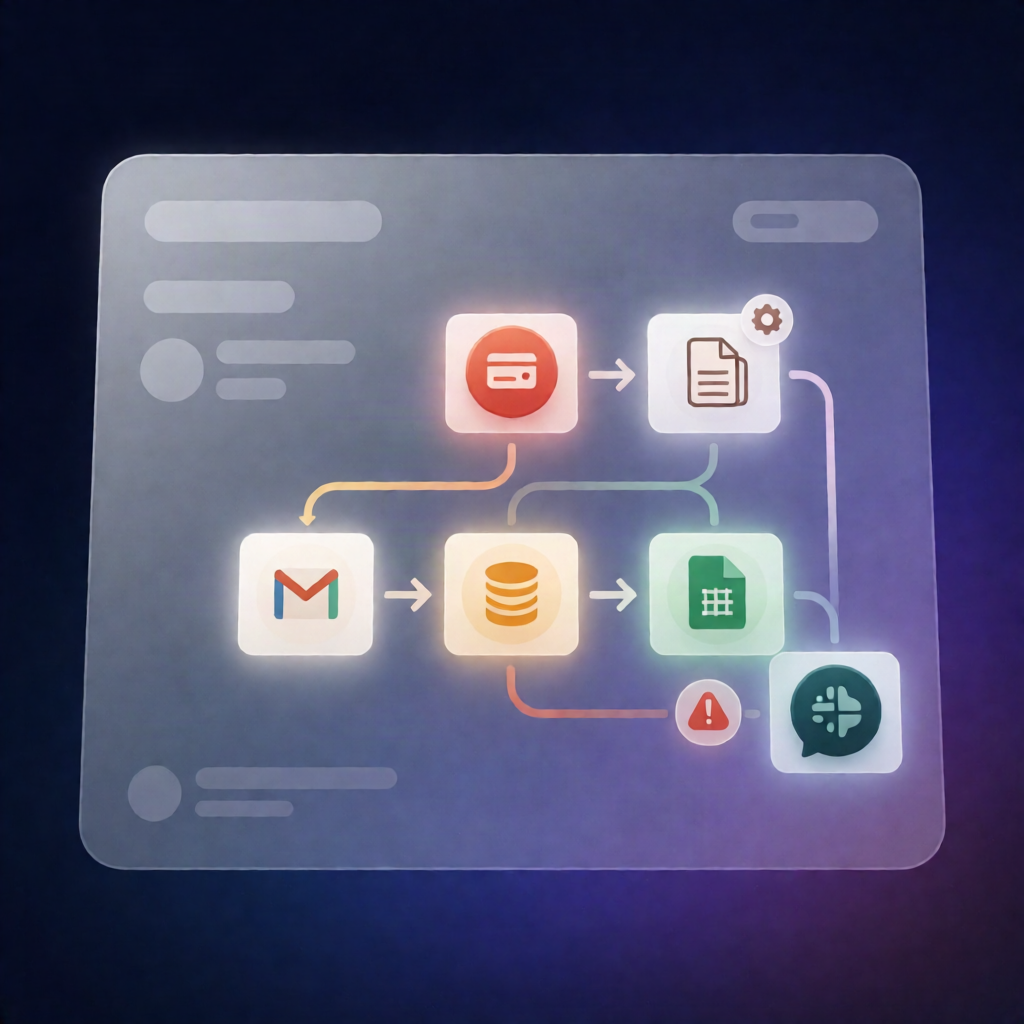
This n8n workflow listens for successful Stripe payments, generates a branded invoice PDF using PDFops, archives it to Amazon S3, emails it to your customer via Gmail, logs the transaction in Google Sheets, and notifies your team in Slack—with error alerts included.
What this workflow does
-
Triggers on Stripe success: Starts on
payment_intent.succeededevents and ignores payments below your configured minimum amount. - Fetches customer details: Retrieves the Stripe customer to determine the billing name and email, falling back to the payment receipt email when needed.
- Builds an invoice payload correctly: Converts Stripe smallest-unit amounts properly, including support for zero-decimal currencies. Optionally derives the net amount when a tax rate is provided.
- Renders the invoice with PDFops: Uses PDFops to transform the invoice payload into a PDF file.
- Archives and records invoices: Uploads the PDF to an Amazon S3 bucket and appends an invoice record to a Google Sheets “Invoices” ledger.
- Delivers via Gmail (when available): If a customer email exists, sends the PDF as an attachment using Gmail. If not, posts a Slack message noting the invoice was archived but not emailed.
- Slack error alerts: If payload generation or PDF rendering fails, posts an error alert to Slack with the Stripe payment ID.
Use cases
- SaaS teams that need automatic invoice PDFs after successful Stripe charges.
- E-commerce operators who want secure PDF storage in Amazon S3 and auditable logging in Google Sheets.
- Automation engineers who want reliable delivery via Gmail and visibility via Slack alerts.
Technical details
-
PDFops (community node:
n8n-nodes-pdfops) for invoice PDF rendering -
Stripe event trigger (
payment_intent.succeeded) - Amazon S3 upload for PDF archiving
- Gmail to email the invoice PDF attachment
- Google Sheets to maintain an “Invoices” ledger
- Slack for operational notifications and error alerts
- Uses core logic nodes such as if, set, code, and no op
Ideal for: n8n users, automation engineers, and SaaS operators who want a Stripe invoice PDF workflow that’s accurate (including zero-decimal currencies) and production-aware.