Sync Asana Task Updates to Google Calendar Events (n8n)
Sync Asana Task Updates to Google Calendar Events (n8n)
Regular price
£35.99
Regular price
£35.99
Sale price
Unit price
per
⬇
Instant Digital Download
∞
Unlimited Downloads
★
Lifetime Access in Your Account
Couldn't load pickup availability
🔥
128+ Sold
Popular with n8n builders
⚡
23 people viewing
High interest right now
✅
9 added today
Fast-moving digital product

Sync Asana Task Updates to Google Calendar Events (n8n)
Regular price
£35.99
Regular price
£35.99
Sale price
Unit price
per
Automatically keep Asana task details in sync with your Google Calendar events
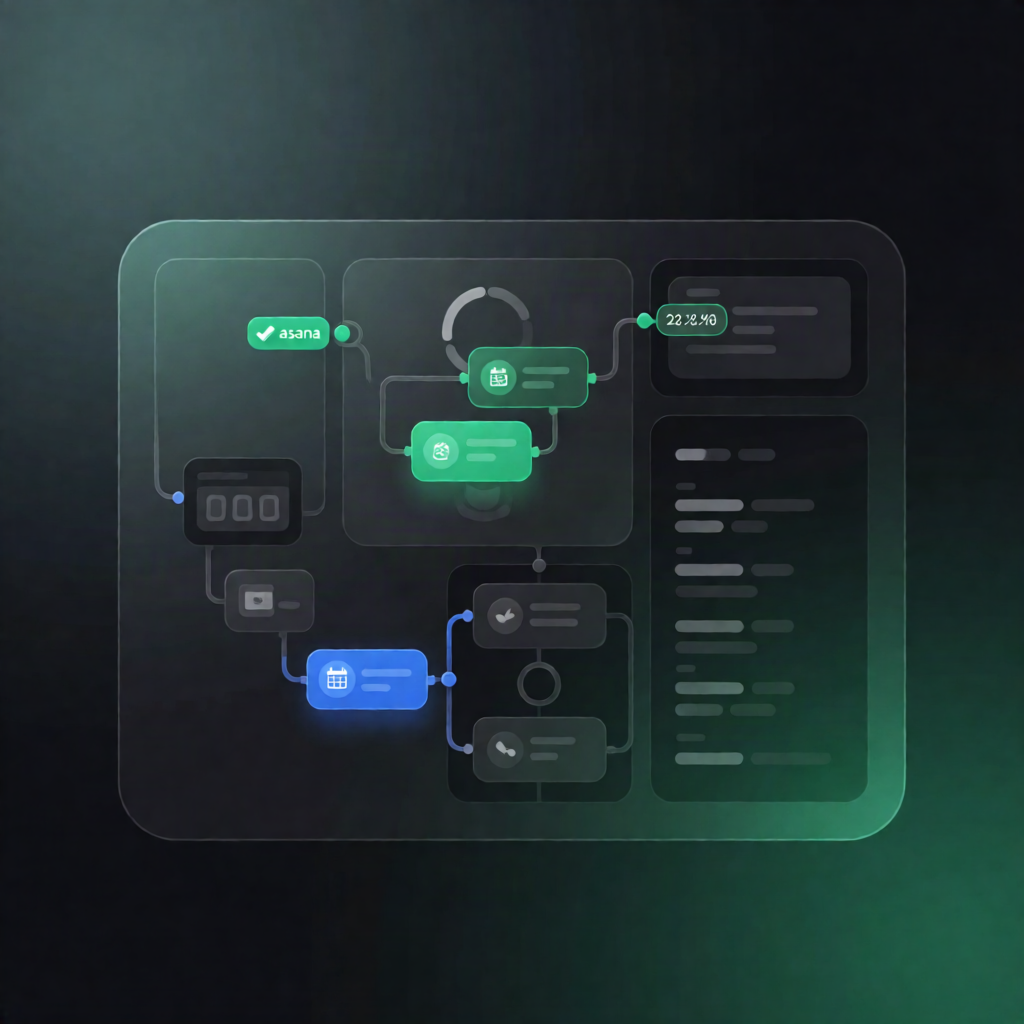
This n8n workflow listens for updates to tasks in your Asana project and then updates the matching Google Calendar event—so titles, descriptions, attendees, and even start/end times stay aligned without manual work.
What this workflow does
- Detects changes in Asana: Triggers when an Asana task changes in the selected workspace/project.
- Prevents duplicate processing: Looks up the task’s record in an n8n Data Table sync log and ignores updates that were already synced using the stored LastSyncedUpdate timestamp.
- Finds the linked calendar event: Retrieves Asana task details (including assignee and followers) and uses the sync log to locate the corresponding Google Calendar event.
- Compares and updates only what changed: Checks for differences in task name, description, attendees (restricted to a configured company email domain), and start/end date/time values.
- Updates Google Calendar: Applies the detected differences to the event fields.
- Logs progress for next runs: Writes the task’s latest modified timestamp back to the Data Table sync log to avoid reprocessing the same change.
Use cases
- When tasks are rescheduled in Asana, your meetings automatically move in Google Calendar.
- Keep event descriptions and titles current as task details evolve.
- Maintain attendee accuracy by syncing followers/assignees within your company email domain.
- Reduce operational overhead for SaaS teams managing delivery, launches, or recurring workflows.
Technical details
- Integrations: Asana (OAuth2), Google Calendar (OAuth2), n8n Data Table
- Nodes/logic mentioned: set, asana, merge, filter, switch, split out
- Required Data Table columns: CalendarEventID, AsanaTaskID, LastSyncedUpdate
- Configuration: Set your Google Calendar ID and company email domain to determine which attendees are added/removed.