Sync CRM & Accounting via HTTP APIs + Google Sheets
Sync CRM & Accounting via HTTP APIs + Google Sheets
Regular price
£14.99
Regular price
£14.99
Sale price
Unit price
per
⬇
Instant Digital Download
∞
Unlimited Downloads
★
Lifetime Access in Your Account
Couldn't load pickup availability
🔥
128+ Sold
Popular with n8n builders
⚡
23 people viewing
High interest right now
✅
9 added today
Fast-moving digital product

Sync CRM & Accounting via HTTP APIs + Google Sheets
Regular price
£14.99
Regular price
£14.99
Sale price
Unit price
per
Two-way CRM ↔ Accounting sync every 15 minutes—automatically resolves conflicts and logs them to Google Sheets
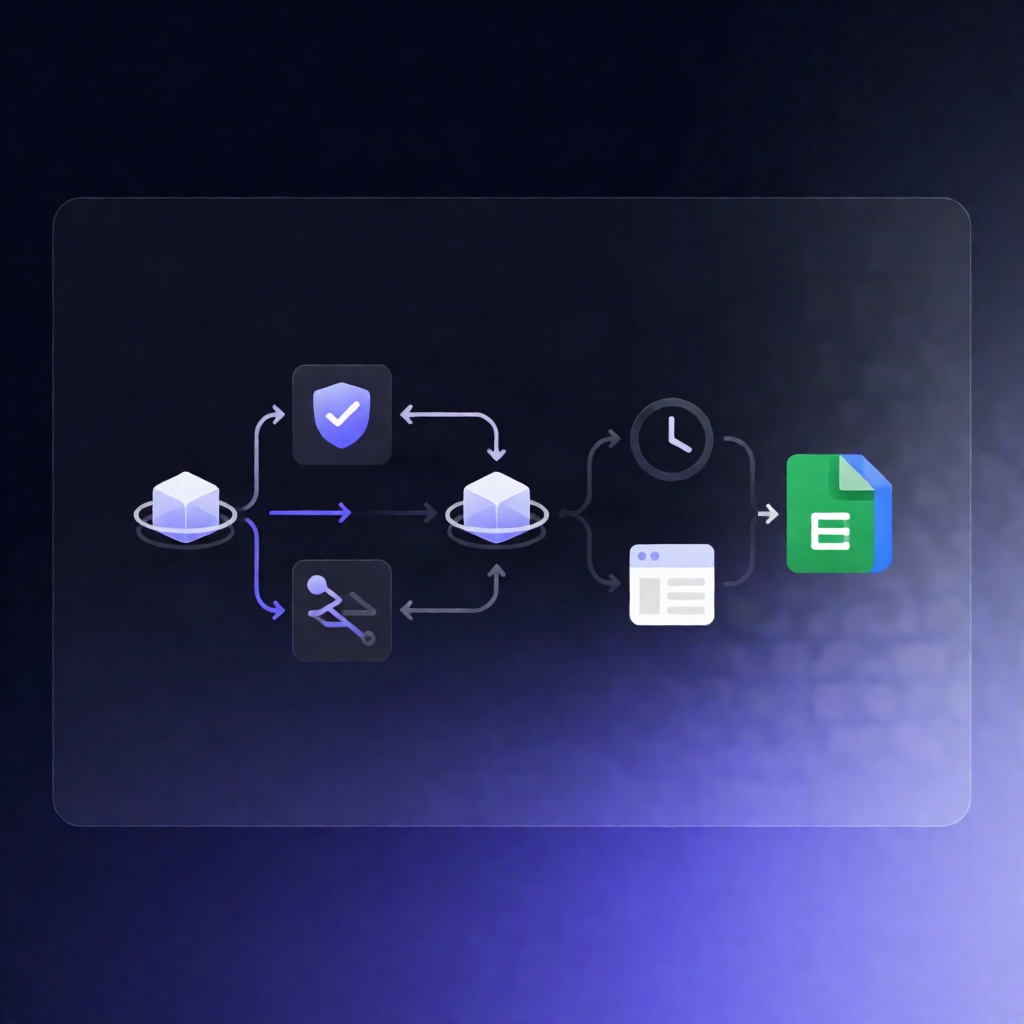
This n8n workflow keeps two HTTP API-based systems in sync (for example, a CRM and an accounting tool). It runs on a schedule, compares changes since the last successful run, resolves update conflicts using the newest updatedAt, and records any conflicts in Google Sheets for review.
What this workflow does
- Runs every 15 minutes using a Schedule Trigger.
- Calculates a sync window based on the last successful run time stored in the workflow’s static data.
- Fetches changed records from System A and System B via HTTP APIs (using configured “get changed records” endpoints).
-
Matches records by
externalId, so the same customer/contact/invoice can be updated across both systems. - Skips updates that originated from the workflow itself (prevents endless sync loops).
-
Auto-resolves conflicts when both sides changed: it chooses the record version with the latest
updatedAt. - Logs conflicts to Google Sheets with key details (including winner, timestamps, and resolution time) for human verification.
- Pushes updates via HTTP PUT to both systems and retries queued pushes that haven’t shown up yet.
Use cases
- Sync CRM contact/customer changes to an accounting system so records stay consistent without manual exports.
- Keep invoice- or customer-related updates aligned between two SaaS tools when both may be edited independently.
- Provide operational transparency by writing all conflict details to Google Sheets for auditing and dispute resolution.
Technical details
- Nodes/logic used: Schedule Trigger, HTTP Request, Code, Google Sheets, and conditional logic (if).
- Requires both systems to expose
externalIdfor matching andupdatedAtfor conflict resolution (or update field names in the code). - Setup includes configuring HTTP header authentication, replacing placeholder API URLs (e.g., YOUR_SYSTEM_A_API / YOUR_SYSTEM_B_API), and adding Google Sheets credentials.