Sync Spotify Liked Songs to Playlist with n8n + Gotify Alerts
Sync Spotify Liked Songs to Playlist with n8n + Gotify Alerts
Regular price
£42.99
Regular price
£42.99
Sale price
Unit price
per
⬇
Instant Digital Download
∞
Unlimited Downloads
★
Lifetime Access in Your Account
Couldn't load pickup availability
🔥
128+ Sold
Popular with n8n builders
⚡
23 people viewing
High interest right now
✅
9 added today
Fast-moving digital product

Sync Spotify Liked Songs to Playlist with n8n + Gotify Alerts
Regular price
£42.99
Regular price
£42.99
Sale price
Unit price
per
Sync your Spotify Liked Songs to a playlist—automatically, with Gotify alerts
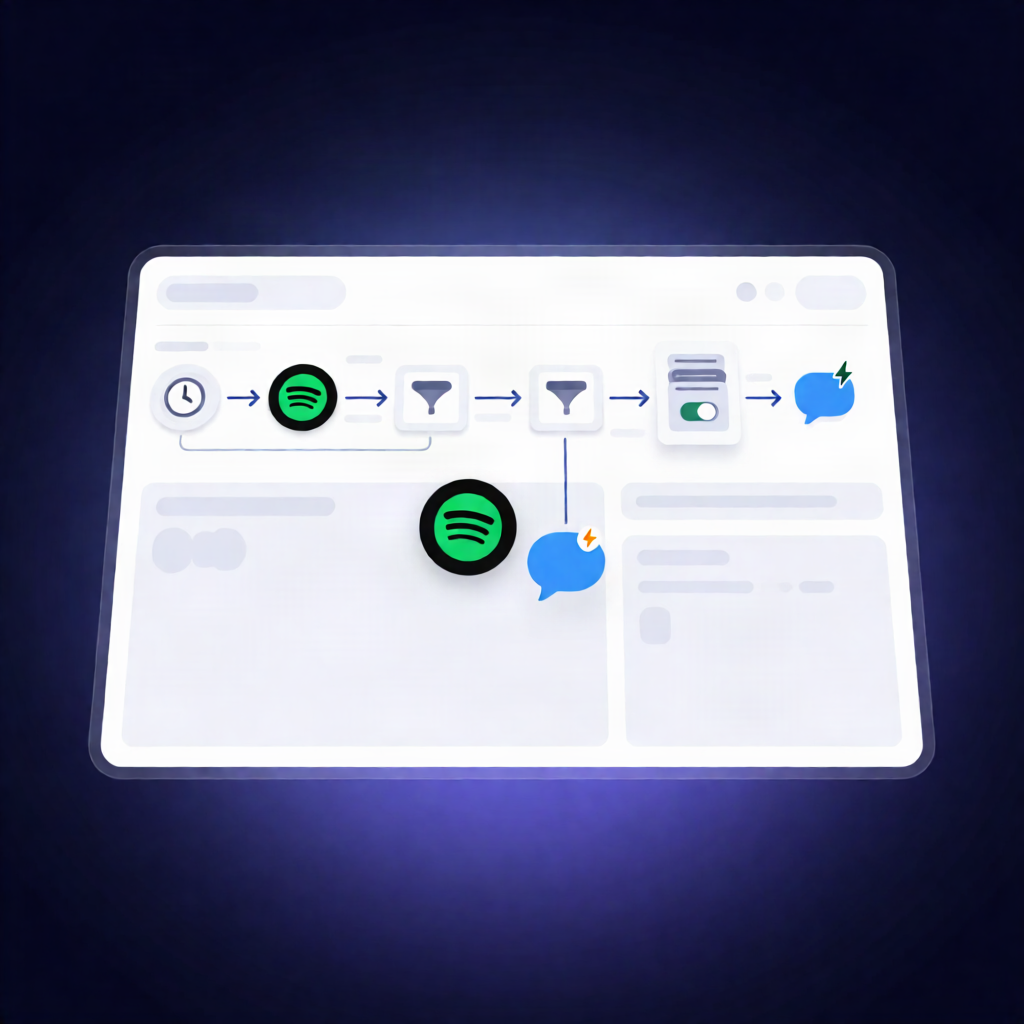
This n8n workflow keeps your chosen Spotify playlist perfectly in sync with your Spotify Liked Songs. On a schedule (or manually), it adds newly liked tracks, removes tracks you’ve unliked, and then sends Gotify notifications with counts and runtime—so you always know what changed.
What this workflow does
- Runs on a schedule (or you can run it manually) and uses a configured target playlist name and a start timestamp.
- Fetches all Spotify Liked Songs and sorts them by the time they were added.
- Loads your Spotify playlists, filters to the playlist whose name matches the configured destination name, and retrieves its current tracks.
- Compares tracks by track URI to determine what’s missing (to add) and what should be removed (to delete).
- Adds newly liked tracks to the destination Spotify playlist (with optional success counting).
- Deletes tracks no longer in Liked Songs from the destination playlist (with optional success counting).
- Sends two Gotify notifications: one summarizing tracks added and one summarizing tracks deleted, including elapsed runtime.
Use cases
- Create a “Liked Songs Archive” playlist that stays current as you like/unlike tracks.
- Maintain a curated playlist for a specific time window using the workflow’s start timestamp behavior.
- Give yourself operational visibility with Gotify—useful for SaaS operators and automation engineers who want confirmations without checking Spotify.
Technical details
- Spotify integration: requires permissions to read your library and manage playlists.
- Workflow trigger: schedule trigger (or manual run) with configuration for varplaylistto (destination playlist name).
- Core node logic: set, no op, sort, merge, filter, gotify.
- Gotify notifications: sends completion summaries for additions and deletions including counts and runtime.