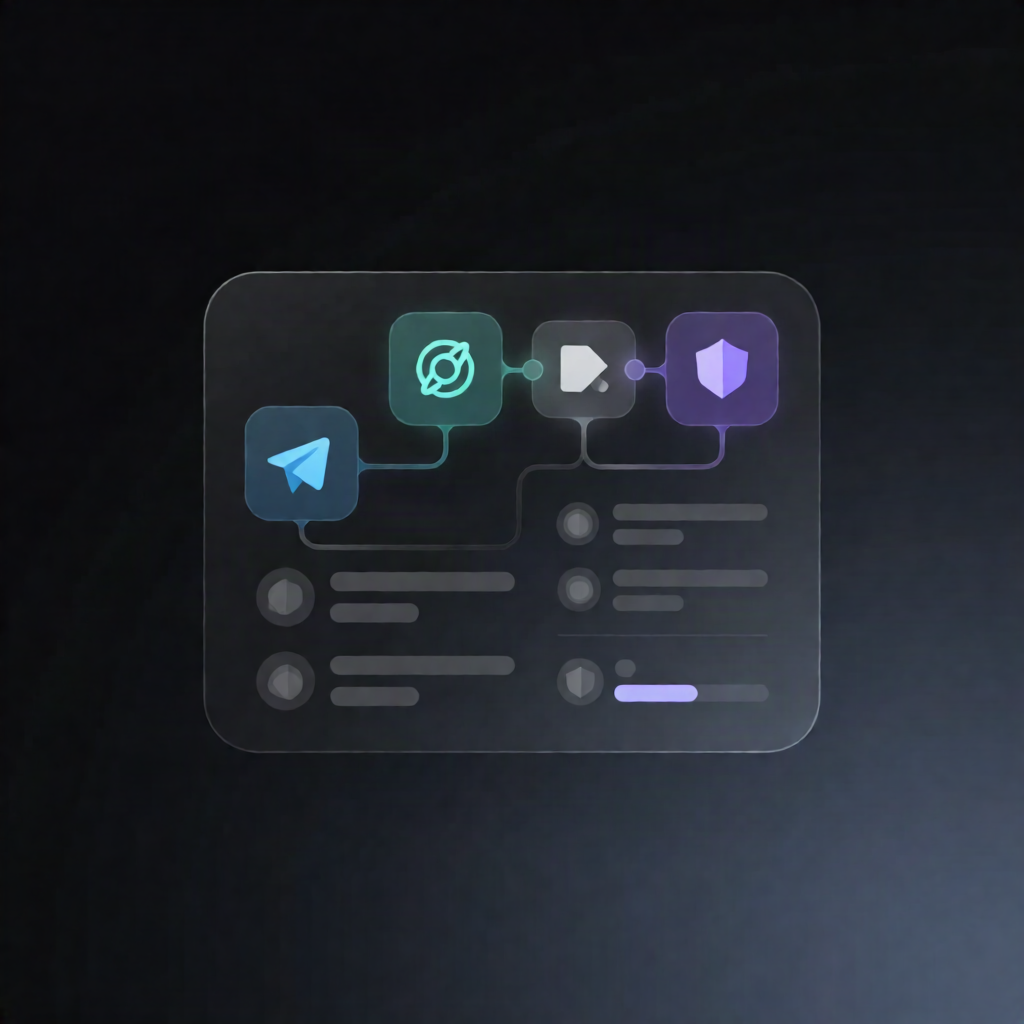
Telegram AI Reply n8n Workflow: Ollama, OpenAI, Anthropic
Telegram AI Reply n8n Workflow: Ollama, OpenAI, Anthropic
Regular price
£67.99
Regular price
£67.99
Sale price
Unit price
per
⬇
Instant Digital Download
∞
Unlimited Downloads
★
Lifetime Access in Your Account
Couldn't load pickup availability
🔥
128+ Sold
Popular with n8n builders
⚡
23 people viewing
High interest right now
✅
9 added today
Fast-moving digital product

Telegram AI Reply n8n Workflow: Ollama, OpenAI, Anthropic
Regular price
£67.99
Regular price
£67.99
Sale price
Unit price
per
Instant Telegram AI replies—powered by Ollama, OpenAI, or Anthropic (with safe fallbacks)
This n8n workflow automatically responds to your Telegram bot messages using your chosen AI provider (Ollama, OpenAI, or Anthropic). It injects your business notes and conversation history for context, and when the AI can’t answer—or an AI request fails—it sends a predefined fallback message so customers always get a response.
What this workflow does
- Triggers on new Telegram messages received by your bot.
- Loads recent conversation turns for the Telegram chat from n8n workflow static data, building context over time.
- Creates a provider-specific JSON-only prompt containing your business_name, knowledge (one fact per line), conversation history, and the new user message.
- Sends the request via HTTP to the selected AI endpoint (Ollama, OpenAI, or Anthropic).
- Parses the AI response as JSON and only uses the model’s reply when it marks the question as answerable; otherwise it uses cannot_answer_message.
- Sends the chosen reply back to Telegram and appends both user and bot messages to the stored chat log.
- Handles errors gracefully: if the AI call errors, it sends the fallback message to Telegram.
Use cases
- Answering customer questions on Telegram using your internal business notes (FAQs, product facts, policies).
- Providing consistent support responses when AI is uncertain or unavailable.
- Building an operator-friendly SaaS support assistant with conversation context across multiple messages.
Technical details
- Triggers/communication: Telegram Trigger, Telegram send-message
- Workflow logic & data: set, code, sticky note, and n8n workflow static data for chat history
- AI integration: HTTP request to Ollama, OpenAI, or Anthropic endpoints
- Setup: configure business_name and knowledge in the Settings node; for Ollama ensure Ollama is reachable at ollama_url and the model is pulled locally; optionally set ai_provider, ai_model, and cannot_answer_message.