Telegram Bot Lead Capture: Google Sheets + Gmail + MySQL
Telegram Bot Lead Capture: Google Sheets + Gmail + MySQL
Regular price
£36.99
Regular price
£36.99
Sale price
Unit price
per
⬇
Instant Digital Download
∞
Unlimited Downloads
★
Lifetime Access in Your Account
Couldn't load pickup availability
🔥
128+ Sold
Popular with n8n builders
⚡
23 people viewing
High interest right now
✅
9 added today
Fast-moving digital product

Telegram Bot Lead Capture: Google Sheets + Gmail + MySQL
Regular price
£36.99
Regular price
£36.99
Sale price
Unit price
per
Capture Telegram “Call Request” leads and instantly sync them to Google Sheets, MySQL, and Gmail
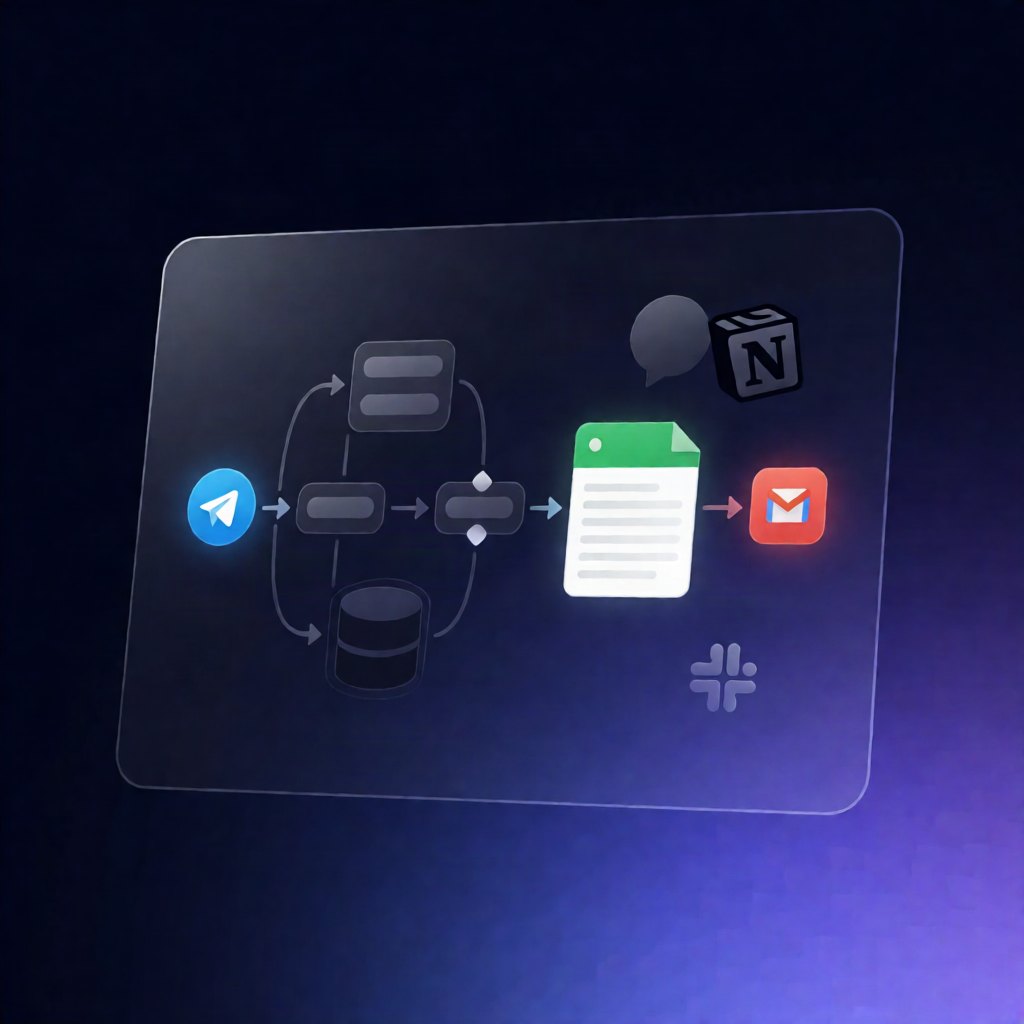
This n8n workflow powers a button-driven Telegram bot that collects call request details from users, validates a mobile number, then logs each lead to Google Sheets and MySQL while sending a Gmail notification to your team.
What this workflow does
- Telegram-triggered conversations: The workflow starts on new Telegram messages and inline button clicks, routing users through a main menu, service sub-menus, and service detail screens.
- Call Request data capture: When a user taps Call Request, the bot collects name, validates a mobile number, optionally captures an email address, asks for the desired service, and can record notes.
- Save leads to Google Sheets: It appends the captured lead details to a Google Sheets tab named “Call Requests” (with columns matching the appended fields).
- Save leads to MySQL: It inserts the same lead record into a MySQL table named call_requests. (If you don’t need database storage, the MySQL step can be disabled.)
- Email your team via Gmail: It sends a Gmail notification containing the lead details and confirms receipt back to the user inside Telegram.
Use cases
- Collect call-back requests for a service business directly from Telegram without manual data entry.
- Centralize lead storage for sales or support teams using Google Sheets for reporting and MySQL for structured history.
- Route inbound Telegram leads to your team instantly with Gmail alerts and confirmation messages.
Technical details
- Telegram: Trigger on new messages + inline button interactions; maintains per-chat conversation state.
- Logic: Uses if, switch, and code nodes for routing, validation, and data handling.
- Google Sheets: Appends lead rows into the “Call Requests” sheet.
- Gmail: Sends team notifications with lead details.
- MySQL: Inserts into the call_requests table.