Telegram to Google Calendar Appointments (Gemini) + Reminders
Telegram to Google Calendar Appointments (Gemini) + Reminders
Regular price
£3.99
Regular price
£3.99
Sale price
Unit price
per
⬇
Instant Digital Download
∞
Unlimited Downloads
★
Lifetime Access in Your Account
Couldn't load pickup availability
🔥
128+ Sold
Popular with n8n builders
⚡
23 people viewing
High interest right now
✅
9 added today
Fast-moving digital product

Telegram to Google Calendar Appointments (Gemini) + Reminders
Regular price
£3.99
Regular price
£3.99
Sale price
Unit price
per
Telegram messages automatically become Google Calendar appointments—with 24-hour & 1-hour reminders
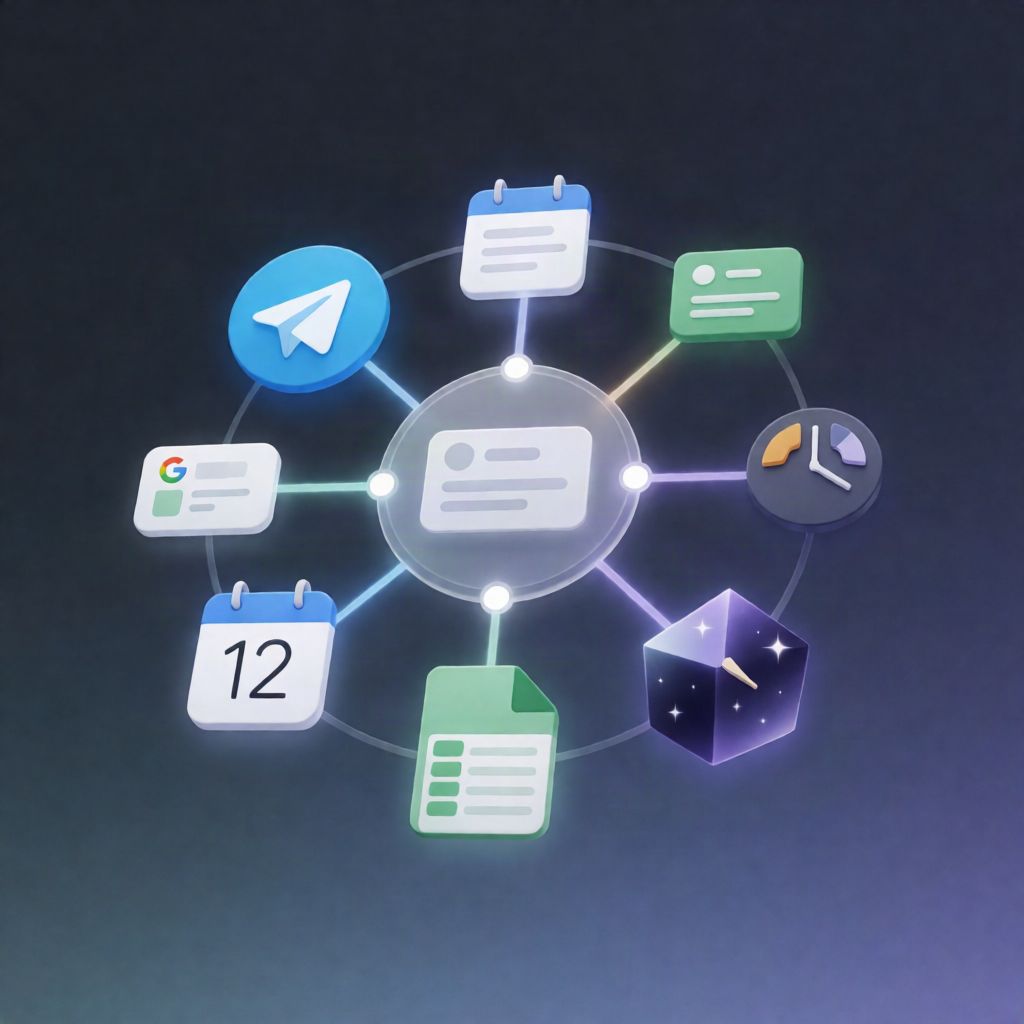
This n8n workflow turns incoming Telegram messages into Google Calendar events using a Google Gemini AI agent, logs bookings in Google Sheets, and sends Telegram reminders exactly 24 hours and 1 hour before—without duplicate sends.
What this workflow does
- Listens for new Telegram messages and extracts the chat ID and message text.
- Uses a Google Gemini AI agent to parse the message into structured appointment details: title, start/end time, location, and notes.
- Validates and completes details: if an end time is missing, it defaults to 60 minutes. If the date/time is missing or ambiguous, it asks the user on Telegram for clarification.
- Creates the appointment in Google Calendar once the required details are available.
- Logs the booking to a Google Sheets “Appointments” sheet, including the event ID and chat ID, and sends a confirmation back to Telegram.
- Runs every 15 minutes to review upcoming events within the next 25 hours and targets reminders roughly 24 hours and 1 hour away.
- Sends Telegram reminders and records each send in a Google Sheets “ReminderLog” to prevent duplicates.
Use cases
- Convert client messages in Telegram into scheduled consultations automatically.
- Collect appointment requests via Telegram and confirm bookings in Google Calendar.
- Reduce no-shows with automated 24-hour and 1-hour reminder messages.
Technical details
- n8n nodes/steps include: Telegram, Google Gemini, Google Calendar, Google Sheets, if, code, and a sticky note for workflow guidance.
- Authentication: Google OAuth2 for Google Calendar and Google Sheets; Telegram bot credentials for message trigger.
- Uses Google Sheets “Appointments” and “ReminderLog” to store event metadata and deduplicate reminders.