Trello to Discord Webhook: Post New & Moved Cards (n8n)
Trello to Discord Webhook: Post New & Moved Cards (n8n)
Regular price
£71.99
Regular price
£71.99
Sale price
Unit price
per
⬇
Instant Digital Download
∞
Unlimited Downloads
★
Lifetime Access in Your Account
Couldn't load pickup availability
🔥
128+ Sold
Popular with n8n builders
⚡
23 people viewing
High interest right now
✅
9 added today
Fast-moving digital product

Trello to Discord Webhook: Post New & Moved Cards (n8n)
Regular price
£71.99
Regular price
£71.99
Sale price
Unit price
per
Trello card updates automatically posted to Discord (with moved-card support)
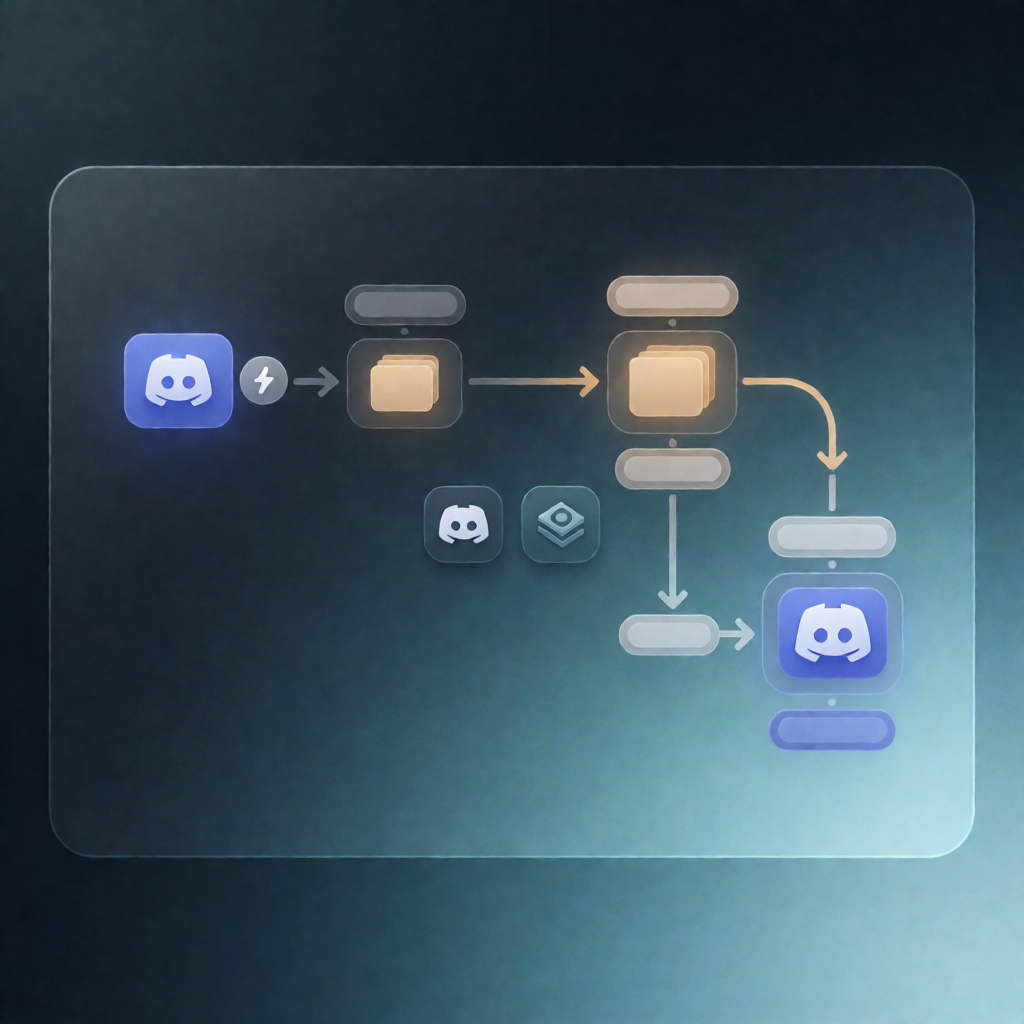
This n8n workflow listens to your Trello board activity via webhook, then posts a clear update to a Discord channel whenever a card is newly created or moved to another list. If the main Discord post fails, it sends a fallback alert to Discord.
What this workflow does
- Triggers on Trello webhook activity for the configured board, reacting to Trello action payloads in real time.
- Extracts key card details from each Trello event (including card name and URL, plus member and list context).
-
Filters events to keep only:
- Card creations
- Card moves (updates that include a destination list)
- Formats the message appropriately for a newly created card versus a moved card.
- Posts to Discord using an incoming webhook.
- Fallback Discord alert: if the primary Discord post fails, the workflow captures the card and error details and posts a warning message to Discord.
Use cases
- Notify your team in Discord whenever new Trello tasks appear so nothing slips through.
- Track workflow movement (e.g., “In Progress” → “Review”) by posting updates when cards are moved between lists.
- Operational visibility for SaaS teams managing projects in Trello, with instant chat-based updates via n8n.
Technical details
- Trello trigger (webhook-based) to receive board events.
- Nodes used: if, set, filter, discord, and a sticky note (for workflow guidance/notes).
- Discord integration: sends messages via Discord incoming webhook; includes an optional separate webhook path for failure alerts.
- Setup requirements: Trello API credentials (API key/token), the TRELLO_BOARD_ID (or configured board ID), and Discord webhook credentials for posting and fallback alerts.