Trello to Twilio SMS Alerts in n8n Workflow (New Leads)
Trello to Twilio SMS Alerts in n8n Workflow (New Leads)
Regular price
£36.99
Regular price
£36.99
Sale price
Unit price
per
⬇
Instant Digital Download
∞
Unlimited Downloads
★
Lifetime Access in Your Account
Couldn't load pickup availability
🔥
128+ Sold
Popular with n8n builders
⚡
23 people viewing
High interest right now
✅
9 added today
Fast-moving digital product

Trello to Twilio SMS Alerts in n8n Workflow (New Leads)
Regular price
£36.99
Regular price
£36.99
Sale price
Unit price
per
Trello “New Lead” cards → instant SMS alerts with n8n + Twilio
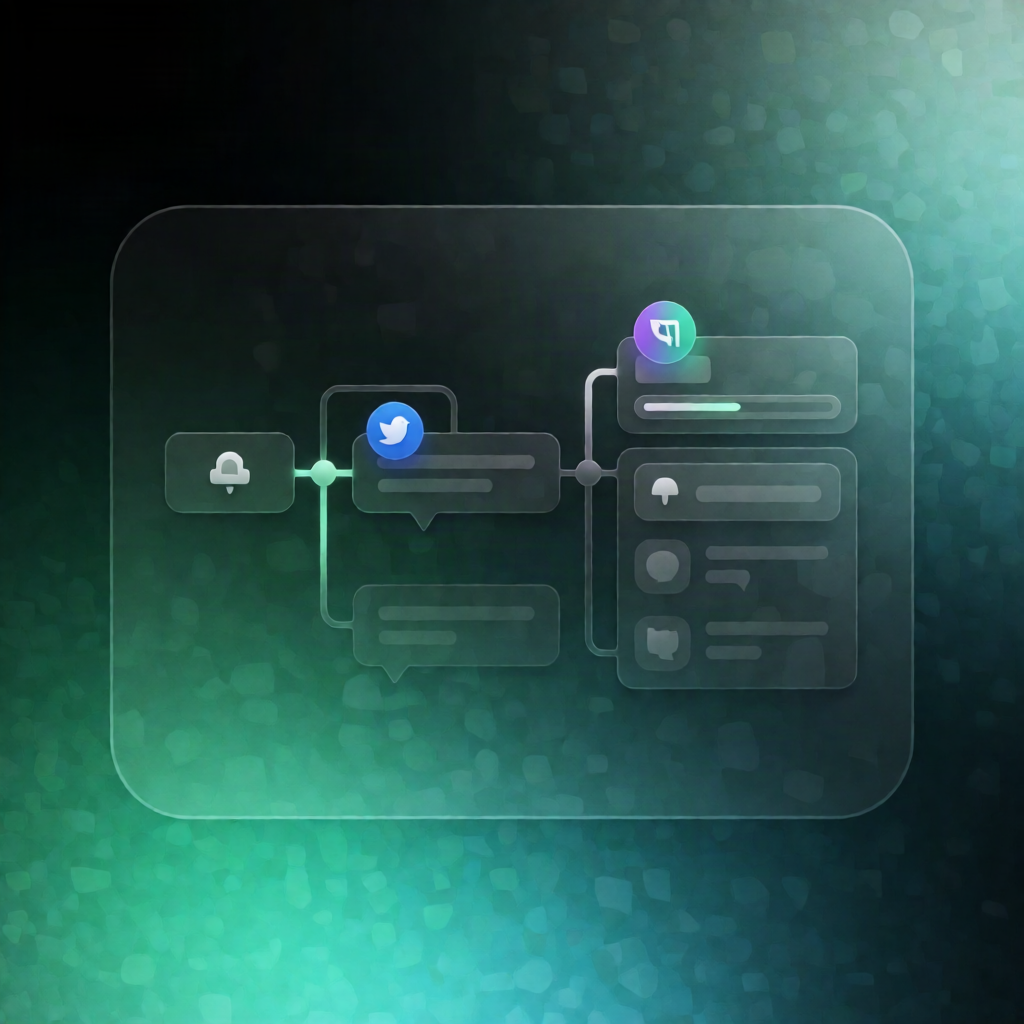
This n8n workflow listens for new or updated Trello cards, extracts lead details from the card, and—when Twilio is configured—sends an SMS confirmation using the Twilio Messages API. If Twilio isn’t set up (or you run in dry-run), it outputs a clear preview of the exact message that would be sent.
What this workflow does
- Receives Trello card events via webhook (or you can use a built-in manual demo that generates sample Trello payloads).
- Applies centralized settings (Trello/Twilio details, SMS template, and dry-run mode) while preserving the incoming Trello payload.
- Parses the Trello card to extract a phone number and lead fields such as name, company, email, budget, timeline, labels, and the Trello card URL.
- Validates the lead: cards without a phone number are rejected with a reason, and card processing also respects the lead-label rule.
- Renders the SMS body from your configured template using the extracted card fields.
-
Sends or previews:
- If live sending is enabled, it sends the SMS via Twilio and returns the Twilio success record or error response.
- Otherwise, it returns a “preview” output showing the exact SMS content.
Use cases
- Alert your team (or leads) immediately when a Trello card labeled as a “new lead” is created or updated.
- Run the workflow in DRY_RUN during setup to verify phone parsing, template rendering, and rejection reasons without sending messages.
- Ensure SMS confirmations always include key lead context (name, company, budget, timeline, and the Trello card link).
Technical details
- Integrations: Trello webhook events, Twilio (Messages API)
-
n8n nodes / components:
webhook,http request,code,if,no op, plussticky notefor workflow guidance