UK Tender Alerts in Google Sheets + Slack (n8n Workflow)
UK Tender Alerts in Google Sheets + Slack (n8n Workflow)
Regular price
£18.99
Regular price
£18.99
Sale price
Unit price
per
⬇
Instant Digital Download
∞
Unlimited Downloads
★
Lifetime Access in Your Account
Couldn't load pickup availability
🔥
128+ Sold
Popular with n8n builders
⚡
23 people viewing
High interest right now
✅
9 added today
Fast-moving digital product

UK Tender Alerts in Google Sheets + Slack (n8n Workflow)
Regular price
£18.99
Regular price
£18.99
Sale price
Unit price
per
Get UK tender alerts automatically in Google Sheets and Slack
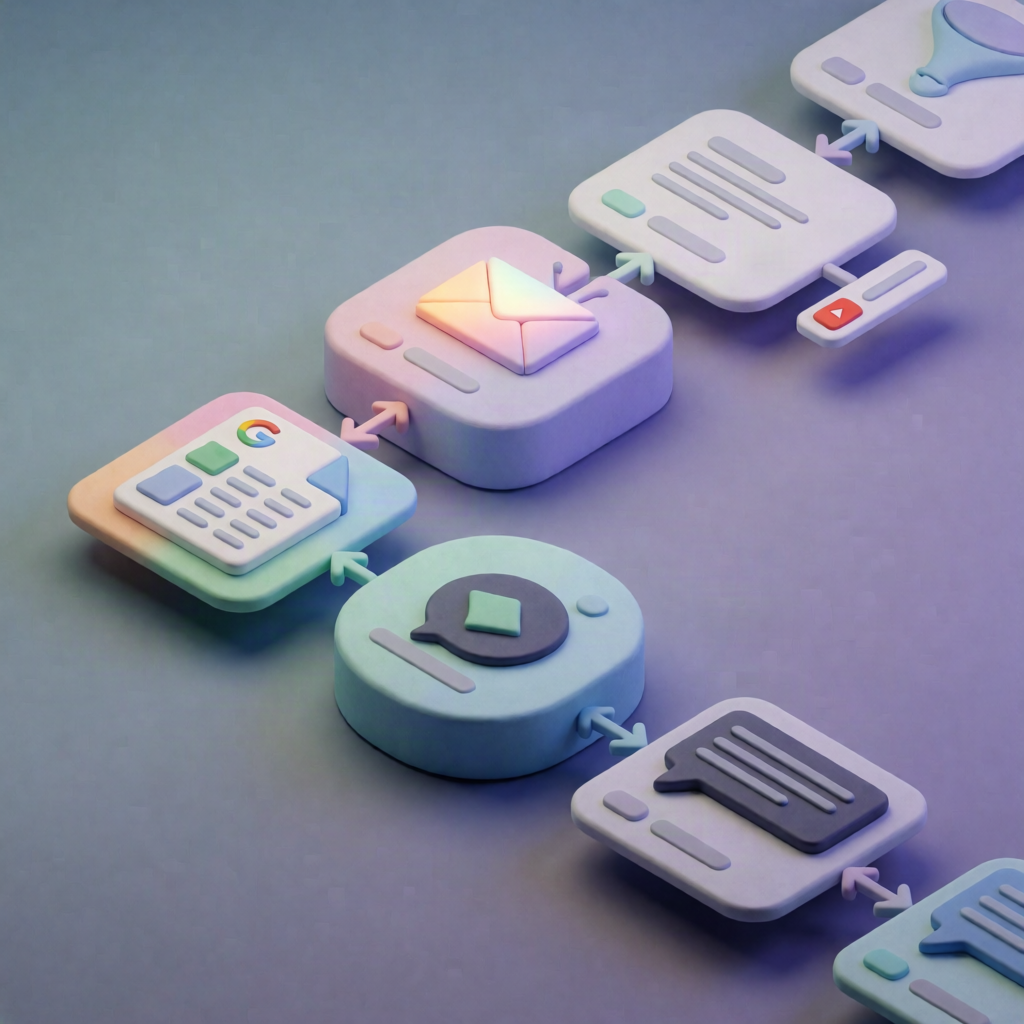
This n8n workflow pulls fresh UK procurement notices from Contracts Finder on a schedule, filters for active non-award tenders, saves new items to Google Sheets, and posts a clean summary to your Slack channel—so you never miss an opportunity.
What this workflow does
- Scheduled run: Starts on a timed trigger inside n8n.
- Fetch notices from Contracts Finder: Calls the UK Contracts Finder (contractsfinder.service.gov.uk) OCDS Search endpoint to retrieve the latest notices.
- Normalize and split results: Splits the response into individual tender items and standardizes key fields like title, buyer, value, deadline, location, and notice URL.
- Filter to active, non-award tenders: Keeps only items marked active and excludes those tagged as awards.
- De-duplicate with Google Sheets: Checks Google Sheets for an existing row with the same tender ID, and only keeps items that don’t already exist.
- Save and notify: Appends newly detected tenders to Google Sheets, aggregates them into a formatted list, and posts the summary to Slack.
Use cases
- SaaS operators and automation engineers who want UK tender discovery without manual searching.
- Procurement, bid, or BD teams tracking opportunities and needing a Slack alert every time new tenders appear.
- Teams maintaining a single source of truth in Google Sheets with reliable de-duplication by tender ID.
Technical details
- Integrations: Google Sheets (Service Account) and Slack (OAuth)
-
n8n nodes used:
if,set,code,slack,aggregate,sticky note -
Configuration steps: Set the spreadsheet ID and tab, ensure an
idcolumn for de-duplication, share the sheet with the Google Service Account, choose the Slack channel, and adjust the schedule interval.