WhatsApp Event Quotes with Groq + Google Calendar + Sheets (n8n)
WhatsApp Event Quotes with Groq + Google Calendar + Sheets (n8n)
Regular price
£62.99
Regular price
£62.99
Sale price
Unit price
per
⬇
Instant Digital Download
∞
Unlimited Downloads
★
Lifetime Access in Your Account
Couldn't load pickup availability
🔥
128+ Sold
Popular with n8n builders
⚡
23 people viewing
High interest right now
✅
9 added today
Fast-moving digital product

WhatsApp Event Quotes with Groq + Google Calendar + Sheets (n8n)
Regular price
£62.99
Regular price
£62.99
Sale price
Unit price
per
Instant WhatsApp event quotes—automatically
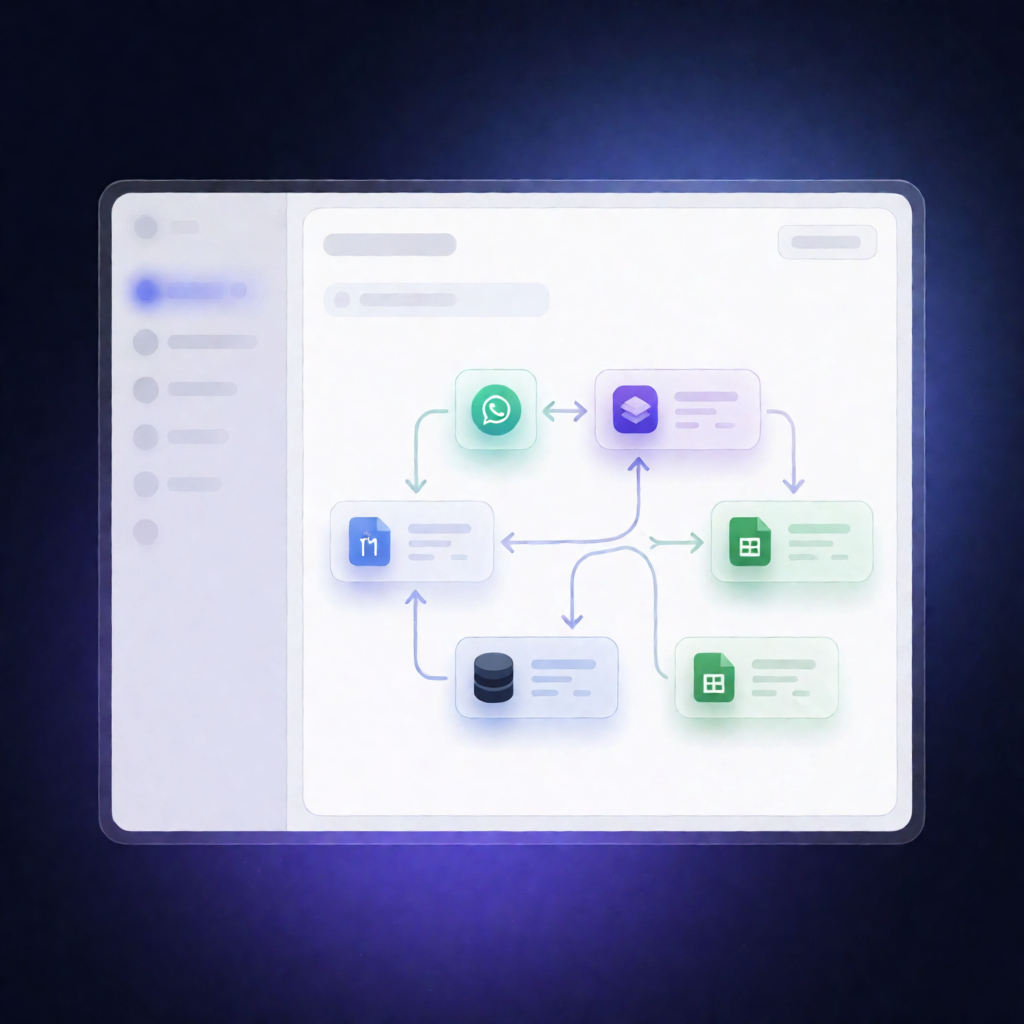
This n8n workflow turns incoming WhatsApp event questions into a structured quote: it extracts your event details with Groq, checks Google Calendar availability, pulls pricing from Google Sheets, and replies to the customer with either a confirmed quote or a date-conflict message—while logging results in Supabase.
What this workflow does
- Triggers on new WhatsApp messages received via the WhatsApp Business Cloud API.
- Uses Groq to extract key details (event date, event type, and guest count) from the WhatsApp text in a structured format.
- Checks Google Calendar for any events on the requested date and aggregates matches.
- Reads your pricing logic from Google Sheets by pulling rows from a “Pricing” tab (columns: event_type, max_guests, price).
- Selects the correct tier by matching event type and the guest limit, then calculates the deposit amount.
-
Sends the WhatsApp response:
- If the date is free: sends a WhatsApp quote.
- If the date is already booked: sends a WhatsApp message requesting an alternate date.
- Logs the outcome to Supabase (quoted vs. date conflict) for tracking and reporting.
Use cases
- A customer texts an event date and guest count—your workflow immediately returns pricing and a deposit.
- A requested date is unavailable—your workflow automatically asks for an alternate date.
- SaaS operators managing multiple inquiry types can keep pricing updates centralized in Google Sheets without redeploying.
Technical details
- WhatsApp: WhatsApp Business Cloud API trigger + send message actions (requires phone number ID).
- AI extraction: Groq credential for extracting event date/type/guest count.
- Calendar checks: Google Calendar OAuth + target calendar ID.
- Pricing: Google Sheets OAuth reading from the Pricing tab.
- Workflow logic: if, set, code, merge to combine calendar + pricing decisions.
- Logging: Supabase to insert the inquiry outcome.