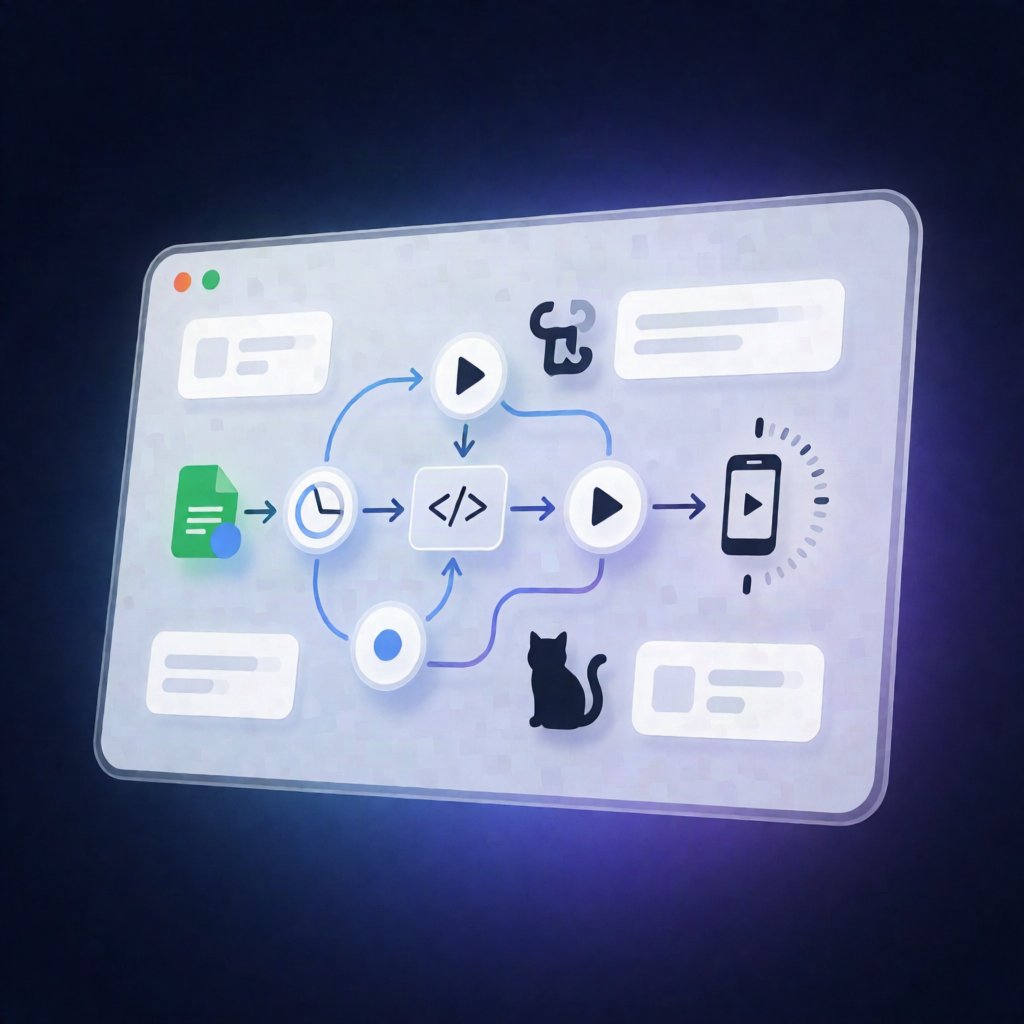
Zvid n8n Workflow: Event Countdown Videos from Google Sheets
Zvid n8n Workflow: Event Countdown Videos from Google Sheets
Regular price
£22.99
Regular price
£22.99
Sale price
Unit price
per
⬇
Instant Digital Download
∞
Unlimited Downloads
★
Lifetime Access in Your Account
Couldn't load pickup availability
🔥
128+ Sold
Popular with n8n builders
⚡
23 people viewing
High interest right now
✅
9 added today
Fast-moving digital product

Zvid n8n Workflow: Event Countdown Videos from Google Sheets
Regular price
£22.99
Regular price
£22.99
Sale price
Unit price
per
Turn your event calendar into branded countdown videos—automatically
This Zvid n8n Workflow creates vertical event countdown videos from your Google Sheets calendar or Eventbrite. Each day, it renders the correct reminder/announcement video, records completion links, and provides a gated Watch preview for viewers.
What this workflow does
- Runs on demand or on a daily 8am schedule for self-hosted n8n.
- Loads configuration for branding, reminder timing, timezone offset, and an optional background music URL.
- Checks the music URL before building the video. If the music is unreachable or oversized, it disables music so the workflow can continue.
-
Reads events from:
- Google Sheets, or
- the first 50 live events from the configured Eventbrite organization.
- Skips past events and events with no video due today.
-
Selects which video to render:
- Final-call reminder one day before the event,
- Seven-day reminder (default),
- or an initial announcement.
- Uses existing output cells (Google Sheets) or the Eventbrite send ledger to prevent repeated videos. The default limit is one render per run.
- Builds a vertical 1080×1920 Zvid project, then validates it with the Zvid node before submission.
- With dryRun=false, it submits a paid render and polls for completion within bounded limits (with dryRun=true saving drafts only when the installed Zvid node supports Project → Create; released v0.1.8 does not).
Use cases
- Event organizers who want automated weekly reminders without manually producing reels.
- SaaS operators managing multiple events across timezones and needing consistent branding.
- Automation engineers using self-hosted n8n to generate media assets on schedule.
Technical details (n8n + nodes)
- Workflow: manual run or daily 8am schedule
- Nodes/logic: if, set, code, wait, and Zvid node (zvidn8n-nodes-zvid:zvid)
- Support: sticky note for workflow guidance
- Video system: Zvid renders vertical 1080×1920 projects and returns completion links with a gated Watch video preview.